Solved
Customize font in NPS templates
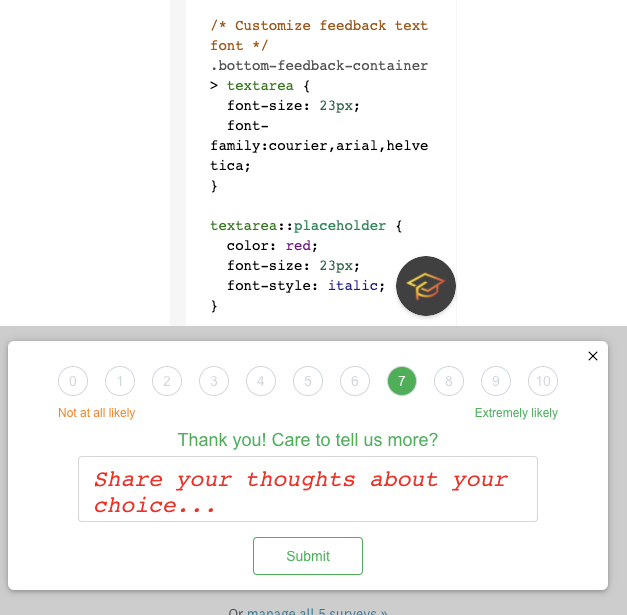
Please create the ability to customize the font in NPS engagement templates, particularly for the comments section, which uses a very ugly, old font by default. Thanks!
Please create the ability to customize the font in NPS engagement templates, particularly for the comments section, which uses a very ugly, old font by default. Thanks!
If you already have a profile on Gainsight Community, there's no need to create another one. If your email address has changed or you can't remember your login, email community@gainsight.com. Otherwise, continue with the registration below.
Enter your E-mail address. We'll send you an e-mail with instructions to reset your password.