Contributor ⭐️⭐️⭐️
Sep 19, 2024 2:18 AM UTC
Solved

How to add our terms and conditions and privacy policy with checkbox to login form

Hi, For the login page when members have to create their account. 

I want to update the terms and conditions to our terms and conditions on our page. 

I also want to include our privacy policy with a checkbox. 



I looked at this article and still missing some items for the phrases section

  1.  


Phrases 1

loginBox.terms??

Module:
Key:
Translation:

By checking this box and creating your profile, you agree to our <a href="https://iterable.com/iterable-community-terms-use/">Iterable Community Terms and use</a>


Phrases 2

Module:
Key:
Translation:

By signing up, I agree with <a href="https://iterable.com/trust/privacy-policy/"> Iterable's Privacy Policy.</a> I understand that I am signing up for the Iterable Community, and I can request to delete my profile at any time.


Thank you!!

Kenneth R
Kenneth RAnswer
Expert ⭐️⭐️
Sep 23, 2024 1:34 PM UTC

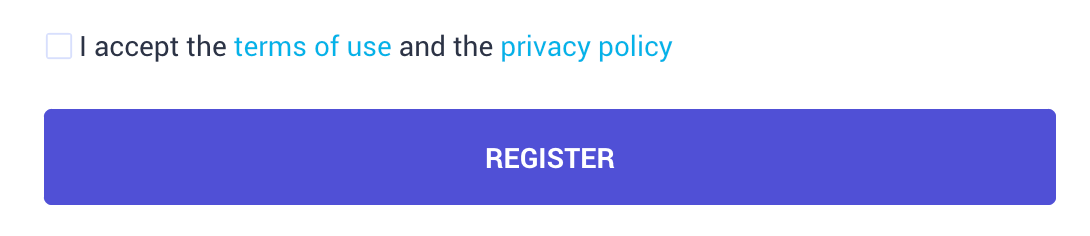
Hi @Deja - it’s not really possible to add a second checkbox, but what you can do is something like this:


To do that, you just have to include both links in the following phrase:

Module: Common
Key: loginBox.terms

3 replies

Kenneth R
Kenneth RAnswer
Expert ⭐️⭐️
Sep 23, 2024 1:34 PM UTC

Hi @Deja - it’s not really possible to add a second checkbox, but what you can do is something like this:


To do that, you just have to include both links in the following phrase:

Module: Common
Key: loginBox.terms

Translate
Charles Dane
Contributor ⭐️⭐️⭐️
Nov 21, 2024 3:01 PM UTC

Edit: I found a different thread stating it is possible to add phrases, and will give that a try.

Has this moved or been removed or renamed? loginBox.terms does not appear in my phrases list.


Translate
Kenneth R
Expert ⭐️⭐️
Nov 25, 2024 10:32 AM UTC

Hi ​@Charles Dane - it’s indeed possible to change all the phrases throughout these flows.  When we provide a module and key you likely will not find it already existing within the phrases section in your community.  What you then need to do is click Add phrase and set it to what you want - it will then overwrite the default phrase.

Translate