
phani_kumar
Gainsight Employee ⭐️⭐️
November 25, 2019
Solved

Add/Subtract Date” Function in rule returns date value.

Hi Team.

Working with one of the customer and found an issue with “Date Formula” field in Rules. Especially with the “Add/Subtract Date” Function.


Issue was, once we add or subtract any days to the “DateTime” data type field using  the “Add/Subtract Date Function”, we are getting an Output as “Date” format, instead datatime. 

It was causing an issue when we try to use that Formula field in the Action Criteria Part.
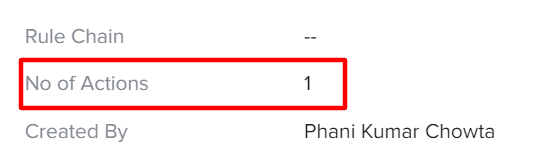
 

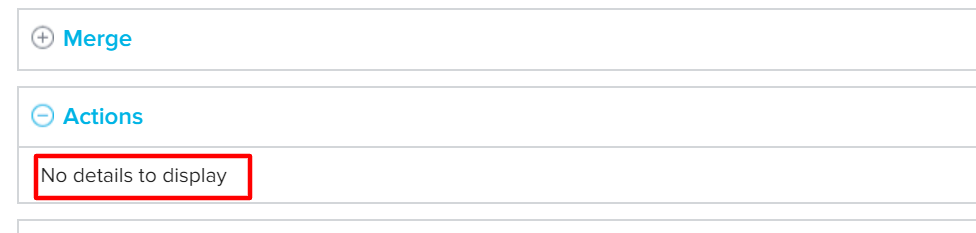
But when we are the Execution History tab showing “No details to display”.

Screenshot:


suryanarayana
Helper ⭐️
November 25, 2019

Hey Phani,

I have faced similar issue and my turn around was:

Use Date function in Task1 and convert it into Date field.

In Task 2 use this Date Field and do your transformation.

Thank You
 

Inguva Suryanarayana

3 replies

suryanarayana
Helper ⭐️
November 25, 2019

Hey Phani,

I have faced similar issue and my turn around was:

Use Date function in Task1 and convert it into Date field.

In Task 2 use this Date Field and do your transformation.

Thank You
 

Translate
Inguva Suryanarayana
Helper ⭐️
March 24, 2020

@phani_kumar @suryanarayana  This issue is fixed now. 

On adding or subtracting any days to the “DateTime” data type field using the “Add/Subtract Date Function”,  the output field also will be “DateTime” now. 

Translate
phani_kumar
Gainsight Employee ⭐️⭐️
October 5, 2020

Thanks @tulasi_andukuri 

Translate