
Solved
Remove part of quick links in community top navigation
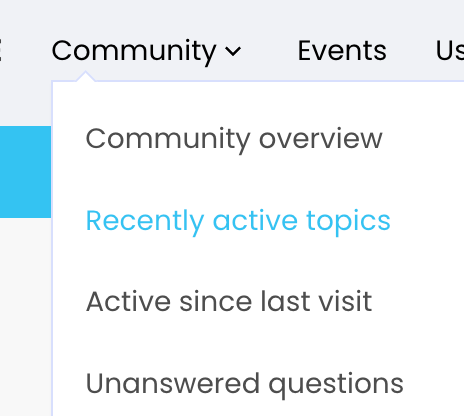
I saw in a previous answer that you need to use custom code to remove these, but I just want to remove one and it is “Community Overview”.
How can I do this? Thanks!
I saw in a previous answer that you need to use custom code to remove these, but I just want to remove one and it is “Community Overview”.
How can I do this? Thanks!
If you already have a profile on Gainsight Community, there's no need to create another one. If your email address has changed or you can't remember your login, email community@gainsight.com. Otherwise, continue with the registration below.
Enter your E-mail address. We'll send you an e-mail with instructions to reset your password.
