Learn how to create CTA forms!
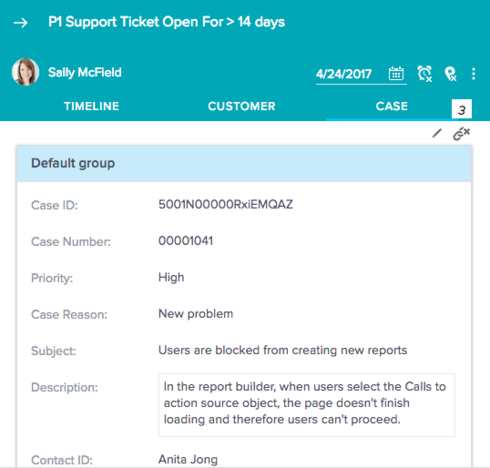
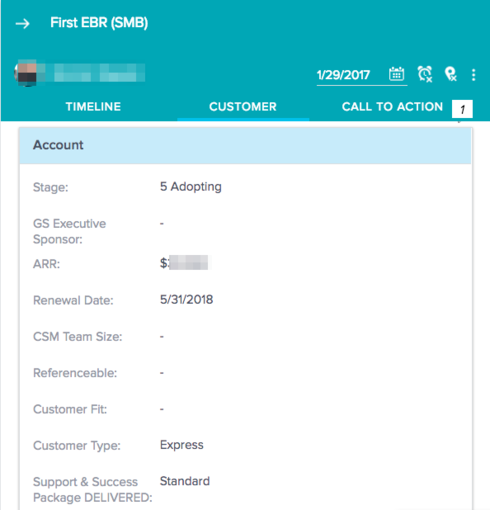
The CTA detail view is highly customizable. Admins can add Account/Customer Info fields to the detail view to display and collect information from their CSMs directly in Cockpit, without having to navigate out to the SFDC Account page. And using linked objects, you can link other objects (such as Case, SFDC Opportunity, Milestones, etc.) to the CTA, and create miniature forms. These forms can help save your CSM's time!
For some ideas to help you get started creating CTA forms, check out these new resources:
For some ideas to help you get started creating CTA forms, check out these new resources:
- Create CTA Forms Using Linked Objects (5 min. video)
- Create CTA Forms Using Linked Objects (written instructions)
- Configure CTA Detail View Layouts (written instructions)