

Tutorial

CE: What's the "End-of-Course Screen" and Why Use it?

  • January 3, 2025
  • 3 replies
  • 77 views

cdonargo
Forum|alt.badge.img

Have you explored how the End-of-Course Screen can help guide your learners throughout their learning experience? 

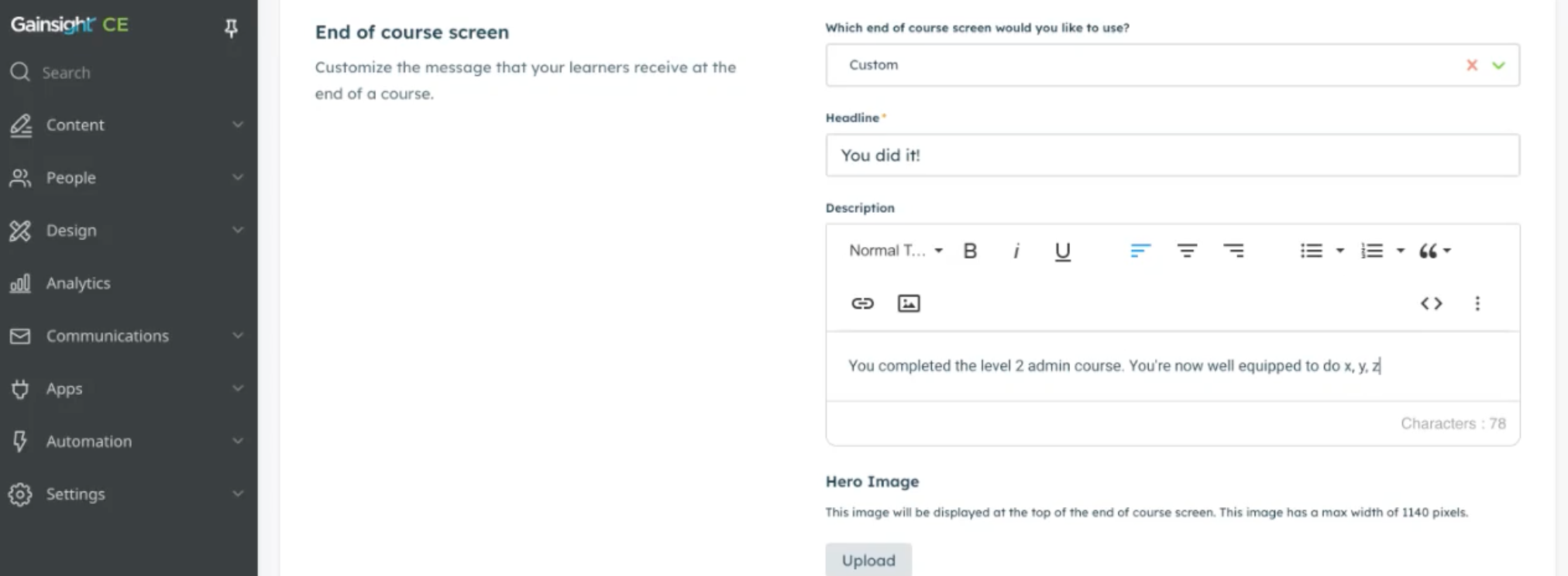
 🧠 Tip: This feature is only available for individual courses, not courses within learning paths. You can edit these setting in the specific course settings via the course builder in the End of course screen section (see below)
 

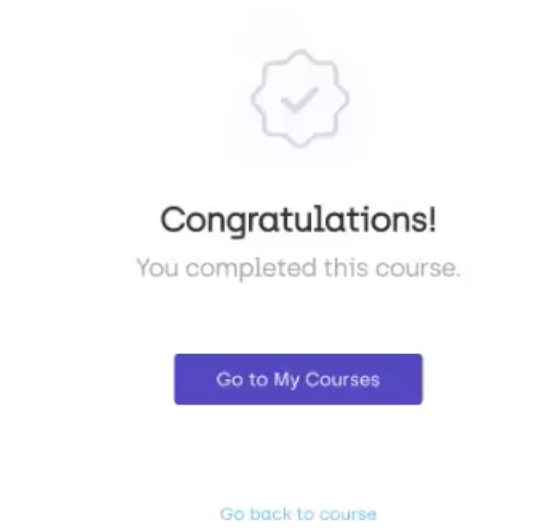
The default end-of-course screen offers basic functionality: a simple congratulations message with options to return to the dashboard or revisit the completed course.
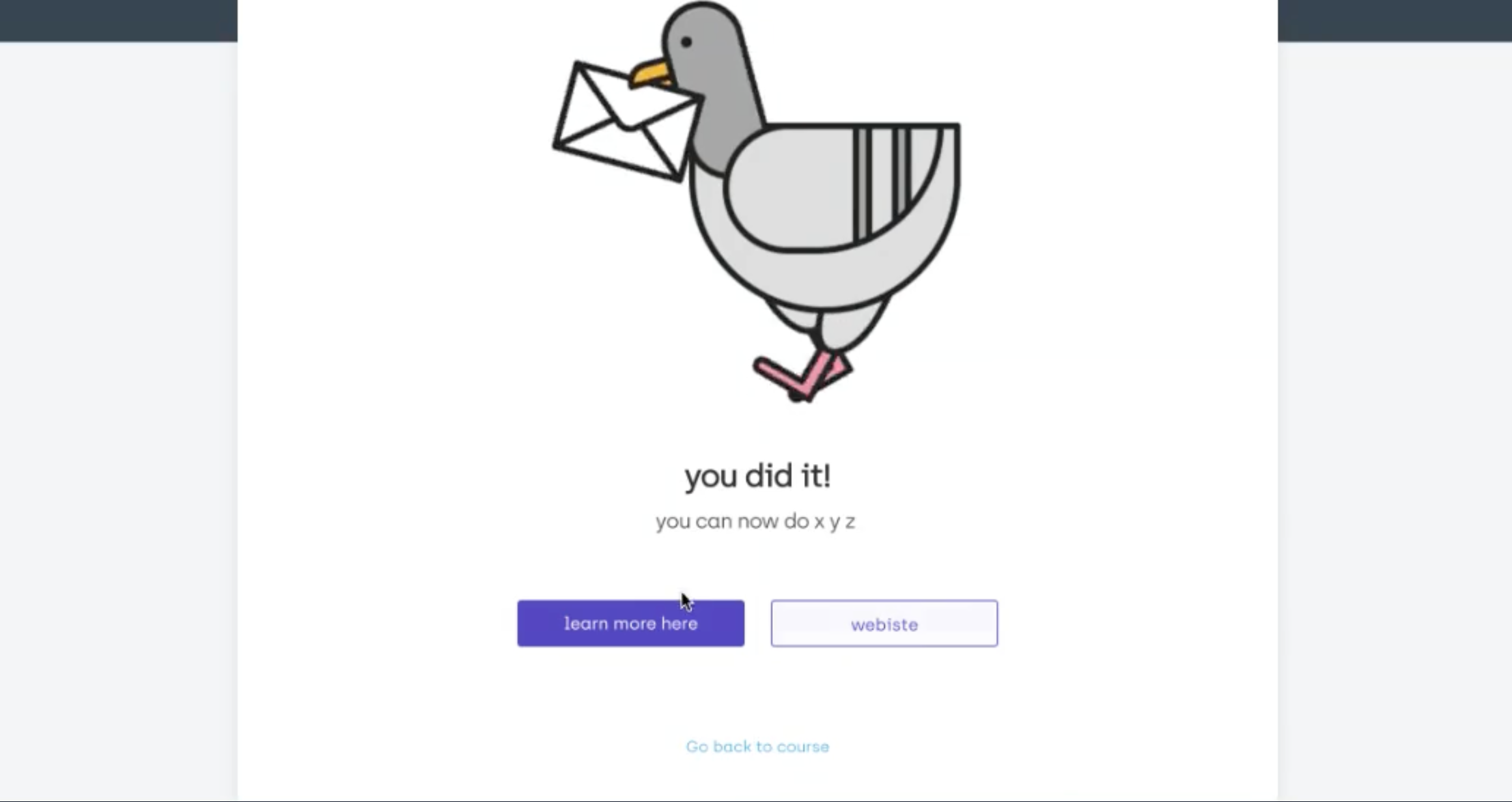
By creating a custom end-of-course screen, you can:  

  • Add tailored descriptions, explaining what learners have achieved and what they can do next.  
  • Use call-to-action (CTA) buttons to direct learners to another course, your website, or other resources. 
  • Reinforce the learning journey with clear, actionable next steps. For example, direct learners to notify their manager or CS representative after completing a course.
 

3 replies

  • Contributor ⭐️⭐️⭐️
  • January 27, 2026

Hi I am having issues with this. In preview the custom end of course screen works great. In the actual course, it shows the default end of course screen which does not work well at all. How can I quickly fix this? We are going live with a certification tomorrow and would like this to be smooth. 

Is this something that I need to change in the actual Northpass templates?

The primary CTA button seems to default to the course catalog, no matter what you do. It is very confusing for users. 
This is the default that we do not want:


This is the custom one that shows great in preview but does not actually show in the course:


cdonargo
Forum|alt.badge.img
  • Author
  • Gainsight Employee ⭐️⭐️
  • January 28, 2026

Hi ​@Liz K, did you submit a support ticket to cesupport@gainsight.com? They would be able to investigate quicker especially if this is a bug 


  • Contributor ⭐️⭐️⭐️
  • January 28, 2026

I did, thank you!