

Where is my badge?

Ranks and Badges
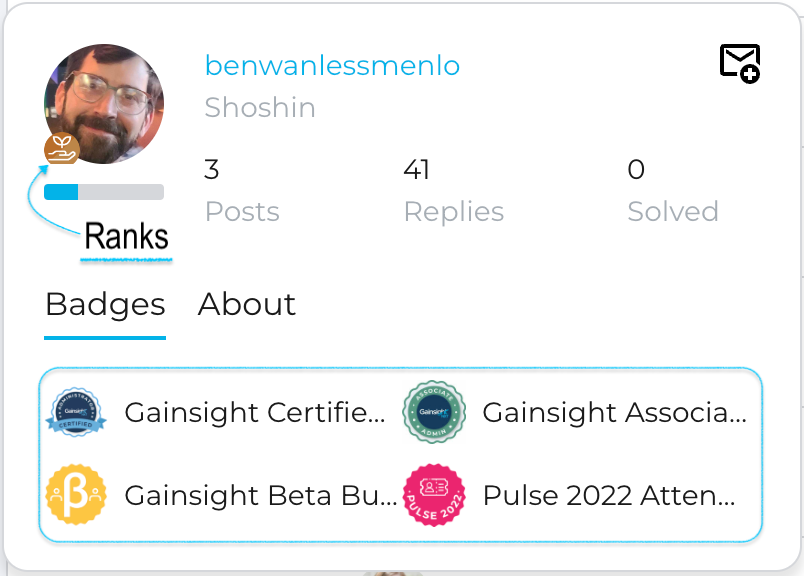
Ranks accrue over time based on your depth and variety of engagement on the Community indicating the value brought to the Community by the member over time.
This is Automatic and denoted by the icons against your profile pic. Read about our Ranking system on the post below.
The Badges you spot in the pop-out while hovering over the user profile pics or on their profiles are tailored for the various initiatives the user participates in that Gainsight offers on the Community and are Manually assigned by the Community team.
Initiatives like what certifications did they do, are they participating in a Beta, did they attend (or speak) our annual Pulse conference and other badges that might be more exclusive for certain groups of advanced users.
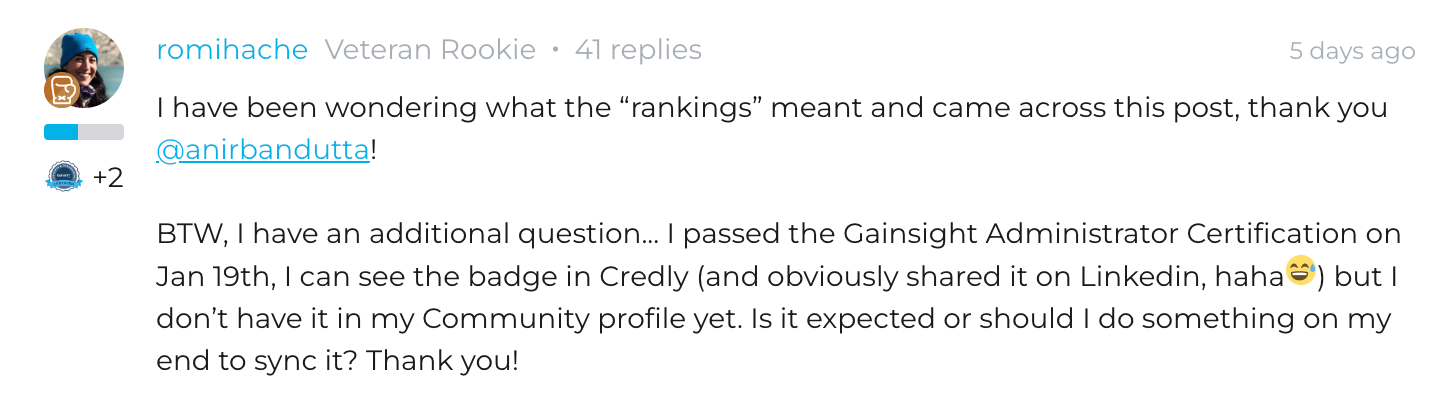
Does your profile miss a badge?
Let’s make it simple to address... please let the Community team know on this thread and we will look into it.
A great example (above) of cross-checking whether your Certifications are also reflected on your GameChanger community profile.
Oh, and a good reminder how Badges look way better on a Completed user profile. ?
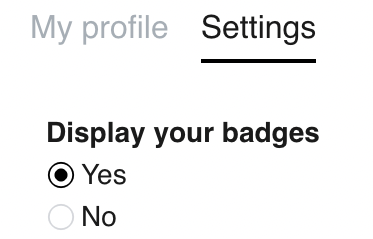
Badges not visible?
You know you’ve been manually assigned badges, like Ben’s profile in the 1st screenshot, but they don’t show up on your profile?
Chances are, you might have the Badge display Setting selected as ‘No’.
Please go to your Profile settings and you should be able to have them displayed.
Other things the Community Manager can help you with?
If you feel any other inconsistencies about using your account or queries regarding this platform, Or resetting your email address, please let us know.
Doing other cool things together
Have a local chapter in mind, host an event, meetup or thinking about some interesting collaboration cases or want some specific reports for your area?
We are Big on in-person meetups.
Share with us how do you want to ‘Community, beyond the regular Discussions and Product feature Ideas usage.
Drop a comment below, on this very post, and let’s think of cool Social ways to achieve things together.