revote
VIP ⭐️⭐️⭐️⭐️⭐️
January 11, 2023
Solved

How to edit quotes?

  • January 11, 2023
  • 11 replies
  • 261 views

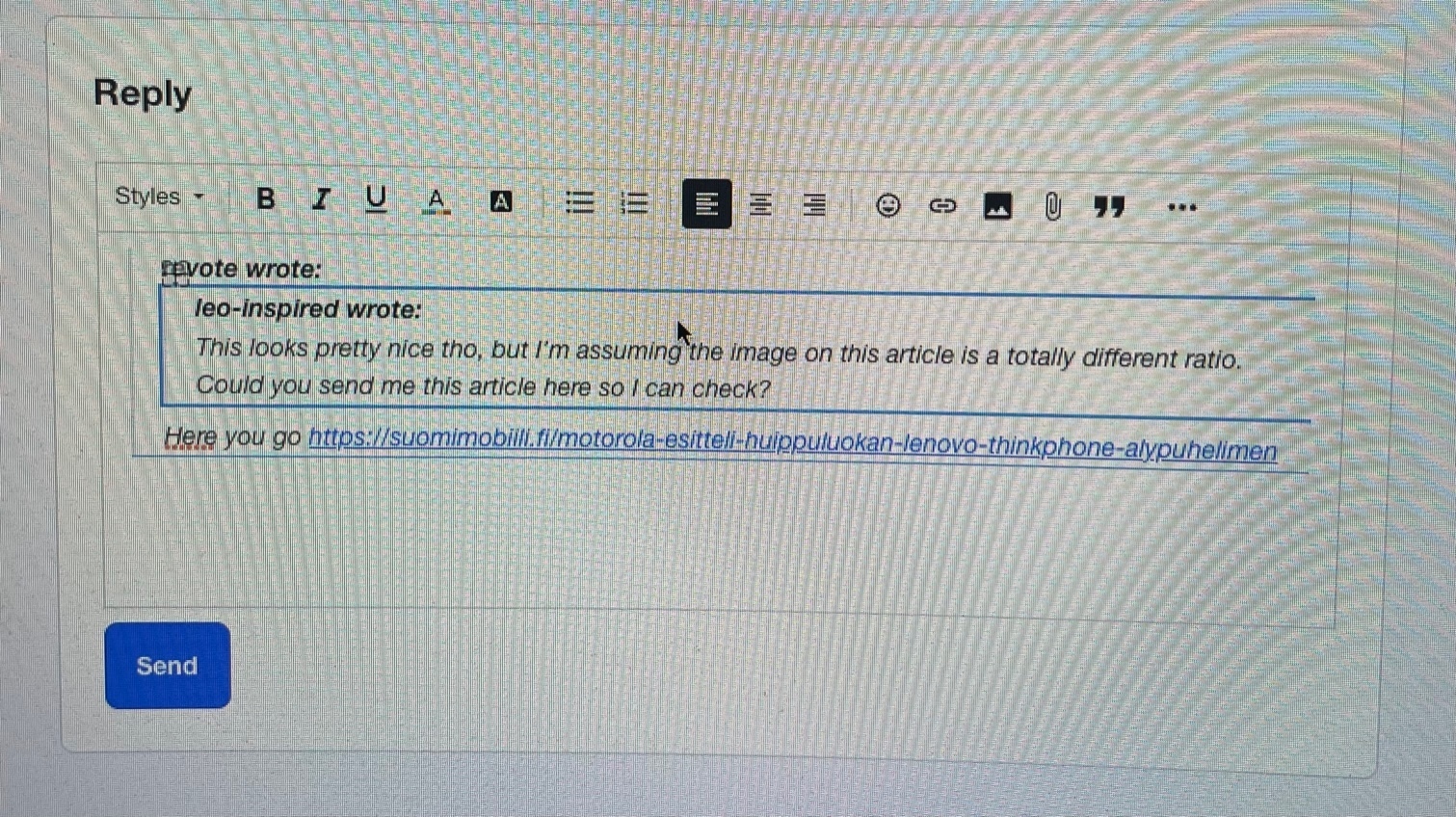
Text editor works nicely, generally speaking, but I would like to know what is the best way to edit the quotes?

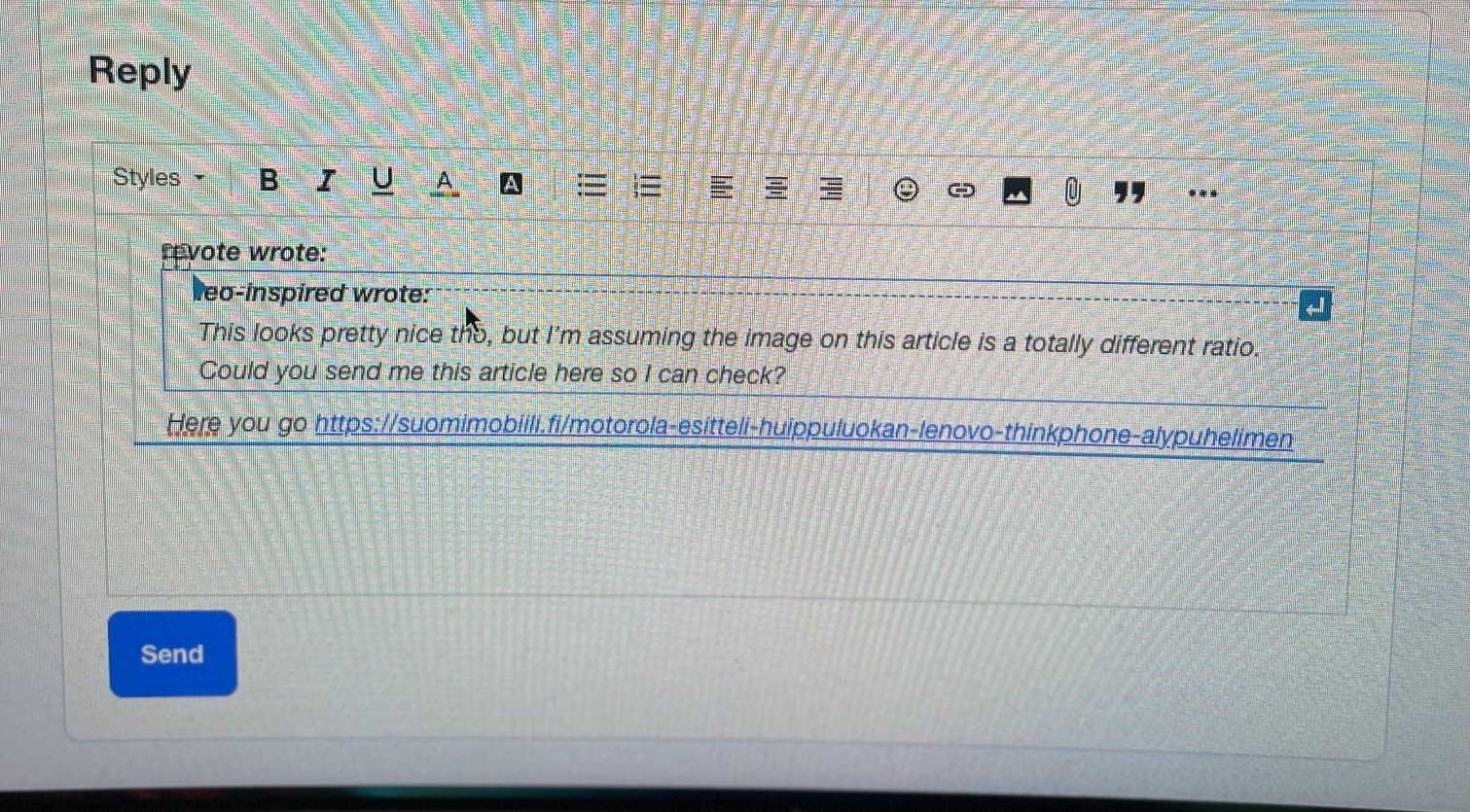
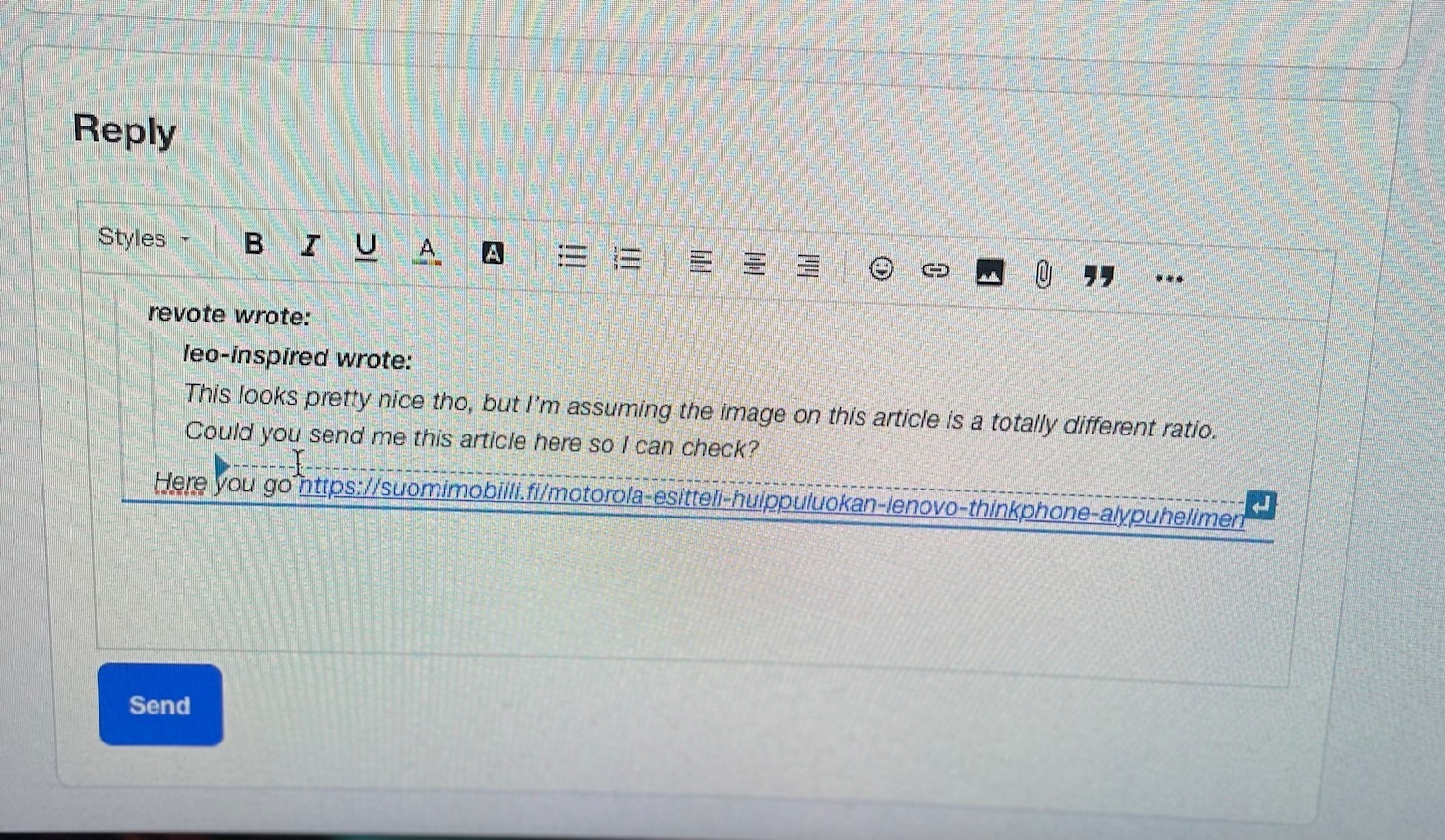
If there is quote after quote after quote, and you want to delete for example the first quote, in this case I want to delete Leo´s comment, what is the best way to do it?

I have to activate correct “field” in the editor and then I can delete it? Where to press, to activate correct “field”?

When I use mobile I find this more difficult. I have to tab several times “there and there”, to find the correct place to activate correct field to remove quote from the post.

(Sorry horrible quality)
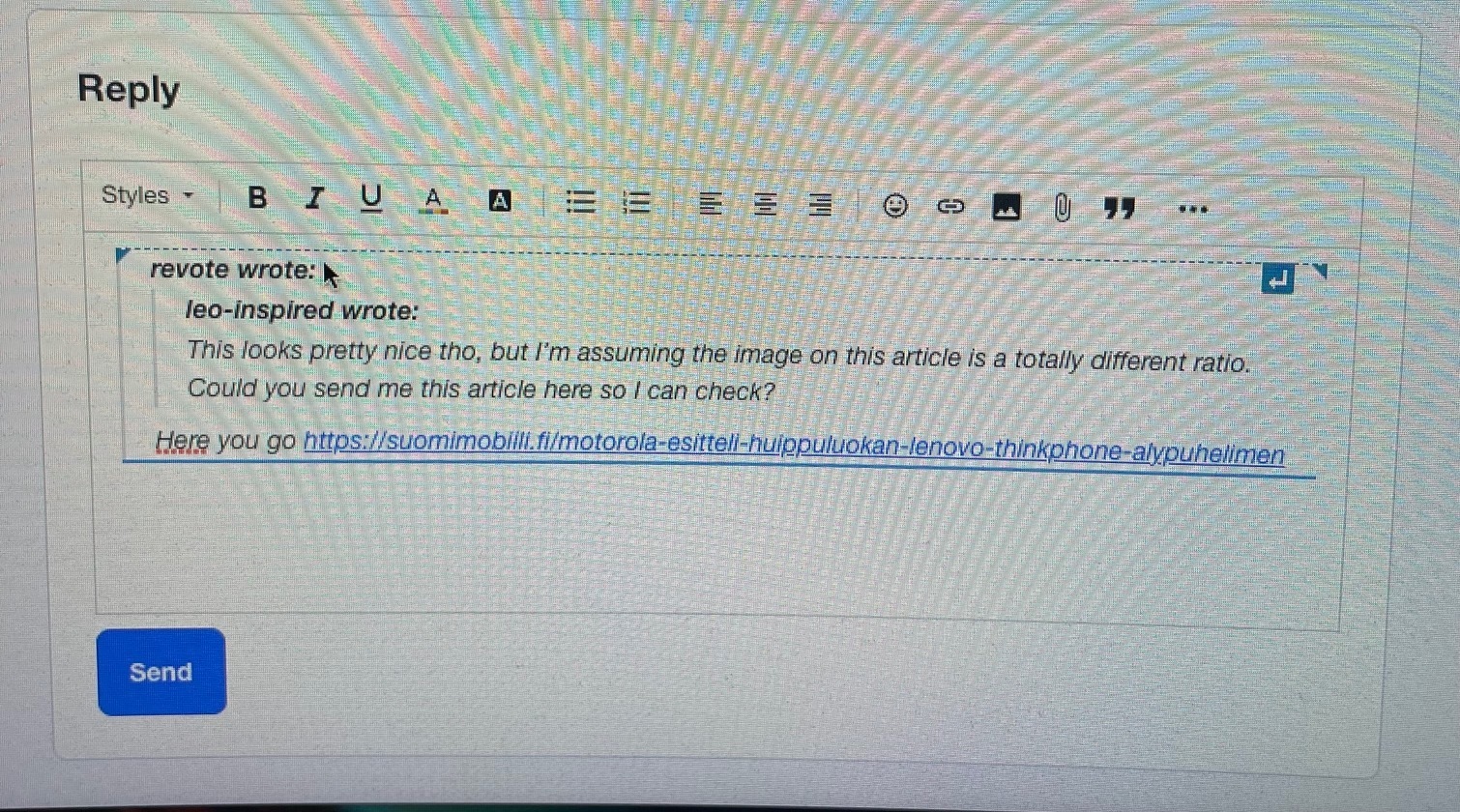


I think I have to get this “bolded” blue frame and then when pressing backspace I can remove Leo´s comment? What is the best way to get this bolded blue frame when using mobile device?

 

Best answer by Kenneth R

@revote Oh I totally agree that quotes are useful!  Especially in busy topics.  When I used to run large B2C communities (like yours) I often found myself in situations with very long chatty topics where quotes were essential.  We just don’t have those so often here (and I post mostly from control / laptop).  

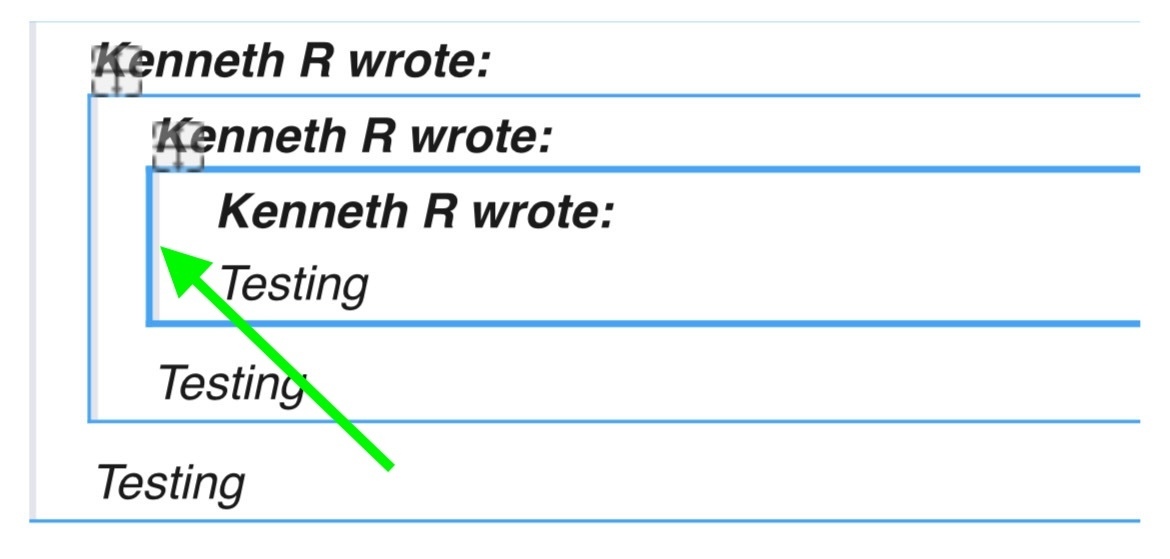
Anyway, I just did a bit more testing in Safari and I agree it doesn’t work quite as nicely as in Chrome.  What I did discover, though, is that if I tap the ‘box’ on the left-hand vertical line, it selects the box very predictably.  If I try to tap the box on one of the other borders (e.g. the bottom border) it doesn’t work well.  Have you found that too?


11 replies

Kenneth R
Expert ⭐️⭐️
July 23, 2024

Great to hear!  :)