

mstruening
Helper ⭐️
Apr 15, 2021 3:54 PM UTC
Solved

Keyword Blocker Notifications (for us and the customer)

Good day all!

We just set up the Keyword Block after a curse got through.

We tested it out and it works as expected except for 2 items:

  1. The warning to the customer does not explain WHY they are being moderated.  Can we modify the message to indicate that they triggered our blocked Words list and explain WHICH word did?  and further, allow them to edit?
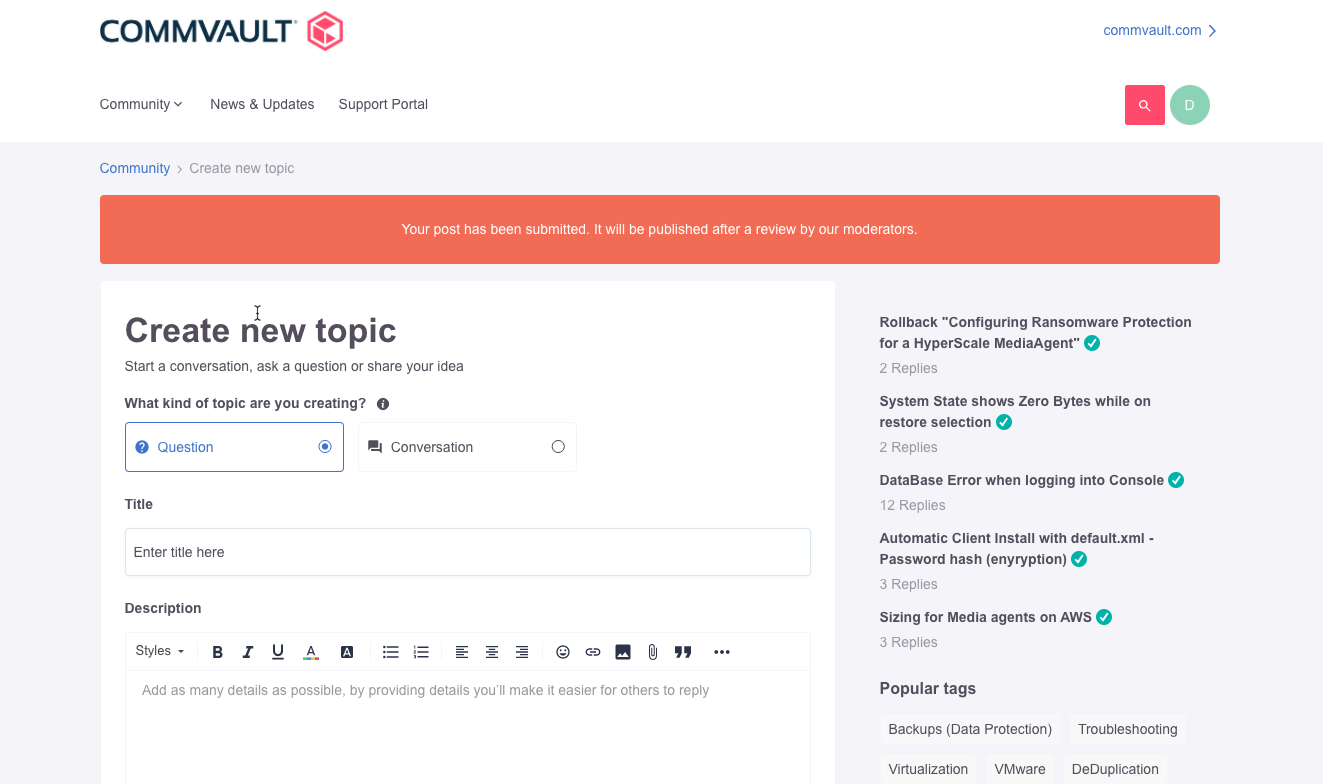
     

  2. As an admin, I do not get an email notifying me of posts pending moderation approval.  Can this be configured?
tom.shaddock
Gainsight Employee ⭐️⭐️
Apr 19, 2021 8:44 AM UTC

Hey @mstruening  yep this is entirely possible to customise, basically all you need to do is add this phrase to the phrases section in control:
 

Module:

Forum

Key:

spam_moderation.reviewbymoderator.message


Also just FYI it may take a few mins for the text to display the updated content on the front end though and might not be instantly showing, but this phrase should allow you to edit the text content of this :slight_smile:

7 replies

Blastoise186
Helper ⭐️⭐️⭐️
Apr 15, 2021 9:58 PM UTC

Hi there @mstruening !

I believe these should both be possible, as almost all phrases and strings can be customised to your liking. I forget exactly where the setting is and I don’t have any Control environments to play with, but it should be there somewhere.

As for moderation, you can definitely get email admin alerts if someone flags content via the flag tool, so I’d assume you can get one for automated detections as well. It may be worth digging through the settings. :)

Translate
Bug blasting absolutely everything... The Blastoise Way
tom.shaddock
Gainsight Employee ⭐️⭐️
Apr 19, 2021 8:44 AM UTC

Hey @mstruening  yep this is entirely possible to customise, basically all you need to do is add this phrase to the phrases section in control:
 

Module:

Forum

Key:

spam_moderation.reviewbymoderator.message


Also just FYI it may take a few mins for the text to display the updated content on the front end though and might not be instantly showing, but this phrase should allow you to edit the text content of this :slight_smile:

Translate
mstruening
Helper ⭐️
Apr 21, 2021 3:11 PM UTC

Hey @tom.shaddock!  I knew you’d know!

I’ll try and get this added.  Appreciate your reply!!

Translate
mstruening
Helper ⭐️
Apr 21, 2021 3:24 PM UTC

@tom.shaddock , while I test this out, is there any variable I can use which will list the triggered word?

What about getting an email when these occur?

Translate
Eva
Helper ⭐️
Feb 8, 2023 1:43 PM UTC

Hey @mstruening  yep this is entirely possible to customise, basically all you need to do is add this phrase to the phrases section in control:
 

Module:

Forum

Key:

spam_moderation.reviewbymoderator.message


Also just FYI it may take a few mins for the text to display the updated content on the front end though and might not be instantly showing, but this phrase should allow you to edit the text content of this :slight_smile:

Hello @tom.shaddock,
is this about the “ notifying me of posts pending moderation approval.“?
How does this work exactly: I add the key to the Phrases (with a translation) and  then (I’m waiting  the few mins now - nothing happened so far ) I should get an e-mail (as moderator only? or also as admin?) that a forbidden keyword was used in a post, right? Thanks!

Translate
Contributor ⭐️⭐️⭐️
Feb 14, 2024 2:06 PM UTC

Is it possible to get a notification for moderators/admins or should they make it part of the process to check the “Pending” list?

Translate
logicalhare
Contributor ⭐️⭐️⭐️⭐️
Nov 7, 2024 3:04 PM UTC

Vote here: 


Translate