

baraica
Contributor ⭐️⭐️⭐️
October 16, 2024
Solved

Salesforce data in CC

  • October 16, 2024
  • 4 replies
  • 98 views

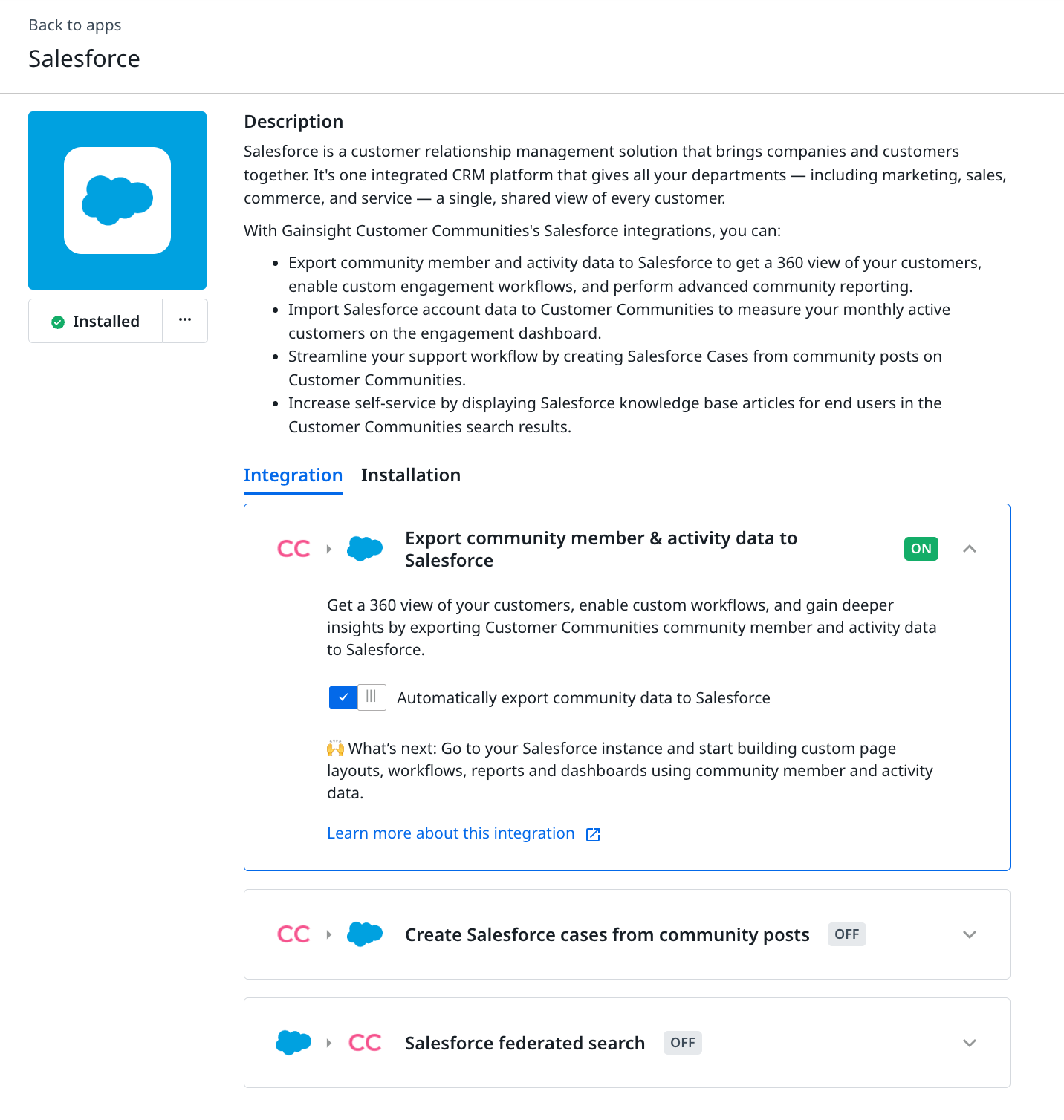
We recently connected Salesforce into our CC so we could see the engagement dashboard in analytics but there is no data yet. Where can I find the toggle for Import Salesforce Account data to Customer Communities?
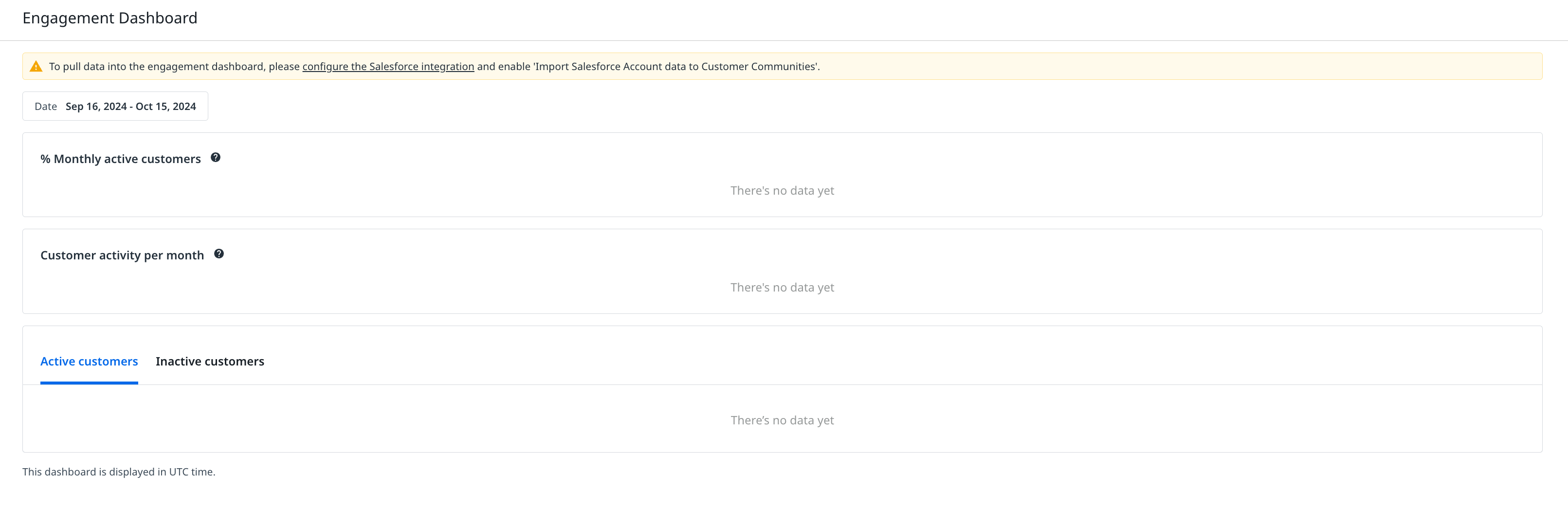
I’m not sure what we’re missing, any insight would be amazing. Thank you!

 

Best answer by Kenneth R

Hi @baraica - I’ve just enabled it for you.  You can now turn this part of the integration on from the integration page.


4 replies

DannyPancratz
VIP ⭐️⭐️⭐️⭐️⭐️
October 17, 2024

I don’t actively use that dashboard, so I’m not exactly sure. I expect that it’s likely just a delay in the data syncing (I think that happens every six hours.) 

One tip I have (that may help with this but is mostly just a best practice) is that the Salesforce integration only works when it can match a community member to a contact in Salesforce. So if you want the community data to write to Salesforce and vice versa: the salesforce data to inform the Engagement dashboard, you should automate ensuring that a contact exists for those who sign up for the community. And I recommend an audit of existing users as well. 

FYI: I am no longer active in this community
Kenneth R
Expert ⭐️⭐️
October 17, 2024

Hi @baraica I can see that the particular SF integration you’re talking about (importing data into CC) isn’t enabled in your instance.  I’m checking internally about that and will circle back.

Kenneth R
Kenneth RAnswer
Expert ⭐️⭐️
October 17, 2024

Hi @baraica - I’ve just enabled it for you.  You can now turn this part of the integration on from the integration page.


baraica
baraicaAuthor
Contributor ⭐️⭐️⭐️
October 17, 2024

Thank you so much for your assistance! I see it now 😊

Briz | Aspire | Community Builder
