Question

Using Tags in C360

  • June 19, 2026
  • 3 replies
  • 17 views

LMAR
  • Contributor ⭐️⭐️


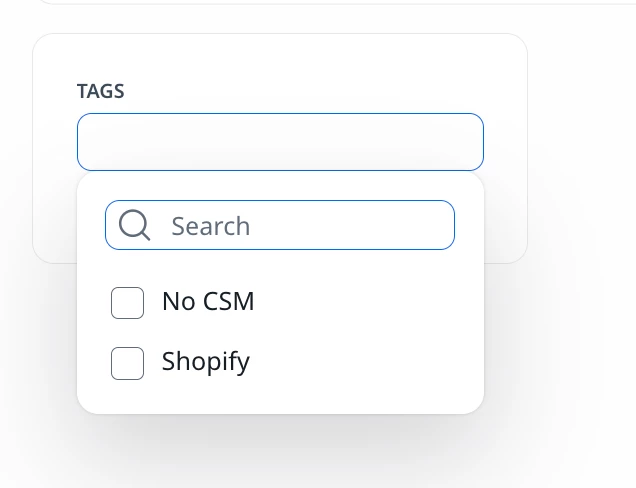
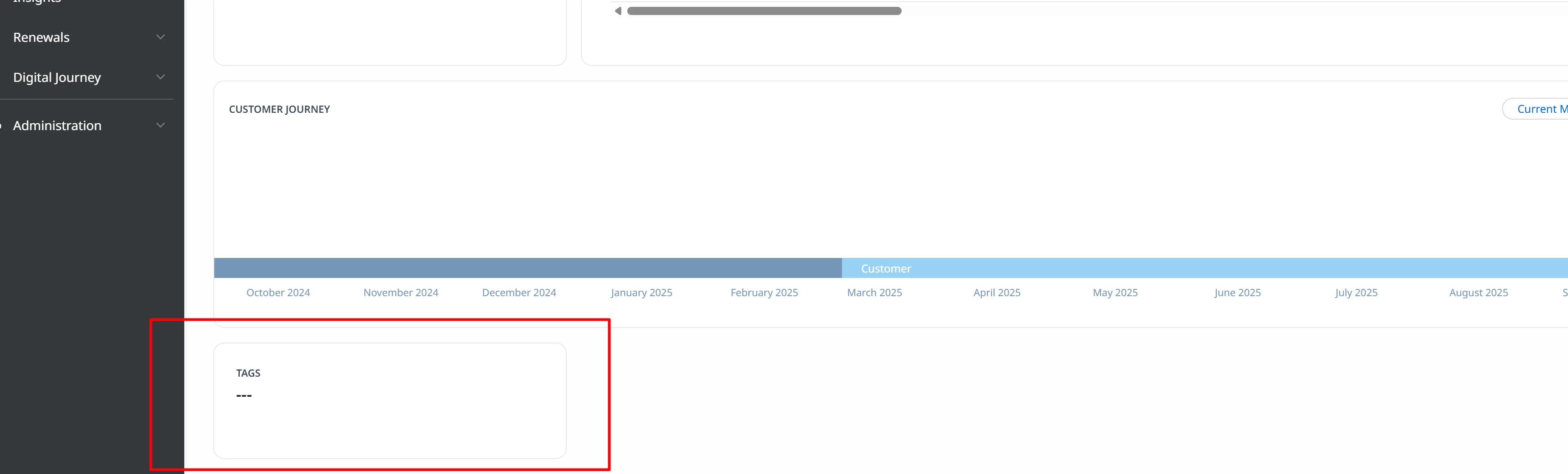
I am teaching the CSM team on how to do Group Sends in Gainsight and realized that when creating people lists you can filter off “tags”. A while back I added tags to the C360 views but realized it doesn’t do anything. I thought CSM’s would be able to go in and add their own tags to each account but when I click in it, nothing shows.

My use case is this: I would like the CSM’s to add tags to each account to identify groups of clients. For instance, if clients are requesting a certain feature in our software such as Shopify, we can add a tag called Shopify to the account so when the time comes when Shopify is released, they can create a list based off everyone who has the Shopify tag and send an email blast letting them know the feature is available. I know there is product requests but I figured tags may be easier for all sorts of use cases.

Maybe there is another way to do this in GS that I am not aware of but hoping someone can clarify the use of tags for me as I couldn’t find a clear answer.

Thanks!

3 replies

mobrien14
Forum|alt.badge.img+8
  • Helper ⭐️
  • June 19, 2026

Hey ​@LMAR -- I’m assuming this is just the standard Tags field on the company object. If so and you haven’t already, you’ll need to add the options that you want available for selection in the associated picklist.

Under Administration, go to Data Management and select Dropdowns from the options at the top. Then search ‘Tags’ to find the picklist & add any values you want included. This’ll then populate them in that Tags widget on C360 so long as you have it editable on the C360 layout.

The CSMs and other end users won’t be able to just add their own, so you’ll need to create the standardized list of values to select.


LMAR
  • Author
  • Contributor ⭐️⭐️
  • June 19, 2026

@mobrien14 thank you so much! Do you know if there is a limit to how many tags you can have?


mobrien14
Forum|alt.badge.img+8
  • Helper ⭐️
  • June 19, 2026

@LMAR No problem! I’ve not personally encountered a hard limit to the number of values you can included in the drop-down. The bulk .csv file route has a maximum of 500 items at a time, but you can do multiple files if needed.