

daniel.boon
Helper ⭐️⭐️⭐️
March 5, 2020

Events - FAQ

This article lists some questions with not-so-obvious answers we’ve had around the new events module. Feel free to add a reply if you have any other questions!

What does the sign up process look like for an end user?

  • When a user presses ‘Attend’ on an event, then they will be marked as attending and shown in the list of attendees on the event.
  • They will see a popup modal with some basic event details (the type, event title, event date), the (optional) confirmation message, any (optional) featured topics, and a button to dismiss the popup.

 

Can I create a private event for a certain group of users?

  • Yes - you can choose to publish an event in a private user group when creating it. Only users in the private group will be able to view and attend events published in the group.

What is shown on the event overview, and how can I link my users to it?

  • The event overview shows all upcoming and past events that you’ve published.
  • The URL of this page is <yourcommunity.com>/events
  • A link to this page is automatically shown alongside upcoming events with the upcoming events widget.

When is an event no longer considered an ‘upcoming event’?

  • An upcoming event on inSided is defined as one that is not yet in the past - once the the event end date/time passes, the event is considered to be a ‘past event’.

Are any notifications sent out for events? Can my end users sign up for notifications when a new event is published?

  • Currently there is no way for an end user to subscribe to new events, and no other notifications are sent on our platform around events.
  • If you need to email those who are attending your event, you can use our attendee list export to quickly get the details of users (including email) who have signed up.

What if the user needs to buy a ticket for an event from on a site external to inSided?

  • See our tips in the create event article - (in short, use our URL display text and attendee confirmation message to maximise visibility that external registration is required).

Can I give event creation permission to other users who aren't moderators or admins?

  • It is not currently possible to give event creation permissions to a user who is not a moderator/admin.
  • However you can grant users more general access to Control with a custom user role.

What SEO considerations have been taken into account for events?

  • Events are made for sharing, and ours look great!
  • We include dynamic event information in the meta title of the page, and have set OG properties so that your events really stand out on social media.
 

    19 replies

    Julian
    Gainsight Employee ⭐️⭐️⭐️
    September 16, 2022

    Yes. you can actually do that:

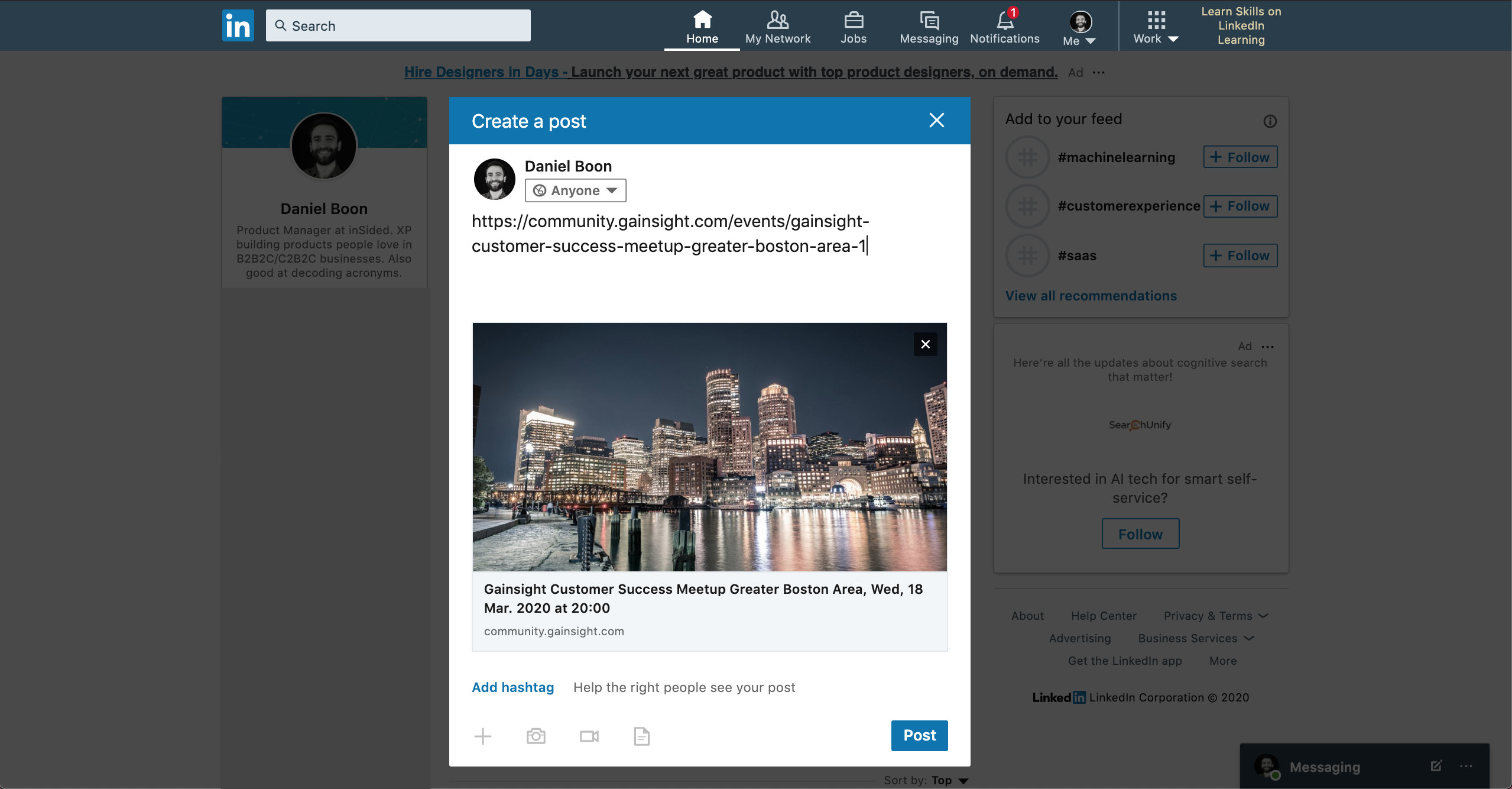
    All of our events are numbered, so they end on a unique ID. I cannot post them directly here, as our platform automatically converts them to a card like this:

    But screenshots should help me to explain this to you. Every url will follow this strucure:

    Community domain / events / [title of the event incl date] -[event ID]

    What is most important here is the event ID. This is unique, and our community will always be able to identify which event you are looking for and redirect you there.

    In consequence, I could also use this url and it would still find the right event:

    So you just have to know which ID this event will receive once published (it will be +1 what your latest event has as an ID). Feel free to add any text inbetween, just like I did in the example above.


    Translate
    I follow my nose, it always knows
    JessicaMendez
    Contributor ⭐️⭐️⭐️⭐️
    November 14, 2023

    I have a question about the past events function. 


    Is it possible to remove the past events altogether on this page? 


    Once an event has passed, the registration link expires, and it doesn’t serve a purpose in our community to have a list of events that are no longer accessible. I would love to know from other community manager what they use Past Events for. But for us, because we have many events every week, it would make sense to only house future events on this page, not past events.


    Thanks!


    Translate
    laura.porcincula
    Contributor ⭐️⭐️⭐️⭐️
    November 14, 2023

    Hi @JessicaMendez. When I run an event, I’ll create an Article to go with the event and pin it in the featured topics section of the event page. This helps folks in discovering the content after the event is completed. The article will contain a discussion thread, sometimes a giveaway, questions we weren’t able to answer in the event, and the recording (hosted in wistia) for folks who missed it. Here’s the link to my latest event with the featured article at the bottom.

    I hope this helps!

    Translate
    JessicaMendez
    Contributor ⭐️⭐️⭐️⭐️
    November 14, 2023

    Hi @laura.porcincula This is so very helpful thank you!! We have multiple events per week across the company that we promote in our community, so the bottom of our Past Events page only dates back to Sep 12 and we’re in November 😆

    But for the past events that are visible on this page, that is a great use case. Thank you!!! 

    Translate
    Erik_
    Contributor ⭐️⭐️⭐️⭐️⭐️
    October 2, 2025

    Can I create a private event for a certain group of users?

    • Yes - you can choose to publish an event in a private user group when creating it. Only users in the private group will be able to view and attend events published in the group.


    Can we also limit visiblity of an event to certain user roles?
    We're looking into using the Events module for our various events throughout the year. Some of these events are for our super users only. Our super users have a specific user role. They also have a private space on the community, but we use a subcategory for that, and not a group. And as far as I can see, the only way I can limit visibility is through a group?

    Translate
    The shortest answer is doing -George Herbert
    revathimenon
    Gainsight Community Lead
    October 6, 2025

    ​@Erik_ 

    You’re right. Currently, the best way is to limit the visibility of an event through a group.

    I’d totally upvote your idea though - based on specific user roles.

    Translate
    Where focus goes, energy flows.
    Erik_
    Contributor ⭐️⭐️⭐️⭐️⭐️
    October 6, 2025

    Well, here it is then 😁


    Translate
    The shortest answer is doing -George Herbert
    LisaN
    Contributor ⭐️⭐️⭐️
    March 9, 2026

    Just to make sure I haven’t missed it somewhere - are the views of the Event listings shown anywhere in Analytics?  

    Translate
    samanthahamlet
    Gainsight Community Manager
    March 10, 2026

    ​@LisaN 
    While this isn’t shown in Analytics, you can find Event Listing data (including views) in CC Data Lake. Hope this helps! 😊

    Translate