
Julian
Gainsight Employee ⭐️⭐️⭐️
May 1, 2019
Tutorial

How to send community search data into Google Analytics (Site search)

  • May 1, 2019
  • 14 replies
  • 1882 views

This tutorial will show you how you can add Google Site Search to your Google Analytics. With this you can:

  • learn what customers are searching for the most on your community
  • identify which search leaves your customers unhappy
  • find opportunities for new content which will help your users

How to add it

Adding this is actually really simple. You just need to have access to your Google Analytics account in order to set it up.

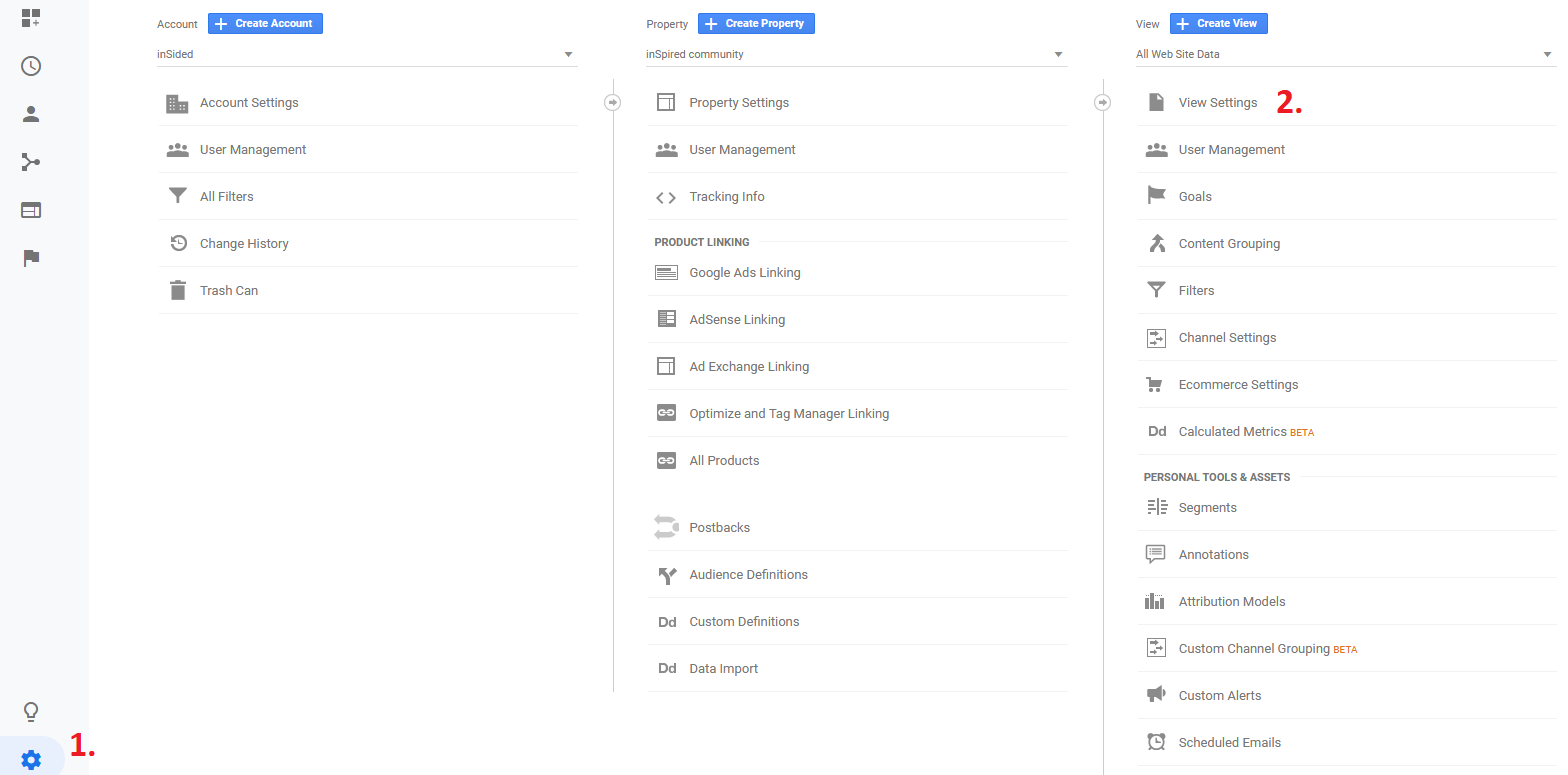
Once you are in your Google Analytics environment, go to the "admin" section (1). Then click on "view settings" (2).
 

97f9decb-b0cb-48a3-9f37-ad707364d63e.png


Then, you need to activate the "Site search Tracking" (3) and add "q" as the value which Google needs to identify search queries in a url.

 

dda733dc-0614-4c62-ac24-1efaa868d3f3.png


And that's it, Google will now start tracking the search queries on your community.


How to read it

After Google has started to track the search queries on your community, you can dig through the results.
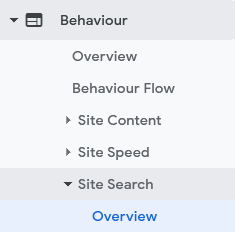
 

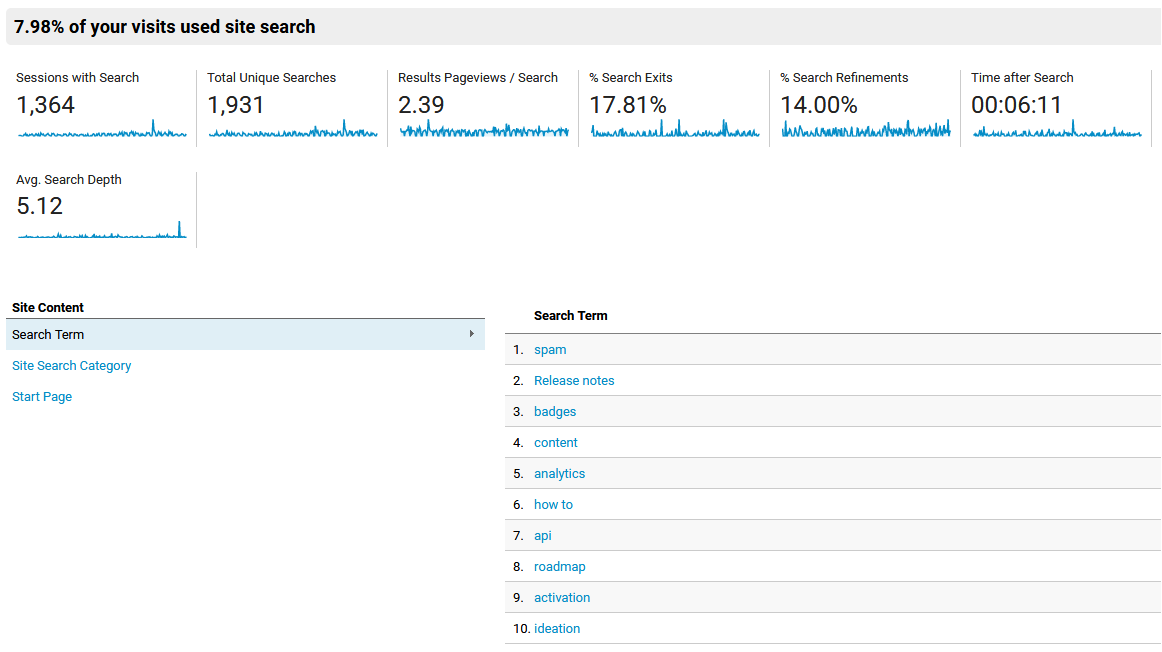
Most of the metrics are easy to understand. Below you can find some additional information on some important metrics which might not be so clear:


bcf92b7b-0d60-4133-a6b1-ee102c772834.png


% of search exits
This metric shows you how many users closed the tab/window after being on the search results page. It means that users did not find the information they were looking for.

% Search refinements
This metric represents the share of users who performed a new search right after searching on the community. Again a metric which is an indicator of how many users find the content they are looking for.

Time after Search
This value indicates how much time users spend after the search reading content on your community. A low value would mean that many users try to find a solution within a topic, however find quickly that it is not the correct answer.

Tip: By clicking on an individual keyword, you will see a more detailled view of the behaviour of users around a search for this.


14 replies

KellyBebenek
Helper ⭐️
February 17, 2023

Hi,

Do we have updated instructions for GA4 on how to do this? @Julian 

revote
VIP ⭐️⭐️⭐️⭐️⭐️
March 20, 2023

​​​​​@anirbandutta 50% is a dream value which, I am afraid, will be extremely hard to realize. It is a common thing whith all online communities that users (for many different reasons) do not use in-page search.

Think about people that google something and end up in a topic on your community that they are looking for - they will most likely not search on the community if the page that they are on already carries the info.

Also, people what comes from Google, if they didn't find what they are looking for (from the topic they landed) they just close the community and keep searching from Google more.


Furthermore the GA Search terms seem more like tags/links that terms people searched. I  believe that what we see in analytics isn't really the whole picture / or even an accurate picture.  

I didnt know but we had this feature activated already 😀

But, I noticed immediatelly that search terms includes tags, not the actual search terms. This feature isnt so helpful as it is now.


I'd love to see the raw data when it comes to searches not the GA stuff. @Julian is there a way to pull this data from InSided without having to go to GA? 

Thanks 

Yeah me too. Please build dashboard for us to Control.

JKelley
Helper ⭐️
August 1, 2024

Hi @Julian curious has this been updated for GA4 or should it be the same do you know?

Julian
JulianAuthor
Gainsight Employee ⭐️⭐️⭐️
August 1, 2024

Hey! My buddy @olimarrio wrote this guide which covers how to set this up in GA4: 

Hope this helps!

I follow my nose, it always knows