
Feature topics on your Homepage
Feature, highlight, promote—different words but they all serve the same purpose: making sure topics stand out from the rest. Sometimes you want to make a topic stand out from the crowd because it holds important information, a big announcement or a good promotion.
The inSided platform offers different ways of featuring topics. In this article you can find all the information you need to feature topics on your homepage.
Feature topics in a card style
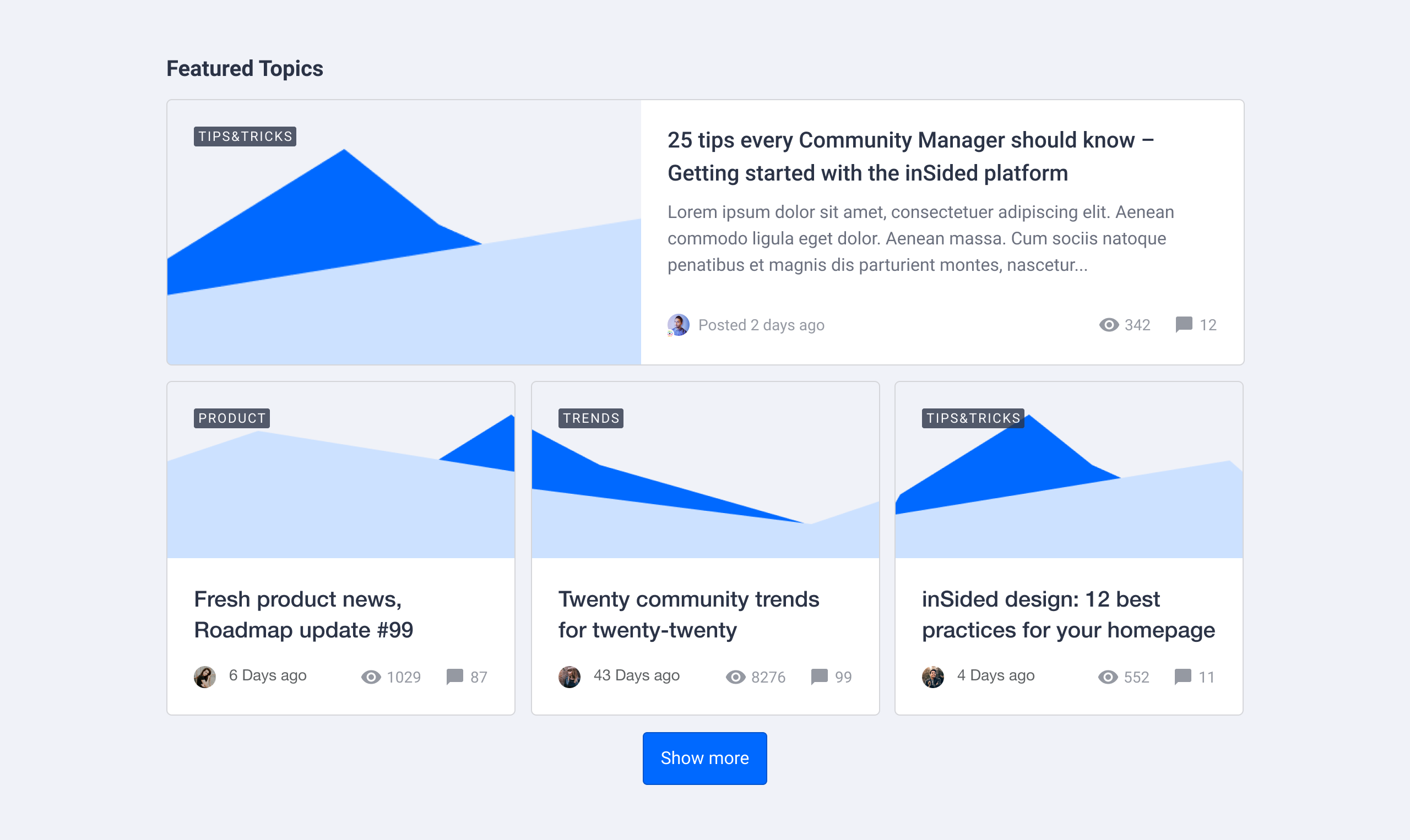
Make topics stand out in a card format. Depending on the content type, the card will use a specific card style:
- Discussions / conversations will show a preview snippet of the opening post
- An article will display the feature image & the article label
- An idea will show the status of the idea
Make the most out of this widget by featuring multiple topics of the same type, here’s how it works:
-
Activate Customization mode
-
Hover over the homepage and determine where you want to add featured topics. Click the plus icon (➕) and select the Featured topics widget
-
Add one or more topics via search or by copy/pasting a topic URL. You can add as many topics as you like
-
Select how many topics should be displayed as full-width. If you choose 0 the topic cards will either show in a 2 or 3 column layout depending on the amount of topics
-
Click Done in the sidebar
-
Click Publish. Your featured topic cards will now appear on your homepage
The following items are optional to do:
-
Add a title (e.g. Featured, Recommended, Promoted)
-
Reorder the list of topics in your preferred order
-
Add a button and URL
Feature topics in a list style

Use this if you are more fan of a minimalistic list style. This view only shows the topic title and the topic type as an icon in a simple 2 column list. To feature topics in a list style follow these steps:
-
Activate Customization mode
-
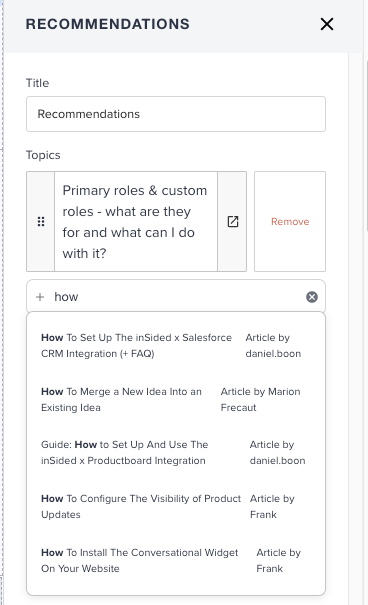
Hover over the homepage and determine where you want to add a list of topics. Click the plus icon (➕) and select the Recommendations widget
-
Add one or more topics via search or by copy/pasting a topic URL. You can add as many topics as you like
-
Click Done in the sidebar
-
Click Publish. Your list with topics will now appear on your homepage
The following items are optional to do:
-
Add a title (e.g. Featured, Recommended, Promoted)
-
Reorder the list of topics in your preferred order
Feature a single topic directly below the community navigation

This view is very popular when you want to grab the user's attention to a specific, important topic. For example an outage or an important announcement. This featured topic will be displayed on all pages of your community, not just the homepage. The setup requires some different steps:
-
Activate Customization mode
-
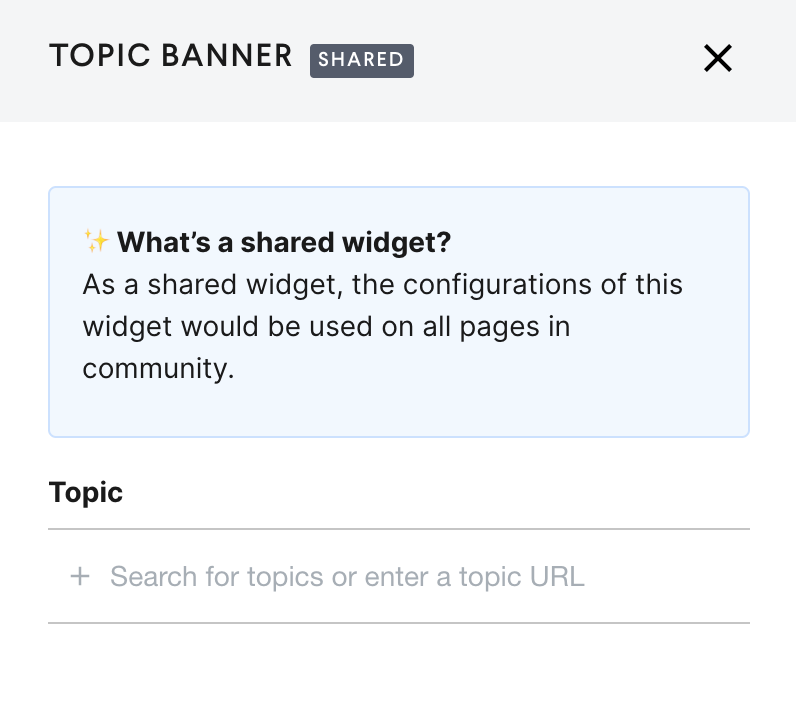
Go to edit the Topic Banner widget positioned below the Mega Menu
-
Add one topic via search or by copy/pasting a topic URL. You can add only one topic.
-
Click Done in the sidebar
-
Click Publish. Your topic will be featured in the banner
The following items are optional to do:
-
The Topic banner background color can be updated via the customizaion mode Theme> Colors . Look for the color option “Featured Topic Background Color”
Feature topics with moderator tags
When adding new widgets to the homepage you’ll find the Featured topics (moderator tags) widget. This is a legacy widget with limited capabilities. We recommend using the Featured topics widget described above.