
mmayhall
Gainsight Employee ⭐️
July 10, 2023
New Idea

Ability to toggle fields shown when adding record to low volume object from C360

Related products:CS C360 & R360 & P360
  • July 10, 2023
  • 3 replies
  • 102 views

[Posting on Behalf of Customer]


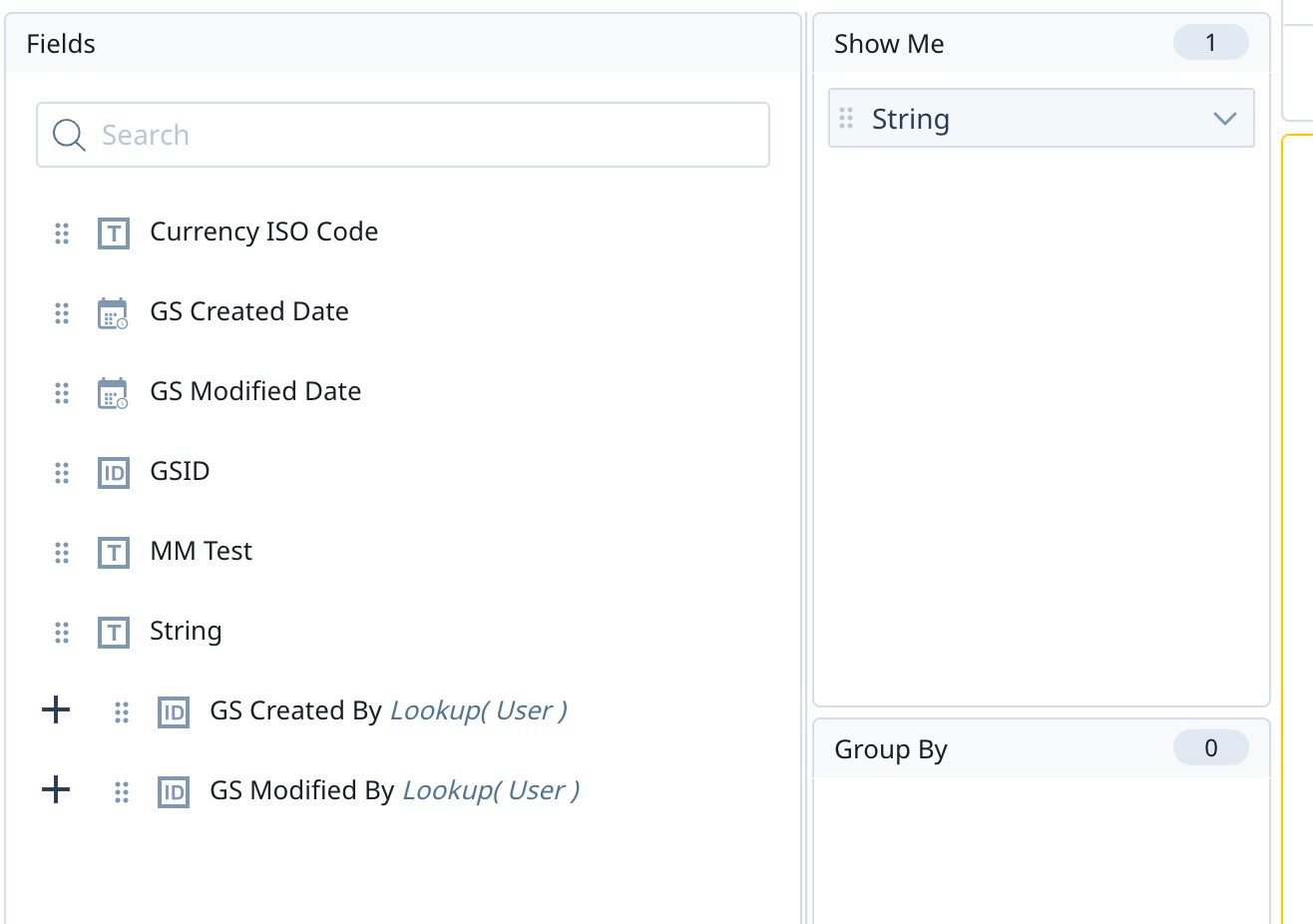
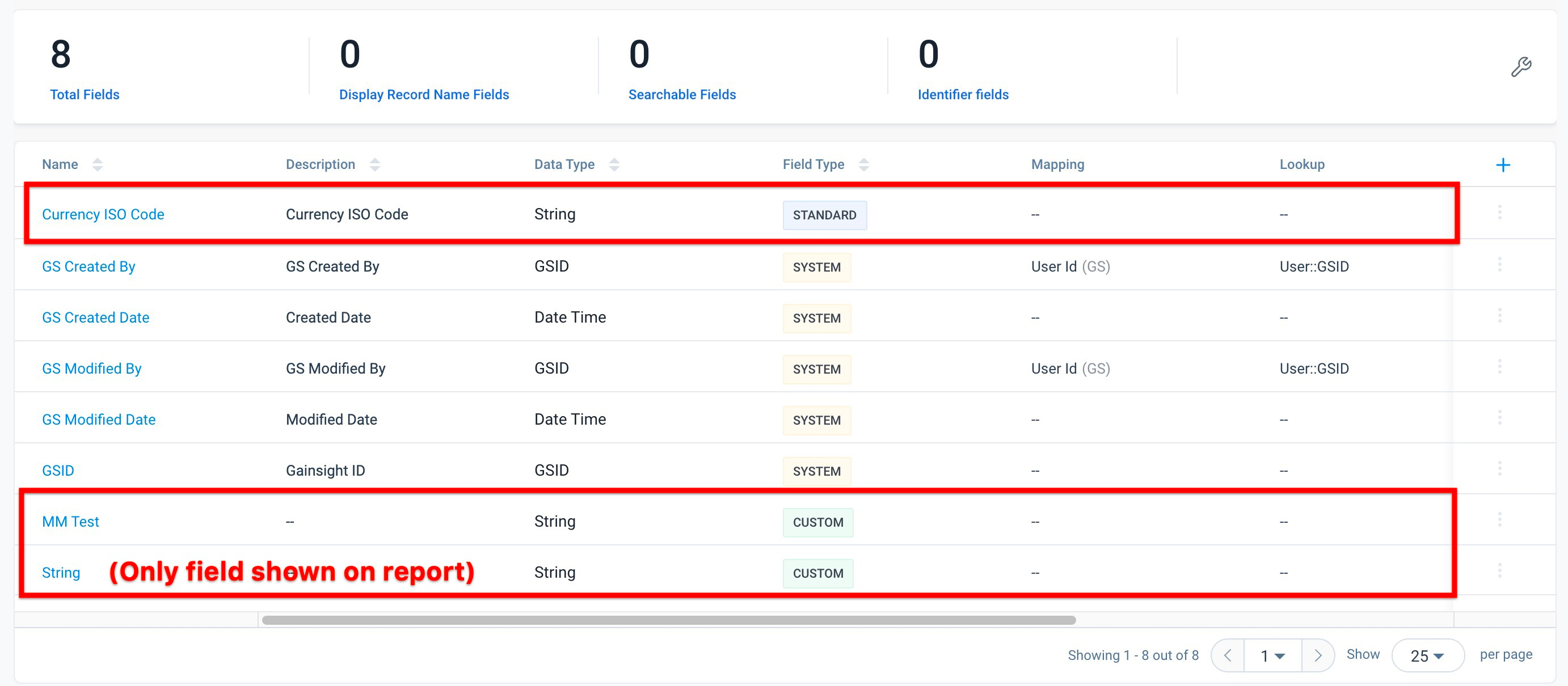
Per current behavior, when adding a record to a low-volume custom object from a report section via C/R360, it appears that all standard and custom fields found on that object are displayed, as opposed to the fields that are shown on the report used on the layout.


The Ask: It would be ideal if admins could toggle which fields appear when adding a record from this page, as all non-system fields appearing creates clutter and potentially confusion for end users to have to look through fields that may not be relevant to them.


Example:
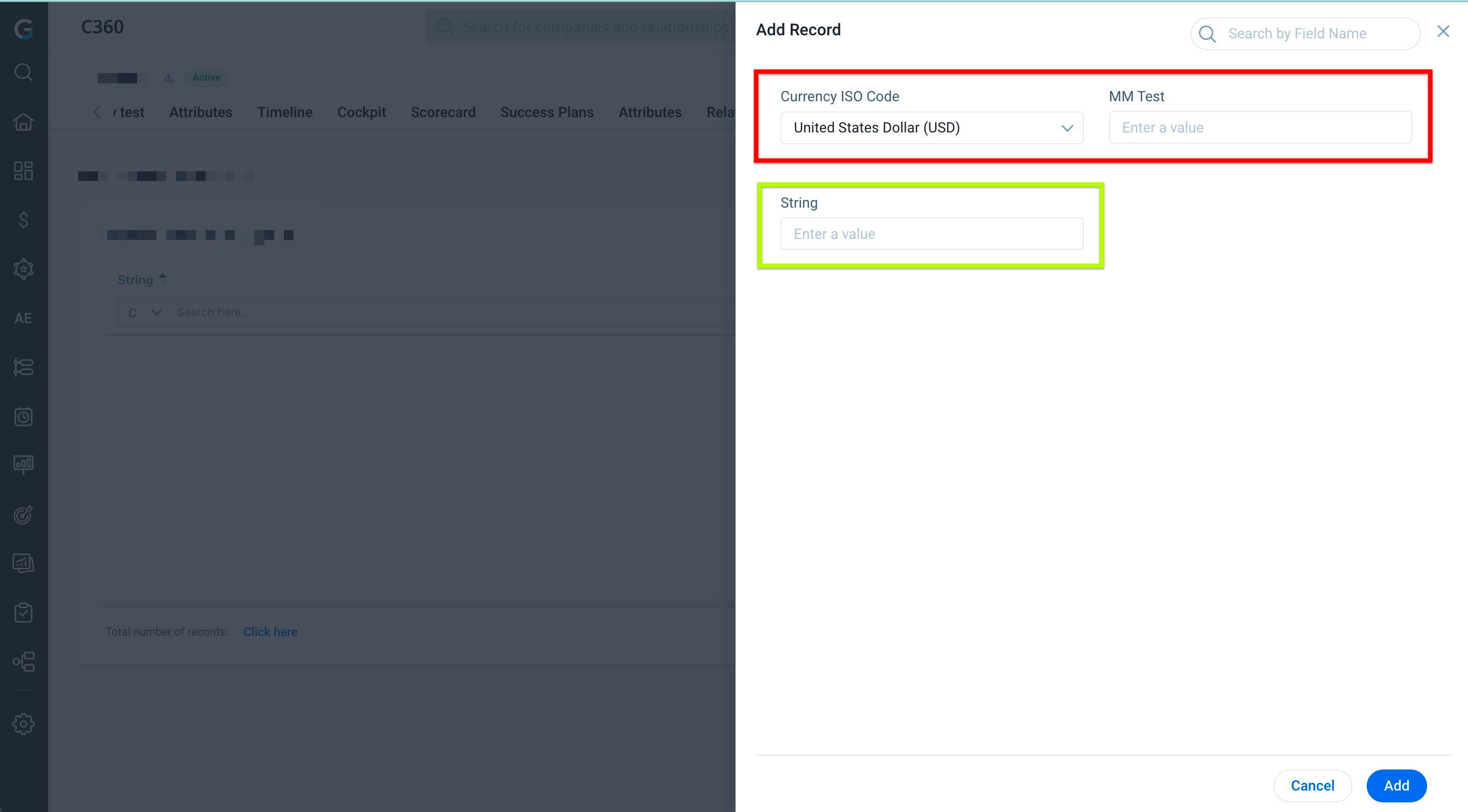
What it looks like when adding a record to this object from the C360


Configuration of Report used on Layout


All Fields on this Low-Vol Custom Object in Data Management


I did find a couple of similar posts (see here and here), but wanted to create a new one as this is a request for the Horizon Layouts UI.


Thanks!

3 replies

mmayhall
Gainsight Employee ⭐️
mmayhallAuthor
Gainsight Employee ⭐️
July 11, 2023

^It would also be very beneficial to be able to toggle the editability of the fields that do display if they cannot be removed, for cases where they are being populated automatically

Contributor ⭐️⭐️⭐️
September 24, 2024

+1 to this!

HollySimmons
Helper ⭐️
January 31, 2025

+100 to this, we have some many potential use cases for Low Volume Objects but the data entry side of things really restricts us, e.g we want to append some other info to the records for reporting reasons, but anything we put will be both visible and editable to end users when creating/editing records. We end up having to create a completely separate object for this which adds to tech debt and complexity with maintaining records.