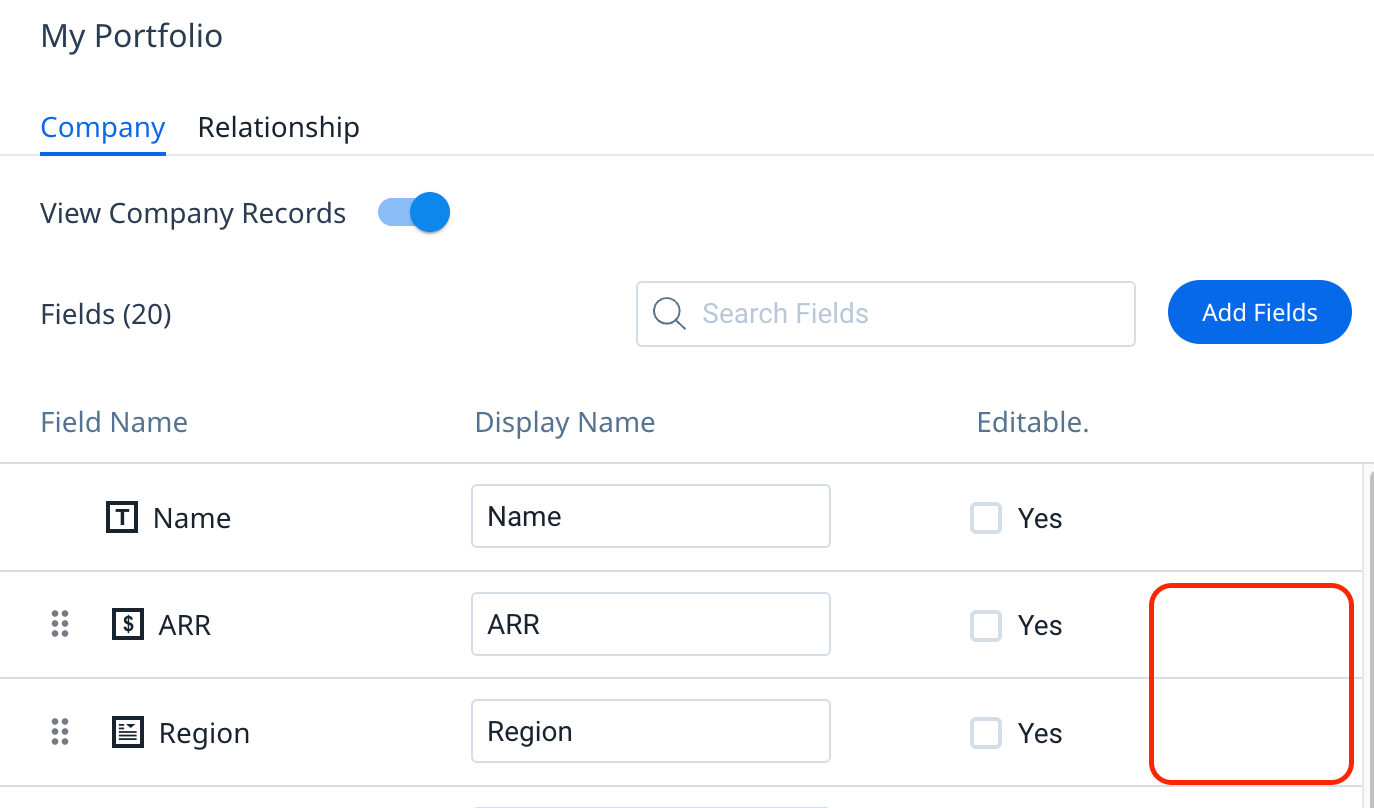
Add trash icon (delete option) to fields on My Portfolio widget
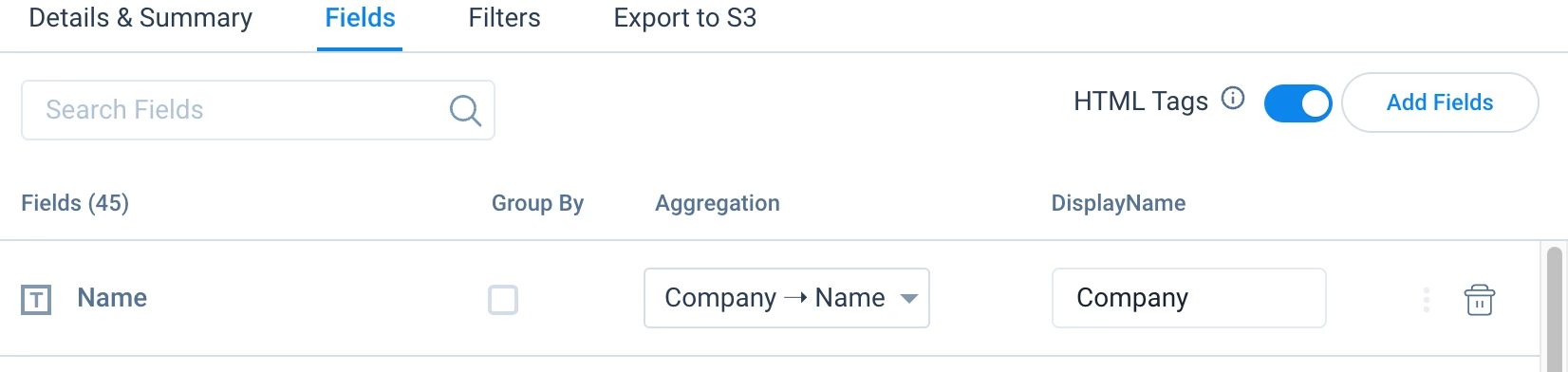
Back again with another very simple quality of life design improvement for admins, this time with GS Home. As an admin, I would expect this functionality to be similar to other similarly-designed pages, where I have a trash icon next to the field that I’ve added from the source.
Instead, I have to go back into the Add Fields button to de-select the field I’ve added. This is really unintuitive, and is not the same experience as when I’m in other features like Data Designer (see screenshots).
I get that I can’t delete certain OOTB fields from this widget, but for the ones I add my own, showing me I can do this directly on the page is a super simple but effective enhancement.
Please add a delete option for fields added to the My Portfolios widget directly within the field list view when editing the widget!