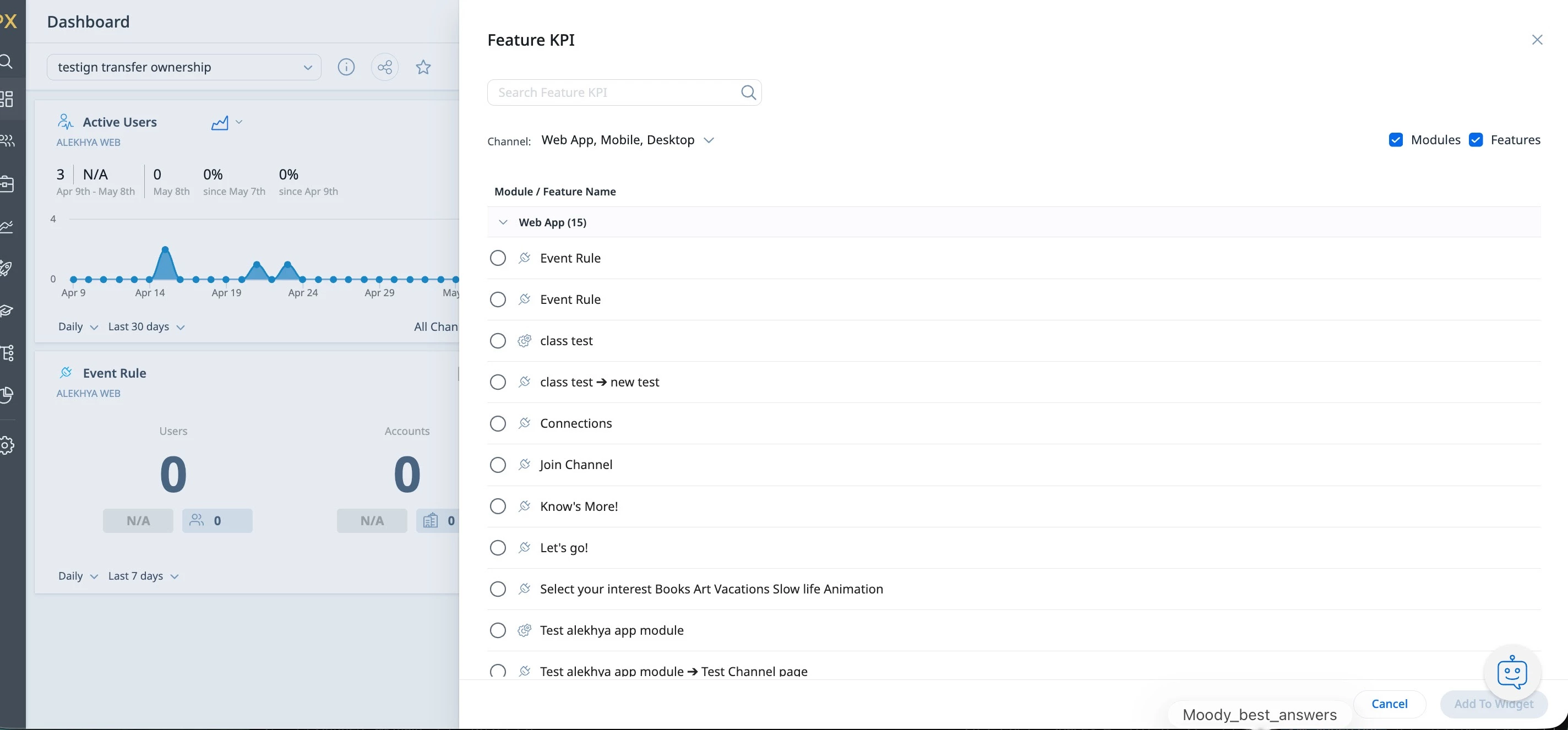
Dashboards: Feature Adoption Widgets: Filter Features by Label
When adding Features to an Adoption Dashboard Widget, it would be very helpful to be able to filter the Feature list by Labels. There are several features in our product that “live” in one branch of the Product Tree, but have parts that users interact with on other branches, so to keep a true “tree” structure, Gainsght CS suggested that we keep the main feature in its home branch, and the other pieces of it in their respective branches, but apply the same feature “label” to all of them. As an example, our Automations feature “lives” in the Settings branch of the Product Tree - this is where users go to build their Automations. However, users will also interact with Automations in the People and Jobs branches, when confirming whether a triggered Automation should execute, so those “Confirm Automation Execution” features live int he People and Jobs branches. All Automation-related features have the “automations” label applied.
Our Product Team wants a Dashboard widget that tracks ALL interactions with the Automations feature, and the only way to get those into a single widget, currently, is to search/browse the very long feature list, but searching is of limited utility because not every feature has the word “automation” in the name. It’s one of the virtues of the Product Tree, that we shouldn’t have to have long/complicated naming conventions for these features, but without that longer naming convention, I won’t be able to easily find those features in the list to add them to that widget.
However, if we could filter the list by Label, all of my Automation-related features would show up, and they’d be very easy to select.
This is just one of several places I’d love to be able to use feature Labels.