

New Idea
Data Designer: Include the Dataset Name within each task
In Data Designer, I wish the Dataset Name appeared on the screens for Join, Fields, and Filters.
Currently, the display includes the task being performed and mentions prior tasks, but doesn’t display the dataset name of the current step. This makes administering complex Data Designers harder, especially if I’m working “up and down” a Data Designer to add a field or remove a field.
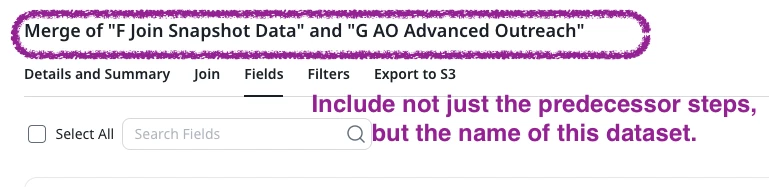
When I save my changes, I have to reassess which step I edited, because the name of the step isn’t visible. Instead, I literally narrate to myself “OK, I’m in a Merge so find the Merge step on the screen where F and G are merged, and that’s probably H and that’s where I should continue my edits.”