Enable SSL Link Tracking by default OR Provide clear best practices
Background: I received reports of email participants complaining that the “links aren’t working” in emails sent from Journey Orchestrator. The links in the template (created by GS before I got here) were flagged for Link Tracking. These complaints have come in since we migrated to NXT (2 weeks ago), but I don’t know yet if that’s relevant or a coincidence.
I learned through Support that we do not have SSL Link Tracking enabled for our tenant, which surprised me. Why wouldn’t every tenant have this enabled?
I’m not a marketing person nor am I a web security specialist, but it seems to me that if your hyperlink changes from https:// to http:// when Link Tracking is enabled on the link without having SSL enabled that would cause hyperlink issues for the majority of recipients whom I would expect would be security conscious and have robust firewalls that would be looking for such red flags.
I did have one internal Gainsight person (whom I won’t identify) point me to this article as a reasoning case point for why its not enabled by default. TL;DR because survey links might be affected.
Reading that article, though, (unless I’m misreading somehow) what I take away from it is:
- Gainsight thinks it's possible for us to go to each of our customers and tell them to add all those wildcard domains to their firewall (which is not possible, even though that doesn't apply to the situation I'm experiencing now)
- You can avoid the Survey link issue if you just follow Solution 2 (create a custom domain in Gainsight) for use with Surveys
If that’s the only reason SSL Link Tracking isn’t enabled by default, then I see no reason why SSL Link Tracking shouldn't be enabled by default. Anyone know otherwise? I’m all ears.
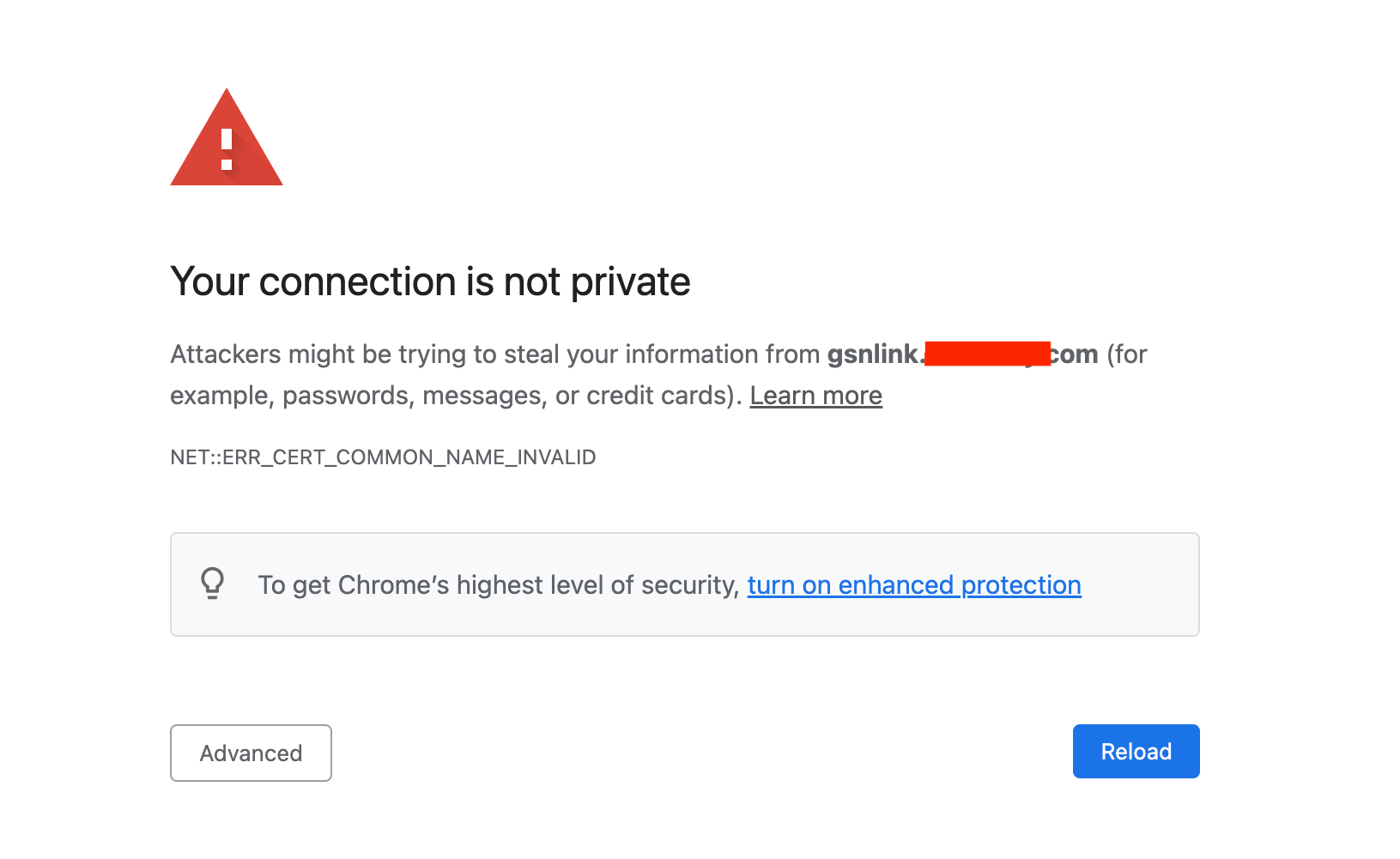
Bottom line, though, most Gainsight admins are likely not going to be marketing or web security specialists, so there should be more (and clear!) best practice support & documentation around this during both implementations AND upgrades to ensure the environment is set up for the best delivery experience, cause it’s a really big bummer when you have leaders coming to ask why stakeholders at large multi-national corporations are coming to tell us that our links are giving them this warning: