Engagement Configuration in Success Plans
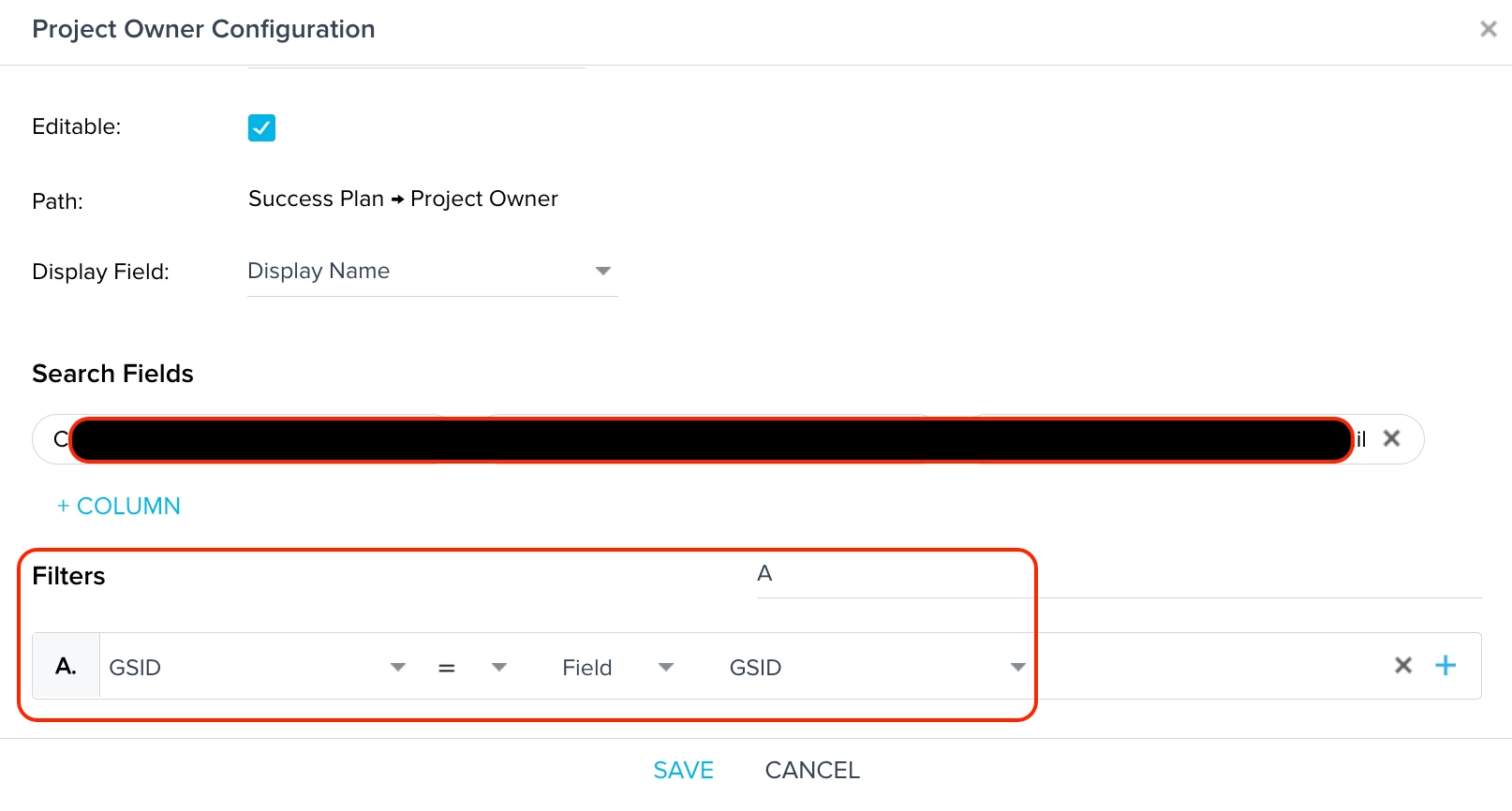
When in the Engagements Configuration window within Success Plan administration, is it possible to show the path for the fields being used in the filters? In other parts of Gainsight, fields being used are often either highlighted in blue or the path is shown when hovering over the field. However, here it doesn’t show any indication of what field is being used, and this becomes particularly challenging when it comes to fields like GSID which can exist in any object or lookup.
In my use case, a few Success Plan fields were already configured months ago by someone else, and I wanted to add another field today. I used the previously configured fields to figure out how to set mine up, but was stuck when it came to which GSID fields were being used in the filters, since again, there was no indication of which GSID fields were being used. If these filters aren’t setup correctly, the field will not work as expected in the Success Plan.
Not sure how many others are looking for this feature, but figured I’d throw it out there in case others have experienced something similar!