New Idea
Issue with Pie Chart Data Labels in Chart Editor
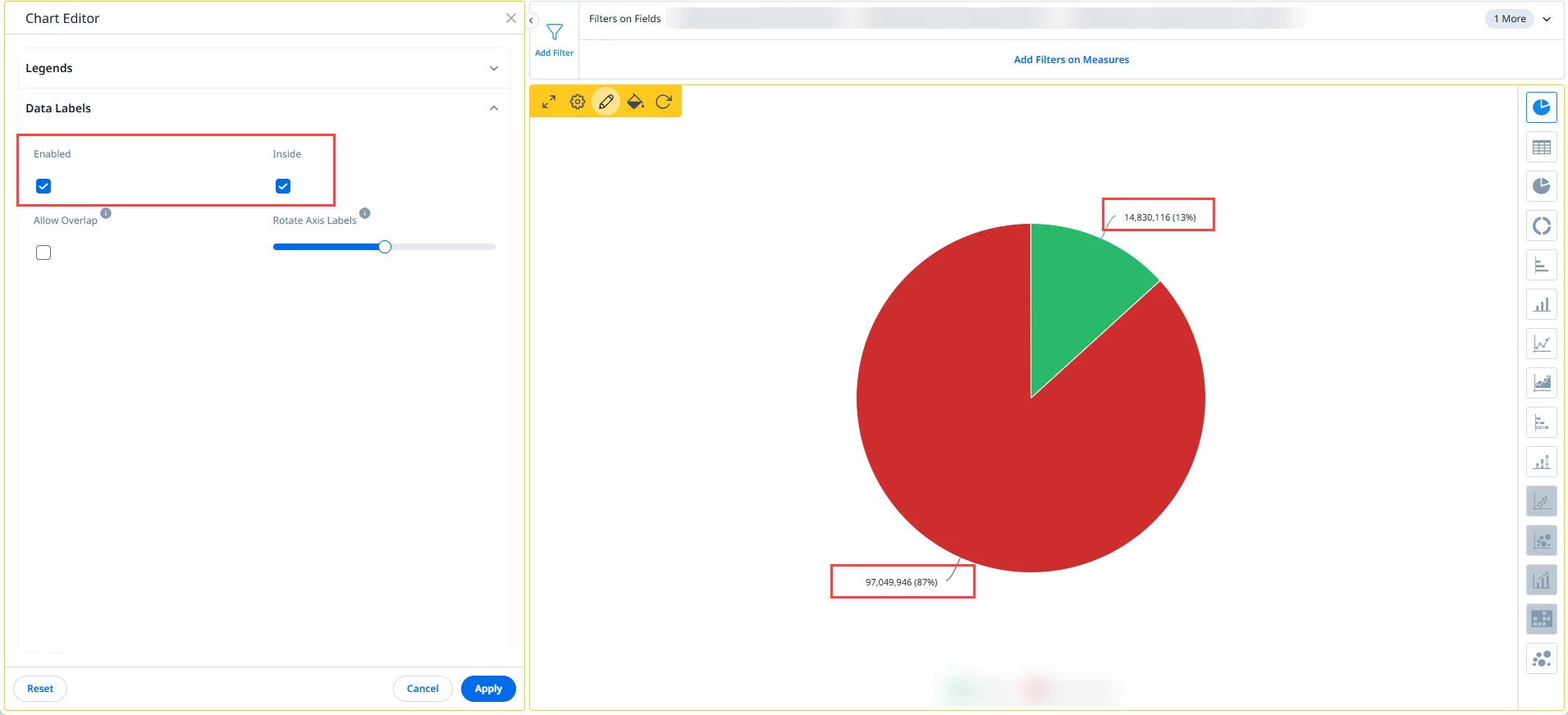
When configuring Pie Charts in the Chart Editor, selecting “Inside” for Data Labels does not work as expected - the labels remain outside the chart.
This occurs regardless of how the report is saved:
- “Inside” checked or unchecked
- “Allow overlap” checked or unchecked
- Both options checked
The result:
- Labels stay outside the pie, shrinking the chart
- Numeric values appear small and sometimes cut off
- Excess whitespace on dashboards and home pages
Impact:
This makes widgets harder to read and reduces dashboard efficiency
Request:
Please enable Data Labels to display inside the pie when “Inside” is selected and applied. This would improve readability and optimize dashboard space.