
TMaier
Helper ⭐️
September 29, 2023
New Idea

JO Participant Query Notification Emails - Add Parent Program Details

Related products:CS Journey Orchestrator
  • September 29, 2023
  • 5 replies
  • 77 views

We recently got a failure notification for a JO Participant query and I’ve noticed that the content of the email is a bit tough to make actionable. While the email does call out the query by name, it does not specify that the source of the failure is a JO query or which JO Program the query belonged to. This makes finding the failure and troubleshooting it suuuuuper tough if you run more than a few programs…
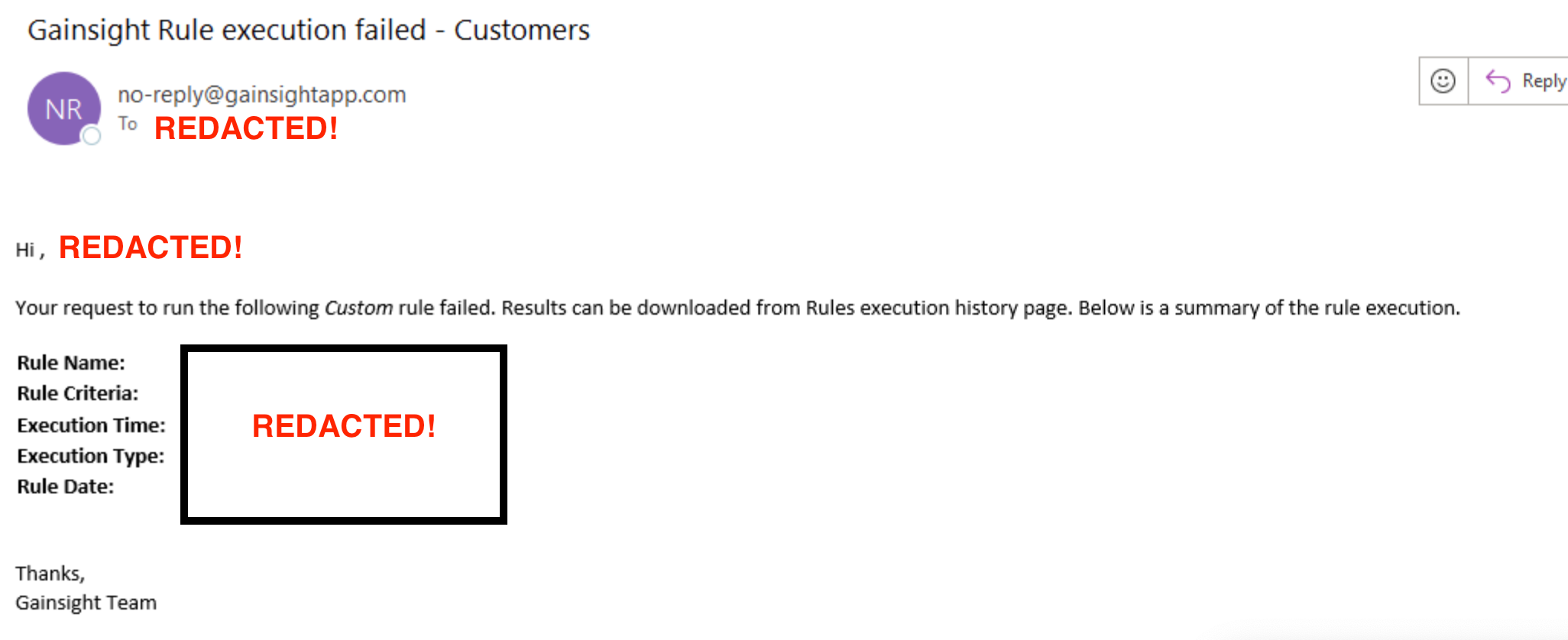


To make these emails more useful for admins, we need the associated JO Program name at minimum. A hyperlink to the execution logs would be fantastic but is a nice-to-have.

5 replies

dayn.johnson
VIP ⭐️⭐️⭐️⭐️⭐️
September 29, 2023

👆THIS!


I’ve started trying to remember to name the query the same as the JO program (or similar) when building recurring programs -- the only other way I’ve found to easily diagnose WHICH program had a failure is to keep a log of the query run time for programs and check the failure timestamp, which is not convenient.

Staff CS Content & Comms Manager, 2x Gainsight CS Ops Product Council Member
Contributor ⭐️
September 29, 2023

This would be extremely helpful for us! We have many JO programs running most of which have very similar or exact query names. Having the program name at least would save us a lot time so we don’t have to sift thru dozens of programs to find the failed query.

heather_hansen
VIP ⭐️⭐️⭐️⭐️⭐️
October 26, 2023

@TMaier @dayn.johnson Ran into this yesterday, and was directed to check out the Scheduler.  If you look at around the time the failure email was sent, you can hover over the entries, and you can see the actual query there.  You can then click on it to go directly to that program.  Helps as a workaround while this is being addressed.


TMaier
TMaierAuthor
Helper ⭐️
October 26, 2023

Unfortunately in our case we have a lot of programs firing off in the same time window and the queries were all similarly-named because we didn’t anticipate needing to single out a program based on the name of the associated queries. No dice.

Contributor ⭐️⭐️
September 24, 2024

GS support gave me this tip today: if you go to Schedule > search for the query name mentioned in the failure notification email > it will show you the Program name!