
Contributor ⭐️⭐️
August 4, 2020
New Idea

Please make Time Zone option in the Data Designer wider and also support "Hover Over" for ease of use

  • August 4, 2020
  • 4 replies
  • 124 views

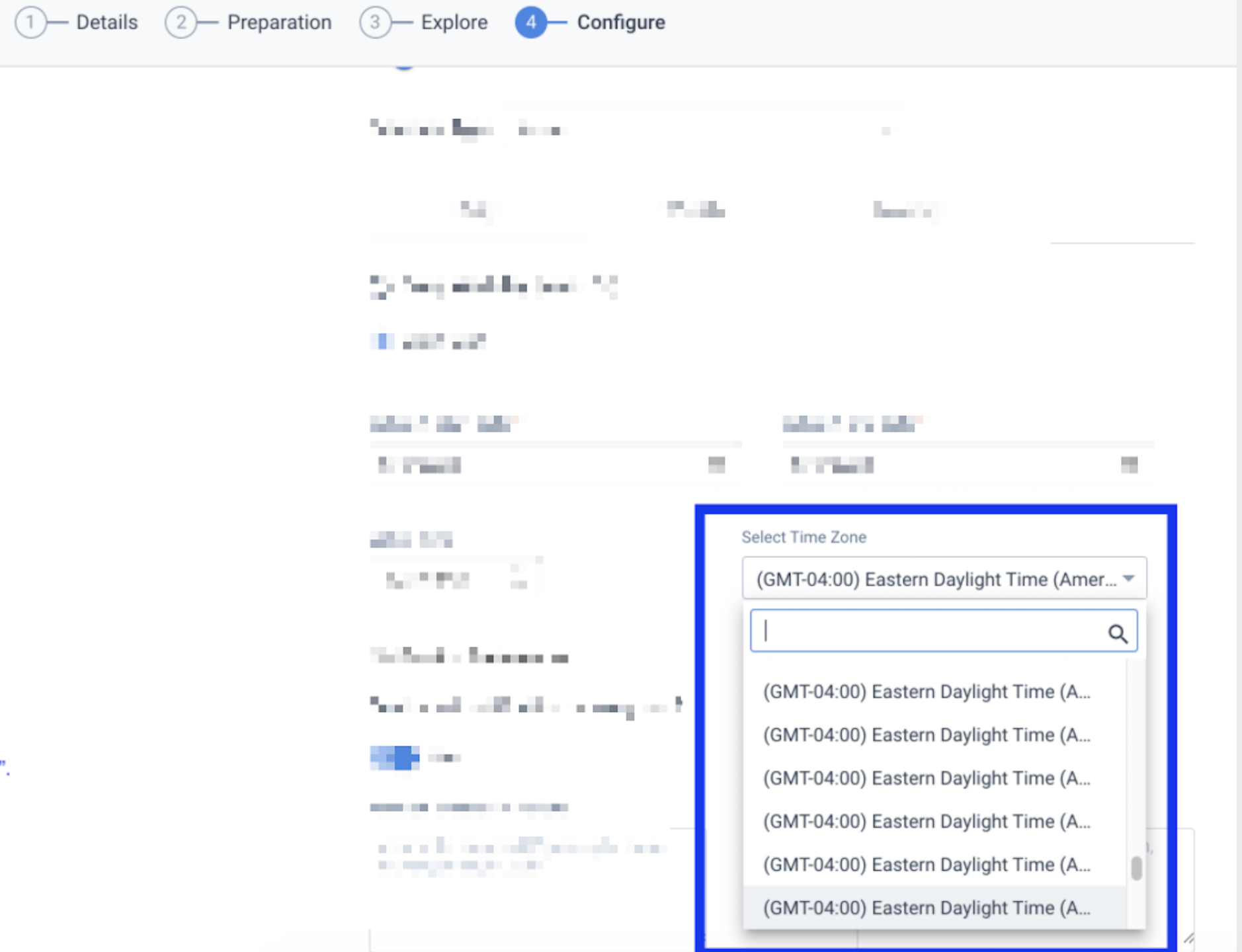
In Data Designer > Configure, the TimeZone field is not wide enough. Time Zone names are cutoff, and "Hover Over" is either not supported or not working, so the user cannot differentiate between the options based on the visible part of the name.

Today, one must guess, then over whatever option was selected to learn if you guessed correctly.

Screenshot for illustration
 

    4 replies

    rakesh
    Gainsight Employee ⭐️
    Lets put your data to work!
    August 5, 2020

    Hi @sai33335  

    Thanks for bringing this up. We will look into it and update the status as we pick it up.

    Helper ⭐️
    July 27, 2021

    Running into this when trying to schedule Connector 2.0 jobs as well. I don’t understand why there need to be 5 different options for EST time zone. This should be simplified. US Eastern Time zone is usually marked with New York. That was my initial search term. I spent way too long hovering over each option to find the right one. 


    Anastassia Goidina
    dan_ahrens
    Expert ⭐️⭐️⭐️
    July 29, 2021

    @Ritesh Sharma @pgeorge @rakesh - can you share an update on status for this, please?

    VP of Customer Success at Forcepoint
    Ritesh Sharma
    Contributor ⭐️⭐️⭐️⭐️
    July 29, 2021

    Noted. We will roll-out the fix on the connector schedule page very soon (probably by Sept this year)