
Contributor ⭐️
September 23, 2022
Current Behaviour

Uncheck the Production option in launching environment by default when creating an new engagement

Related products:PX Engagements
  • September 23, 2022
  • 8 replies
  • 86 views

Every time when we create a new engagement, the Environment setting in the Launch section has Production checked. In our practice, we always create and test the engagement in QA environment, because it is dangerous if someone clicked Launch accidentally.

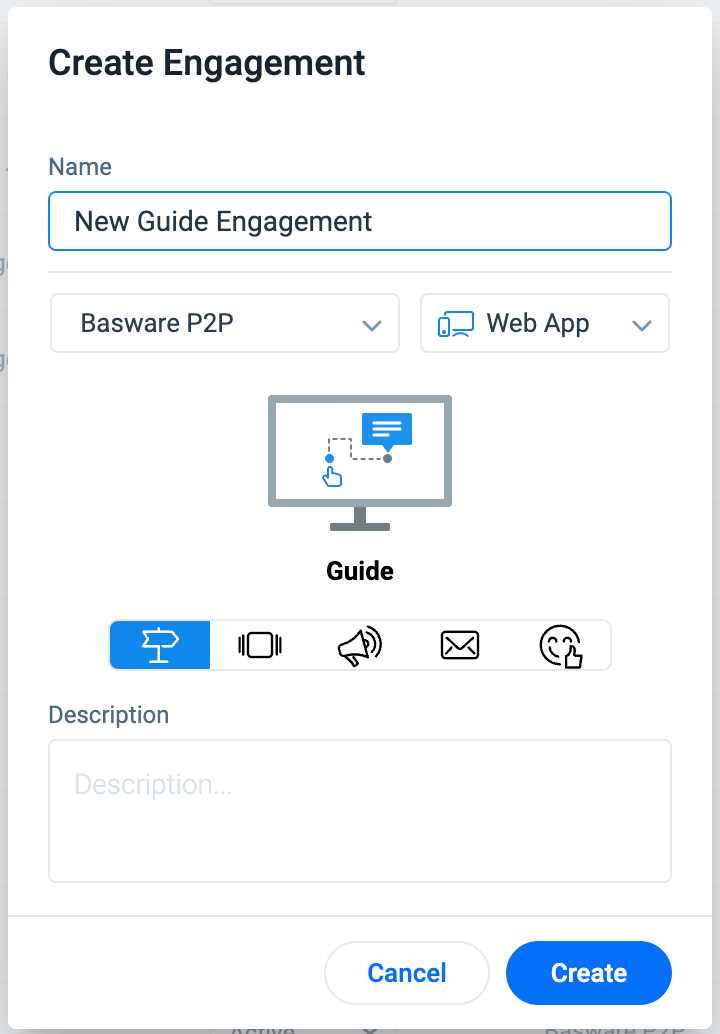
There’s also no way to edit the launching environment in the dialog of creating engagement.
 

8 replies

Contributor ⭐️⭐️⭐️
September 23, 2022

Great suggestion :) Agree that it would be good to have production turned off by default.

aharkut
Gainsight Employee ⭐️
October 14, 2022

Hi @Lin Liu and @jobin.james ,


We will address that when an engagement is being launched for the first time - then production is not checked by default.

We have consciously not provided the environment option in creation popper because the Engagement Designer and Launcher can have different user permissions.


Thanks

Contributor ⭐️⭐️⭐️
October 14, 2022

Thanks aharkut. Either of the below options is fine by us


  1. Production not checked by default on first launch


  2. Or, production not selected by default for all engagements. Similar to how Integration and QA are not selected by default in the below picture. 


We have a slight preference for option 2, as it easier to scan from the engagements list view which of the engagements have production enabled.

aharkut
Gainsight Employee ⭐️
October 14, 2022
No Status→Acknowledged
aharkut
Gainsight Employee ⭐️
October 14, 2022

Hi @jobin.james ,


In the list page, we provide the information on which Environments is Engagement created for:


aharkut
Gainsight Employee ⭐️
October 14, 2022

Hi @jobin.james ,


Actually you can configure your Default Environment for the first launch for your engagements.


Go to Administration > Products


Check/ Uncheck the box for specific environment and that will be your default environment for first launch.


Thanks,

Abhilash

aharkut
Gainsight Employee ⭐️
October 14, 2022
Acknowledged→Current Functionality
Contributor ⭐️⭐️⭐️
October 14, 2022

Great. FYI @Lin Liu . I will make this change in our instance.