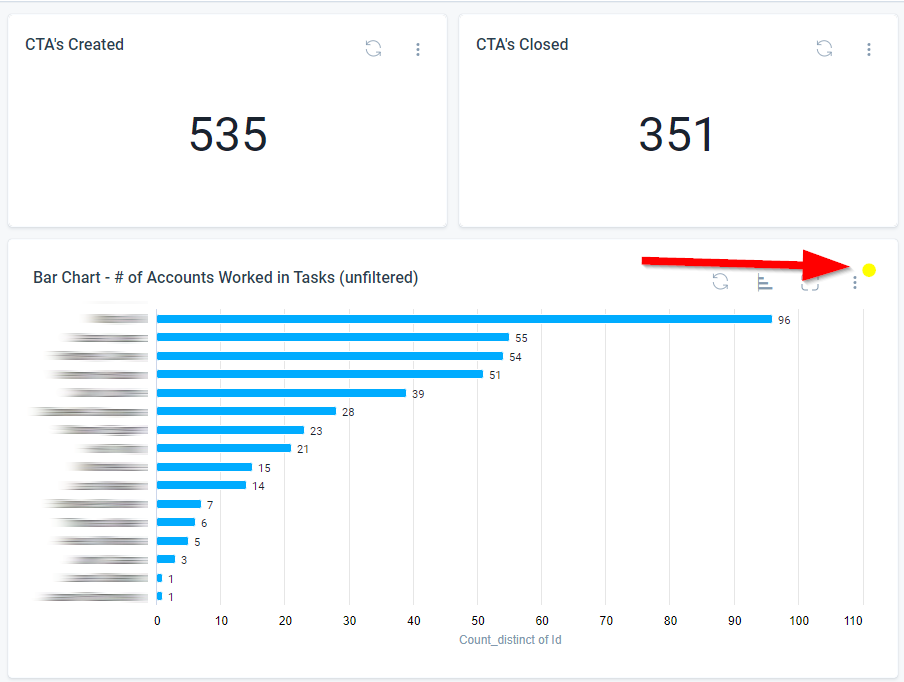
Visual Cue for Report Filters Edited by Users
It would be really helpful to add a simple visual cue on reports where a user has edited the filters for their own view.
Too often, I chase down issues that begin with “My C360 report / dashboard is not showing the data I expect” and one of the main culprits has been edited filters. While we do have a visual indicator that filters are in effect on the main dashboard views, I think it would make identifying user-edited filters much quicker and easier if there was something similar present on each report that specifically told us “Hey, this report is using filters that have been edited from the defaults”.
With something like that, I could immediately respond to an issue with “Is there a little yellow dot beside the options button in the report?” and diagnose those problems without any further effort. See my hastily-made example below...