

Banner widget available in Customization mode
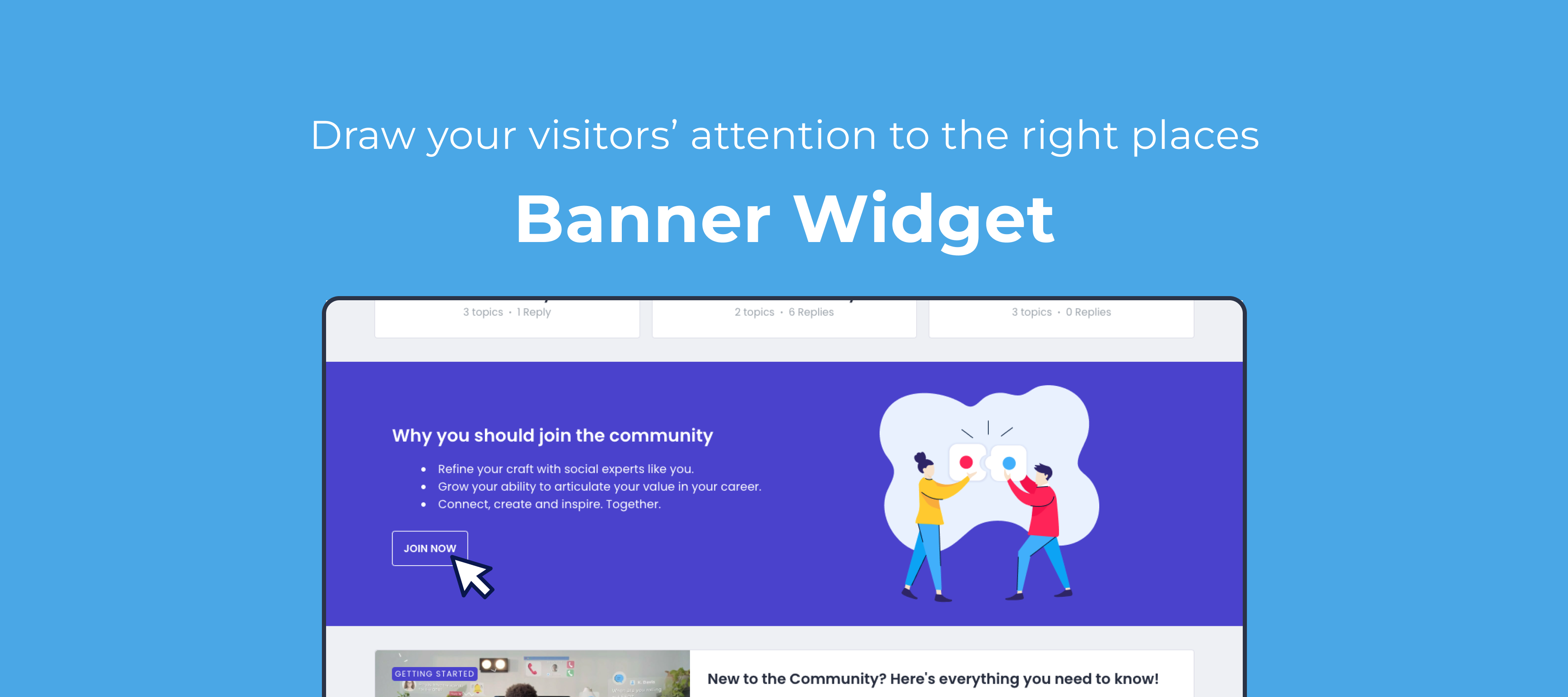
Our goal is to allow you to build the customer hub that you envision, and to tailor it to your needs. Today, we’re expanding our customisation capabilities to better direct your users to specific areas on your community by offering the all new Banner widget.
What can I use it for?
The Banner widget allows you to combine text, images, buttons and background color to create a section on your page that stands out. Here’s some use cases:
-
Improve conversion by creating a dedicated section with a clear CTA to register
-
Better drive visitors to content that you’d like your audience to engage with
-
Better draw attention to a specific announcement, and link to more details


Getting started
Just as with any widget, you can insert it by toggling Customisation mode, and clicking the + icon at the line where you want to insert it. You’ll then be able to customise:
-
Header & content (and text alignment)
-
Image (and image alignment)
-
Buttons (primary and secondary)
-
Background color
We’d love to hear from you!
-
What would you be using this widget for specifically?
-
What would make this widget even more powerful?