


From Customer Context to Action: The July 2026 Gainsight CS Release
Our July release is here and it revolves around something simple: you should be able to get the right context, act on it quickly, and understand whether those actions are making a difference.
That starts with giving AI more of the context already available in Gainsight. It continues by making it easier for you to take the next step from the same conversation. And for admins, it means new ways to build, manage, and measure customer programs without losing control over how they are configured.
Here are the highlights:
Bring More Customer Context into Your AI Workflows
Gainsight MCP can now work with more of the information already in your Gainsight instance, so you can ask questions in your own words and get answers that make sense for how your organization works.
It can now reference eligible Gainsight reports to understand your internal terminology and retrieve the right data for your question. It can also add fields or filters, change unlocked filter values, and remove unlocked filters that don’t apply.
MCP can also use the Company and Relationship filters configured on your Gainsight Home to understand what “My Portfolio” means for you. When you use that phrase in a question, it automatically applies your filters and returns the Companies or Relationships that fall within your portfolio.
From there, you can find the right people within those accounts. Ask for contacts associated with a Company or Relationship and narrow the results by details such as role or title.
For more information, refer to the Set Up Gainsight CS MCP Server Integration article.
Move from Customer Questions to Customer Actions
Finding the right information is only part of the job. You also need a clear way to act on what you learn.
Copilot and the Gainsight AI Agent in Slack now support Relationship data in addition to Company data, meaning you can ask questions across Companies and Relationships from Copilot, R360, or Slack. From there, you can create or update Timeline activities, CTAs, Success Plans, and Tasks directly from the conversation.
For a CSM, that could mean investigating an account, understanding what needs attention, and recording or assigning the next step while the context is still fresh. The result? Less switching between different areas of the platform and less distance between finding an insight and acting on it.
For more information, refer to the Copilot Overview article.
Give Admins a New Way to Work with Configurations
The Gainsight Admin CLI gives Super Admins another way to understand and manage supported configurations. After connecting an AI agent with tool-use capabilities, such as Claude, you can describe what you want to review or change in plain English. The agent then selects and runs the appropriate CLI commands before returning its findings or confirming the changes it made.
For example, you could ask the agent to:
- Summarize configurations
- Document an instance
- Identify possible gaps or redundancies
- Propose an approach for a new process
Admin CLI currently includes read and write capabilities for Data Designer Templates, Data Management, and Journey Orchestrator. At the same time, it provides read-only access for Connectors, Rules Engine, Scorecards, and Reporting.
For more information, refer to the Configure Admin CLI article.
Create the Starting Point for a JO Program with AI
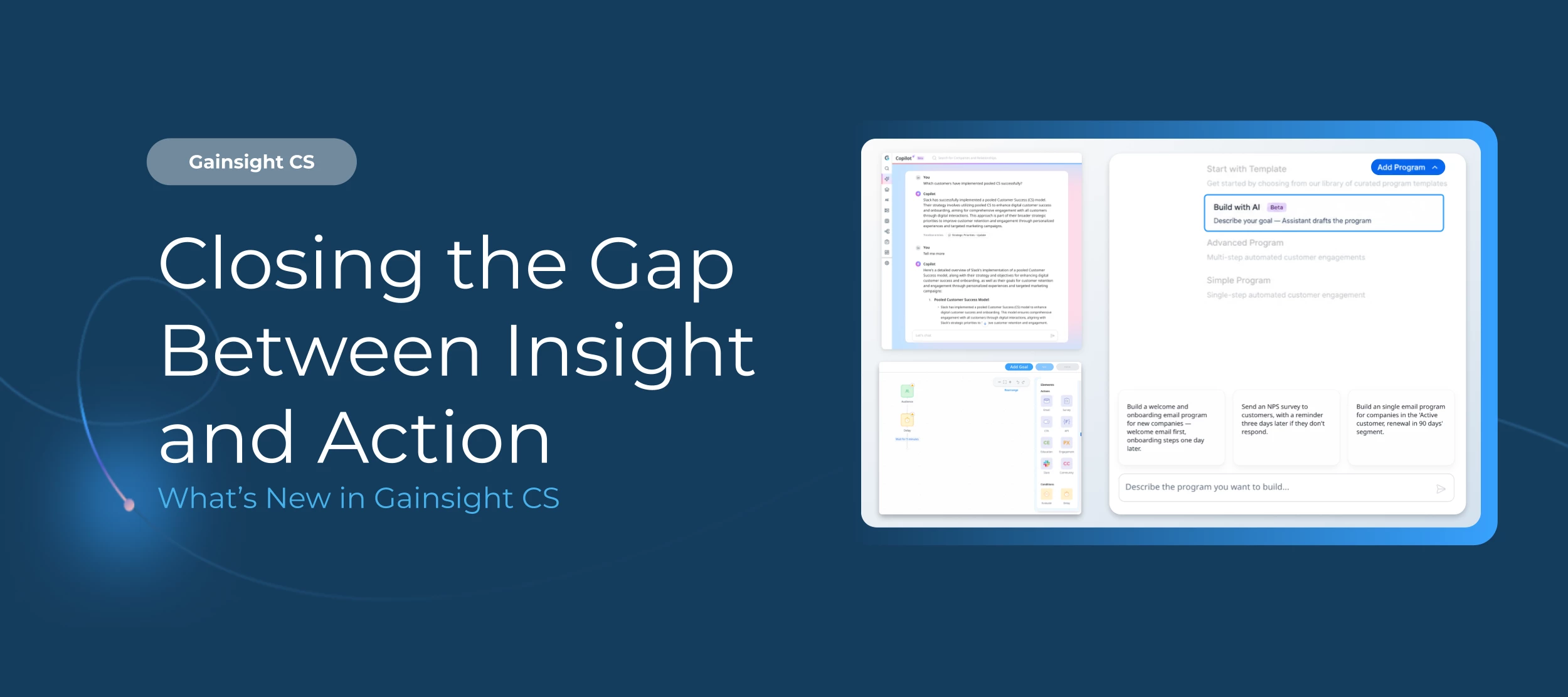
A new Journey Orchestrator program often starts with a general idea of the experience you want to create. Build with AI gives you a faster way to turn that idea into a structured first draft.
Describe the journey in your own words, whether you’re planning an onboarding program, renewal outreach, a re-engagement campaign, or a product adoption journey. The assistant then draws from resources already available in your instance, including published programs, email templates, surveys, segments, and out-of-the-box best-practice templates, to recommend a program structure.
From there, you review the audience, sequence, selected assets, and program steps, and then make any changes the journey requires.
Note: Build with AI won’t publish the program for you, and unsupported elements such as Evaluate steps or conditions still need to be added manually. You remain in control of the final experience and decide when it’s ready to publish.
For more information, refer to the Create Programs Using Build with AI article.
Measure Whether JO Programs Change Customer and Business Outcomes
Open and click rates can tell you whether someone engaged with a message, but they don’t show whether anything changed for the customer or the business. Program Goals give you a clearer way to connect a newly created JO program to a measurable result.
Admins can define goals based on changes in Company or Relationship data, such as an improved Health Score, a lifecycle stage change, or an updated renewal date. They can also map a financial field, such as Annual Recurring Revenue, to participants who meet the goal.
Once the program is live, the Goal Completion and Financial Attribution views in Program Analytics show whether participants reached the intended outcome and the value associated with those results, helping teams move beyond asking whether someone engaged with a message and truly understanding whether the program contributed to a meaningful change.
For more information, refer to the Configure Program Goals article.
Update Execution Schedules without Starting Over
Once a program goes live, its timing may still need to change as regional needs, internal schedules, or communication plans evolve. Admins can now make those updates directly within an active dynamic program by changing the execution days, time range, or time zone for email and action steps. They can also add an Action Execution Schedule even if one wasn’t configured before the program was published.
The rest of the journey stays in place, which means teams can adjust when messages and actions go out without stopping, cloning, or rebuilding the program.
For more information, refer to the Program Elements article.
Explore the Full Release
There’s more in the July 2026 release than we could cover here, with additional updates to AI Cheat Sheet, Customer Goals, Group Send, Spaces, Timeline, reporting, security, and other areas of Gainsight CS.
Dive into the full July 2026 release notes for all the details, or watch the webinar for a closer look at some of our biggest updates.