


Gainsight CC: Manage Translations at Scale with Bulk Phrase Export and Import
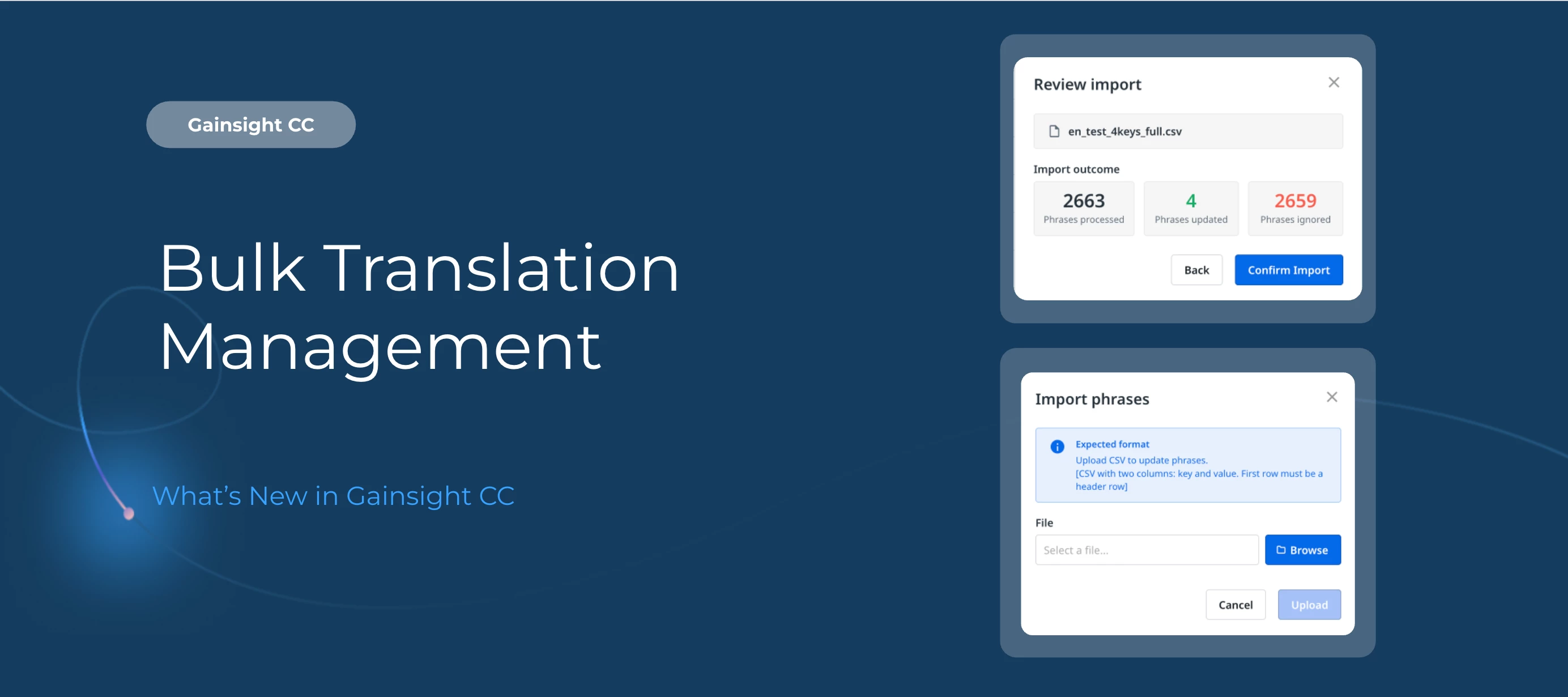
Updating community translations one phrase at a time is slow work. Now you can export your full phrase library to CSV, edit translations in bulk outside of CC, and import everything back in one go.
Here's What's New
Export phrases by language or all at once
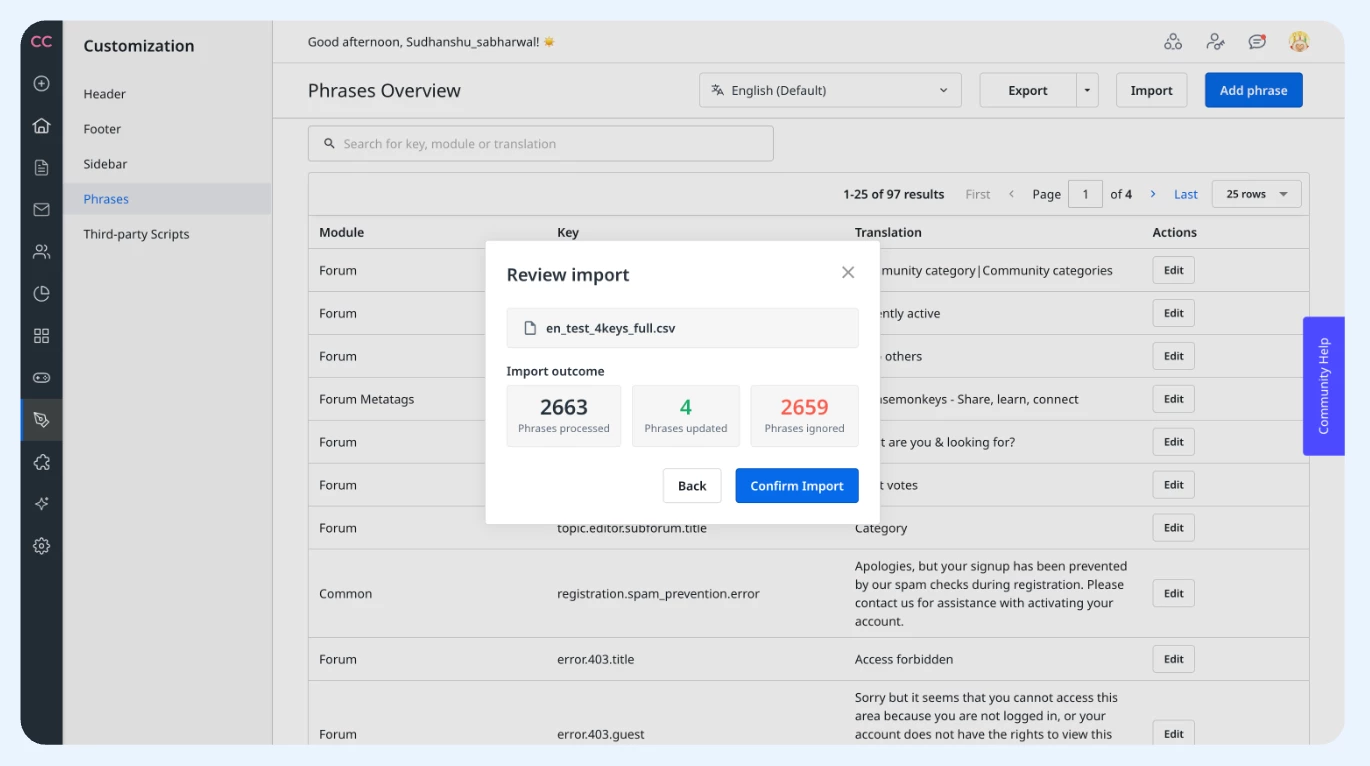
On the Phrases Overview page, select a language from the dropdown and click Export to download a CSV for that language. Need everything at once? Click the dropdown arrow next to Export and select Export all languages to get a single file covering every configured language.
A CSV format built for editing
Every exported file uses four columns: module, key, phrase, and language. The structure is simple enough to work with in any spreadsheet application, and consistent enough to import back without reformatting.
Review before you commit
When you're ready to bring translations back in, click Import on the Phrases Overview page and upload your updated CSV. Before any changes are applied, the Review Import dialog shows a summary of phrases processed, updated, and ignored, so you can confirm everything looks right first.
Getting Started
Bulk phrase export and import are available now on the Phrases Overview page in Customer Communities Control.
For more information, refer to the How to Export and Import Phrases article.
👉 Check out the Release Notes for more details.
💬 Have a question for