

Gainsight CC: Richer Community Insights, Smarter Profiles, and More Accurate Idea Data
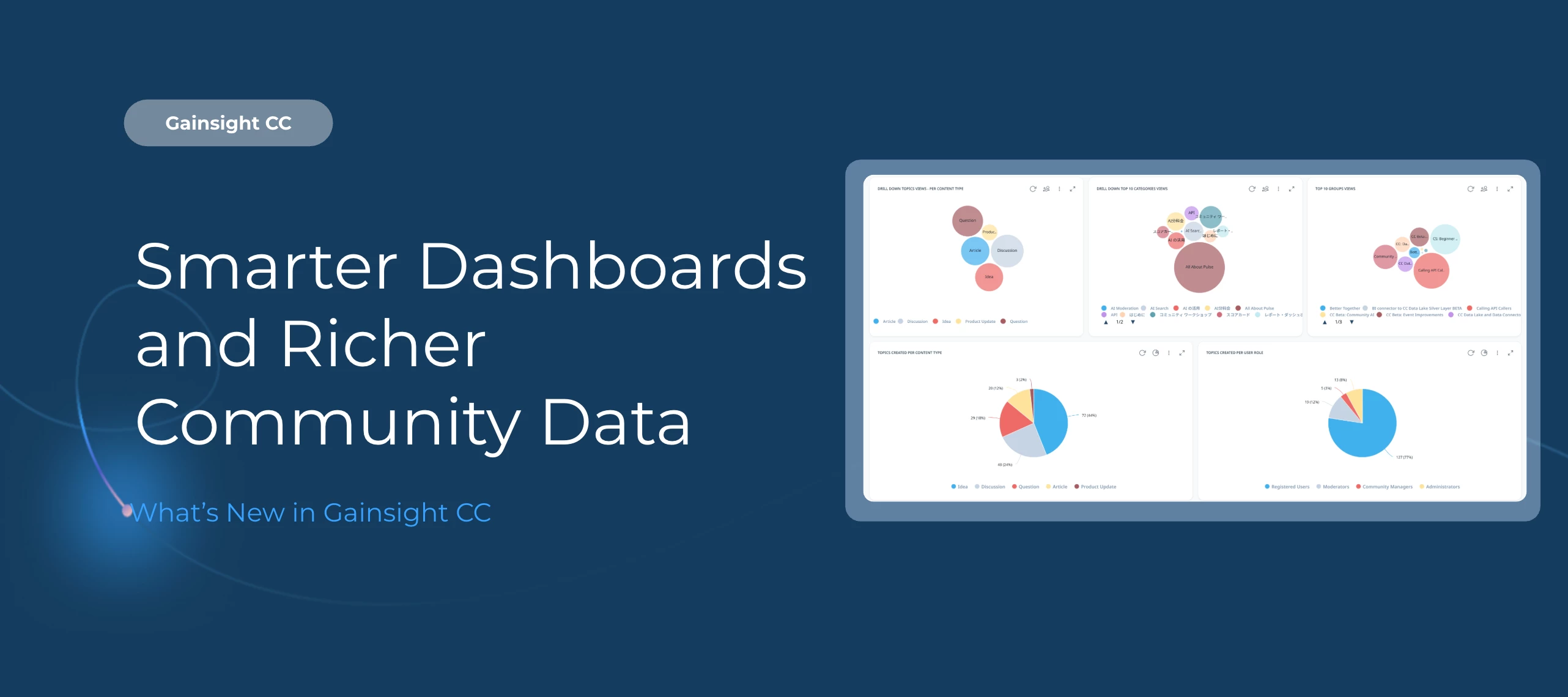
Nine out-of-the-box Community Dashboards are now generally available, five of them have been enhanced with deeper analytics, Profile Field Mapping now supports all CS objects, and Idea Export v2 now delivers complete, all-time vote counts.
Here’s What’s New
Nine Out-of-the-Box Dashboards Generally Available on August 27th
All Gainsight CC customer will have access to nine purpose-built dashboards covering community activity, customer engagement, Q&A trends, and more. Each dashboard includes modern visualizations and a built-in KPI reference guide.
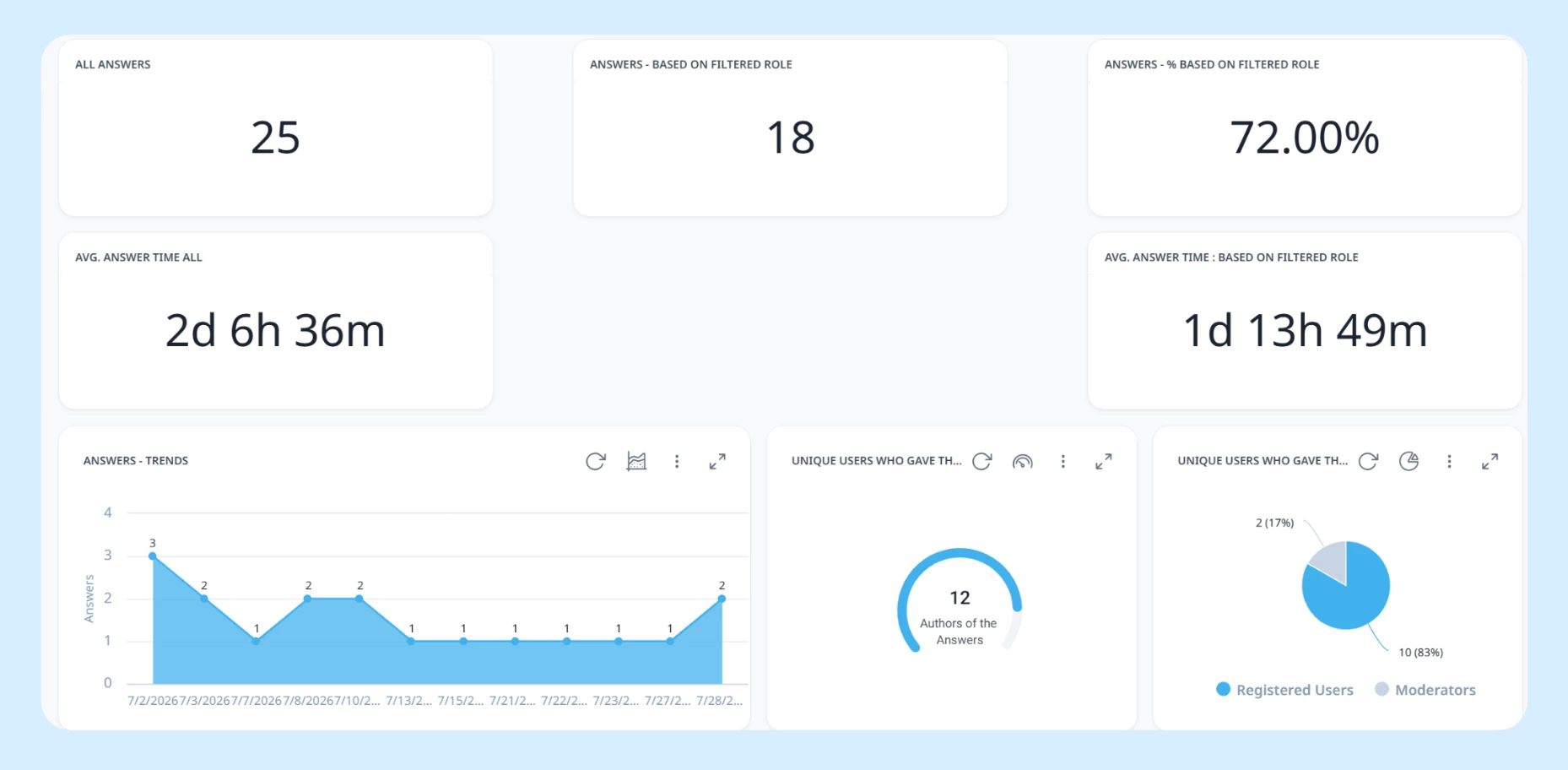
The full set includes:
-
Audience Dashboard
-
Content Dashboard
-
Engagement Dashboard
-
Product Feedback Dashboard
-
Q&A Dashboard
-
Self-Service Dashboard
-
Subscription Status
-
Subscription Trend
-
User Dashboard
Navigate to Analytics > New Dashboards to get started.
Enhanced Dashboards with Deeper Drill-Downs and Trend Data
Five dashboards have been updated with new widgets, trend charts, and drill-down capabilities.
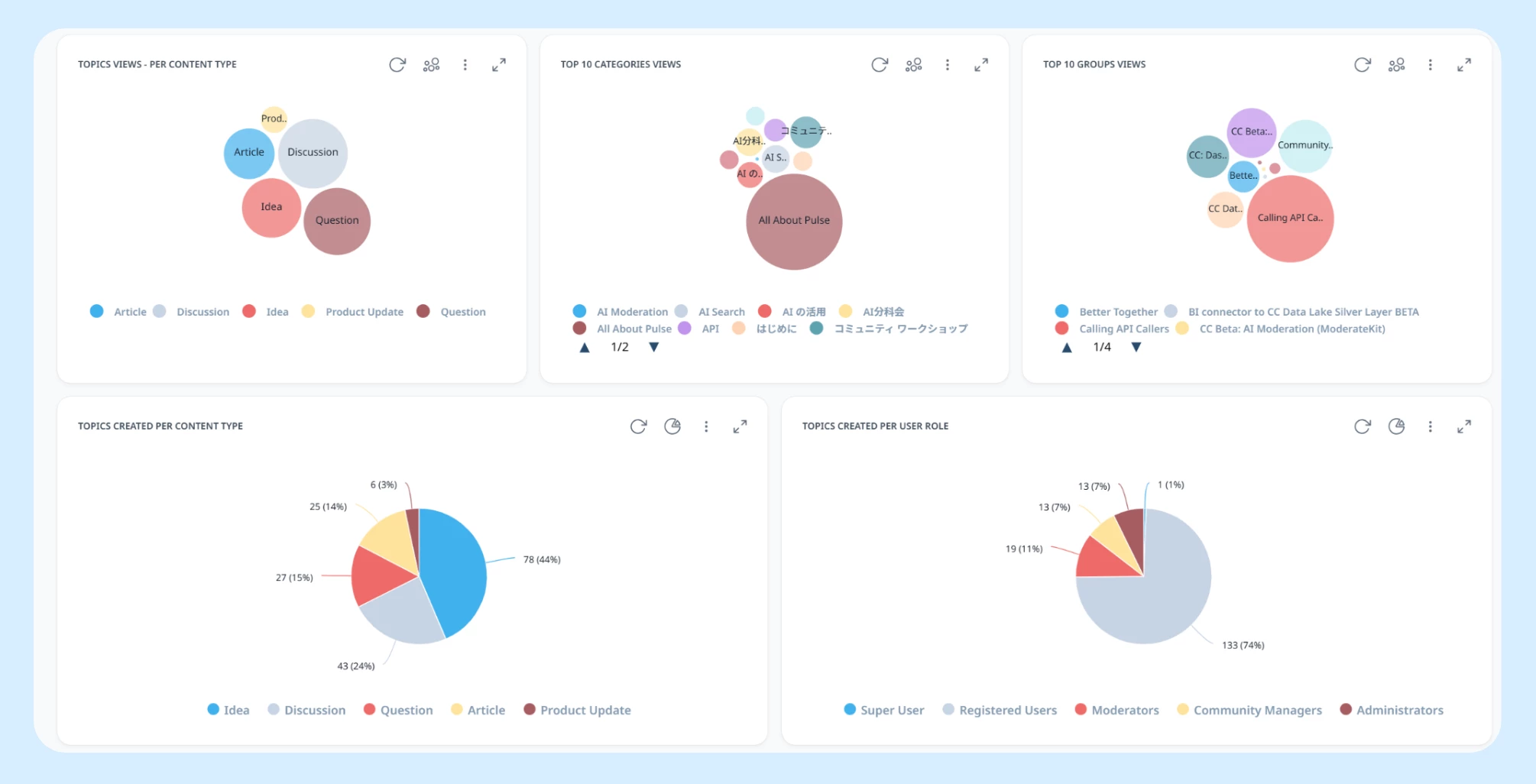
Q&A Dashboard: New trend charts for questions and answers over time, plus widgets for unique questioners and best answer contributors. A new role breakdown chart shows the split between peer and employee contributions.
User Dashboard: New drill-downs on registrations, posts, and reactions let you click through to individual user details. A new Active Users KPI captures anyone who posted or reacted in a given period, and three new trend charts track total active users, users with at least one post, and reaction-only users.
Content Dashboard: New view breakdowns by category, content type, and group, plus a total topic views scorecard. A helpfulness votes split chart and post drill-downs round out the updates. Popular Categories and Popular Topics tables now include IDs.
Subscription Dashboards: A new scorecard and trend chart track Events page subscriptions, with drill-down into individual subscribers and unsubscribers.
Map Any CS Object to Community User Profiles
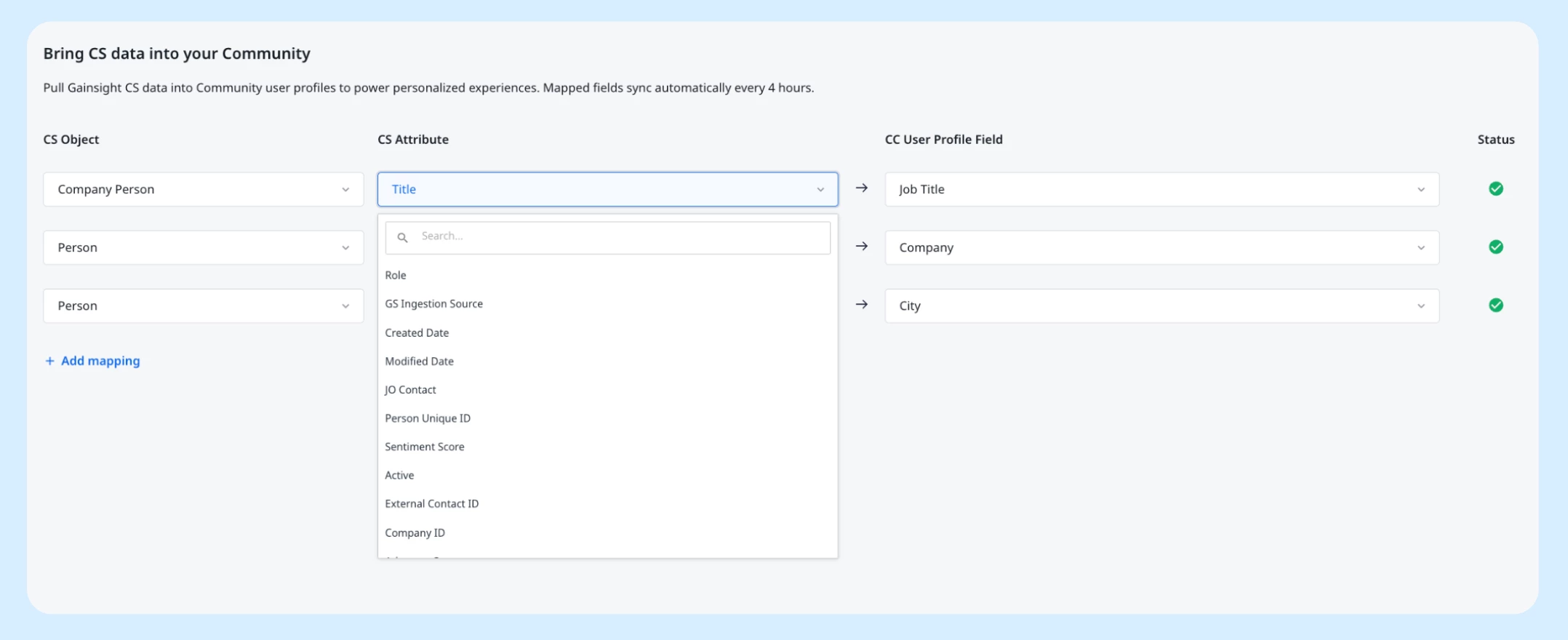
Profile Field Mapping now supports all available CS objects, including all standard and custom objects. Community managers can pull in data from any part of the customer record in CS, making community profiles richer and more useful for personalization and segmentation.
Complete Vote History in Idea Export v2
Idea Export v2 previously only included votes cast from January 1, 2021 onwards, which could cause discrepancies between exported totals and what appeared in Control. Exports now reflect the complete, all-time vote count for every idea. The previous "Historical Date Limits" note has been removed.
Getting Started
Dashboards are available now at Analytics > New Dashboards in Customer Communities Control. Profile Field Mapping is configurable from the User Profile Fields Mapping settings in Control. The Idea Export fix is applied automatically with no configuration required.
Thank you to
👉 Check out the Release Notes for more details.
💬 Have a question for