


Gainsight CS: Spot the Right Customer Signals and Act with Better Context
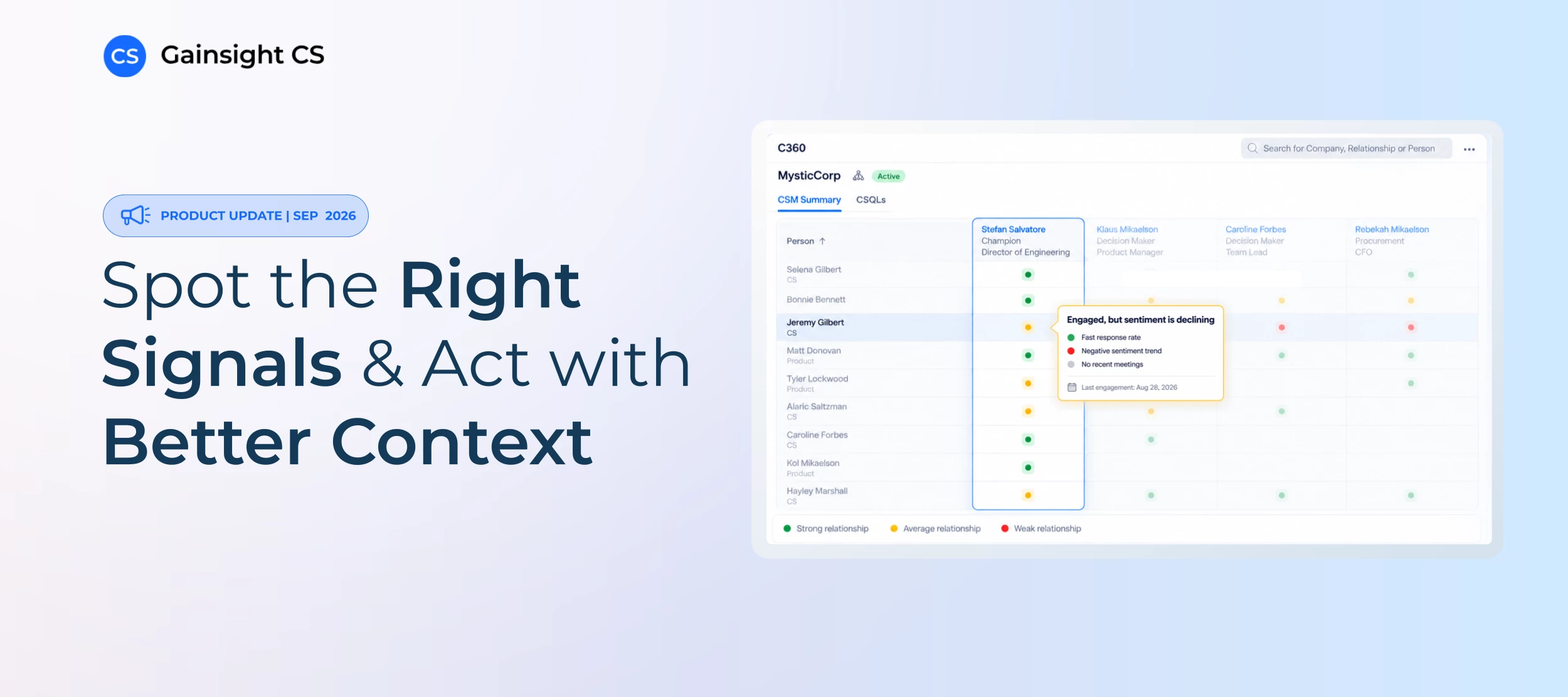
Our September 2026 release is here, and it gives teams more control over the workflows behind their CS motions, more visibility into how their teams are using AI, and better ways to understand what’s happening across customer relationships, stakeholders, and conversations.
Build More Flexible Journey Orchestrator Programs
As digital programs grow, admins need better ways to manage complexity without rebuilding the same logic or maintaining workarounds outside Journey Orchestrator.
This release gives them two additional ways to do that:
- Clone configured Evaluate elements: Reuse branching logic within a Draft program, then adjust only the conditions that need to change.
- Exclude participants from another program: Reference another program directly instead of exporting and uploading separate CSV exclusion lists.
For example, if your onboarding and adoption programs use similar branching logic, you can clone an existing Evaluate step instead of rebuilding it. And if customers already enrolled in a renewal program shouldn’t receive a separate campaign, you can exclude them directly from that program before you publish.
Get a Clearer View of How Your Team Uses AI
As teams bring AI into more of their work through the likes of Model Context Protocol (MCP), it’s becoming increasingly important to understand how — and why — people are using it.
The new CS MCP Logs object offers visibility into just that by recording AI tool calls across Copilot, the Gainsight AI Agent in Slack, and Gainsight CS MCP, so admins can report on:
- Who initiated the request
- Which tool was used
- Where the request came from
- The status of the tool call
A new Update Source field for CTAs and Success Plans adds another layer of visibility by showing admins whether a record was created or last updated through Copilot or CS MCP.
Keep Customer Activity Connected to the Right Relationship
Better workflows matter most when the customer context inside them stays accurate.
Relationship Resolution, now in beta, ensures that by automatically mapping eligible AI-generated meeting follow-ups (via AI Follow-Up) and auto-captured emails (via Auto Email Capture) to the appropriate product-level Relationship in Timeline. (If Gainsight cannot determine the right Relationship, it keeps the activity at the Company level.)
For teams that manage multiple products or business lines within the same customer, that creates a more accurate view of where conversations actually happen. So instead of blending every interaction into one Company history, teams can see activity in the Relationship where it belongs.
Understand How Stakeholder Relationships Are Changing
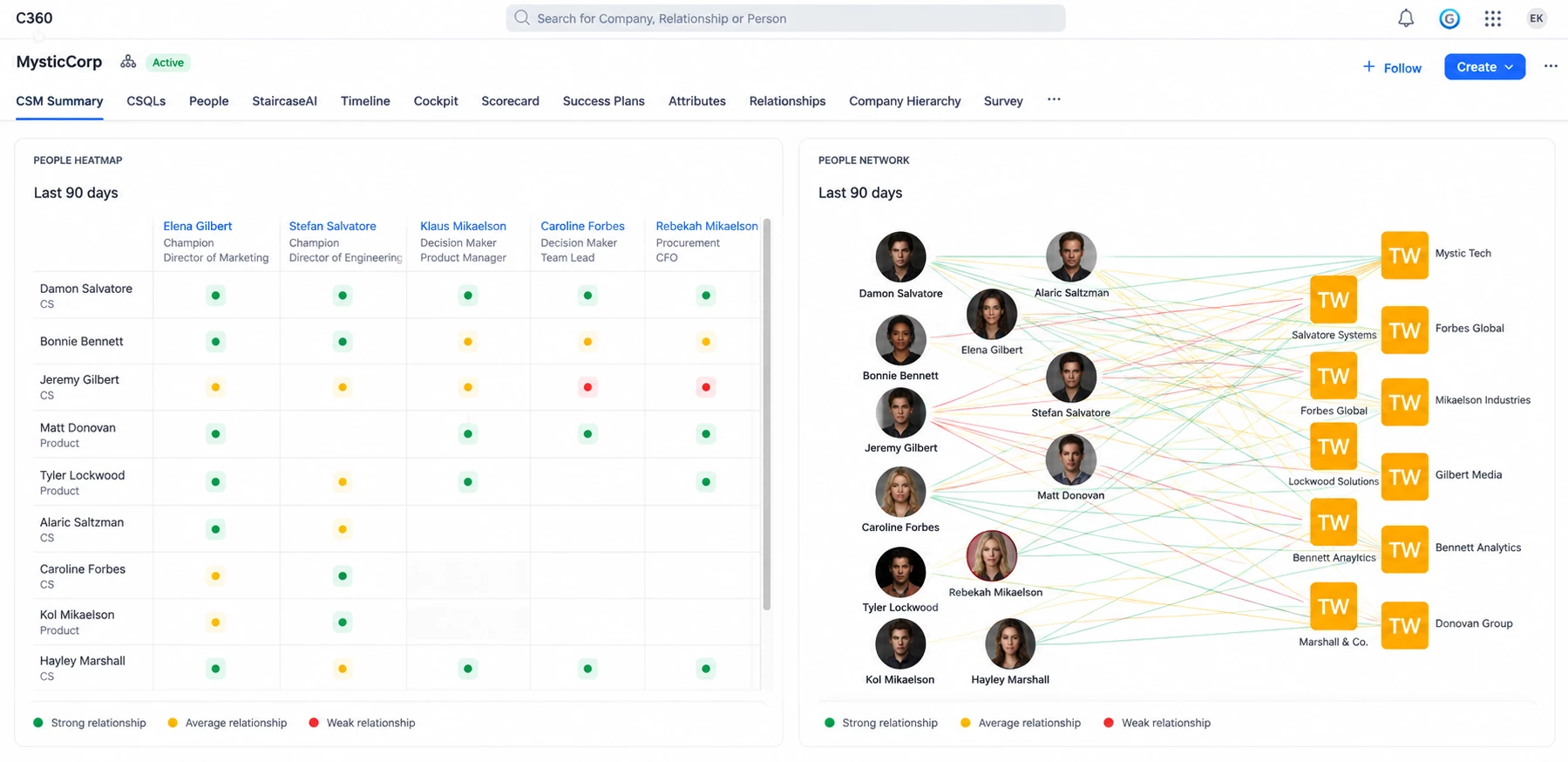
A relationship can look healthy on paper while the dynamics behind it start to shift. For Gainsight CS + Staircase customers, People Heatmap and People Network bring stakeholder engagement into C360 so teams can:
- See relationship strength over the previous 90 days
- Open the underlying communication history
- Understand where stakeholder connections look strong or weak
Teams can also surface signals such as disengagement, lack of outreach, title changes, and personnel changes, which all offer a clearer picture of where relationship gaps may exist and which stakeholders may need attention.
Ask Better Questions About What Customers Are Saying
Once you can see that something is changing, the next step is understanding what’s behind it.
For joint Gainsight CS + Staircase customers, Ask Staircase now works in Copilot, the Gainsight AI Agent in Slack, and Gainsight CS MCP. That brings Staircase communication intelligence into the places CSMs already work, so they can investigate account questions without switching between tools.
From there, CSMs can ask qualitative, account-specific questions based on customer communication history across emails, meetings, calls, support tickets, and escalations.
For example:
- What is the current sentiment for Acme?
- Summarize the Acme account using Staircase and Timeline.
- What risks are showing up for TechCorp?
When available, Staircase citations can also appear inline so users can trace an insight back to its source, which can make it especially useful when a CSM is preparing for a call, reviewing risk, or trying to understand a change in sentiment.
A Few More Updates to Explore
- More precise Timeline configuration: Configure activity types for AI Follow-Up and Auto Email Capture based on how your team works.
- Custom AI Follow-Up merge windows: Control how related activities get grouped in Timeline.
- Direct access to Gong.io and Salesloft recordings: Open supported recordings from Timeline without jumping back to the source system.
- More control over Company Status visibility: Decide where Company Status appears across C360 and the sidebar experience.
- Greater flexibility in Gainsight Home: Adjust Summary Ribbon placement to better fit how teams use the page.
- More secure sharing options: Use OTP verification across additional report and dashboard sharing formats.
See Everything in Action
Want to see how the biggest updates work in practice? Watch the on-demand recording of our release webinar below or explore the release notes.