


Gainsight PX: Define and Apply Consistent Branding Across PX Engagements
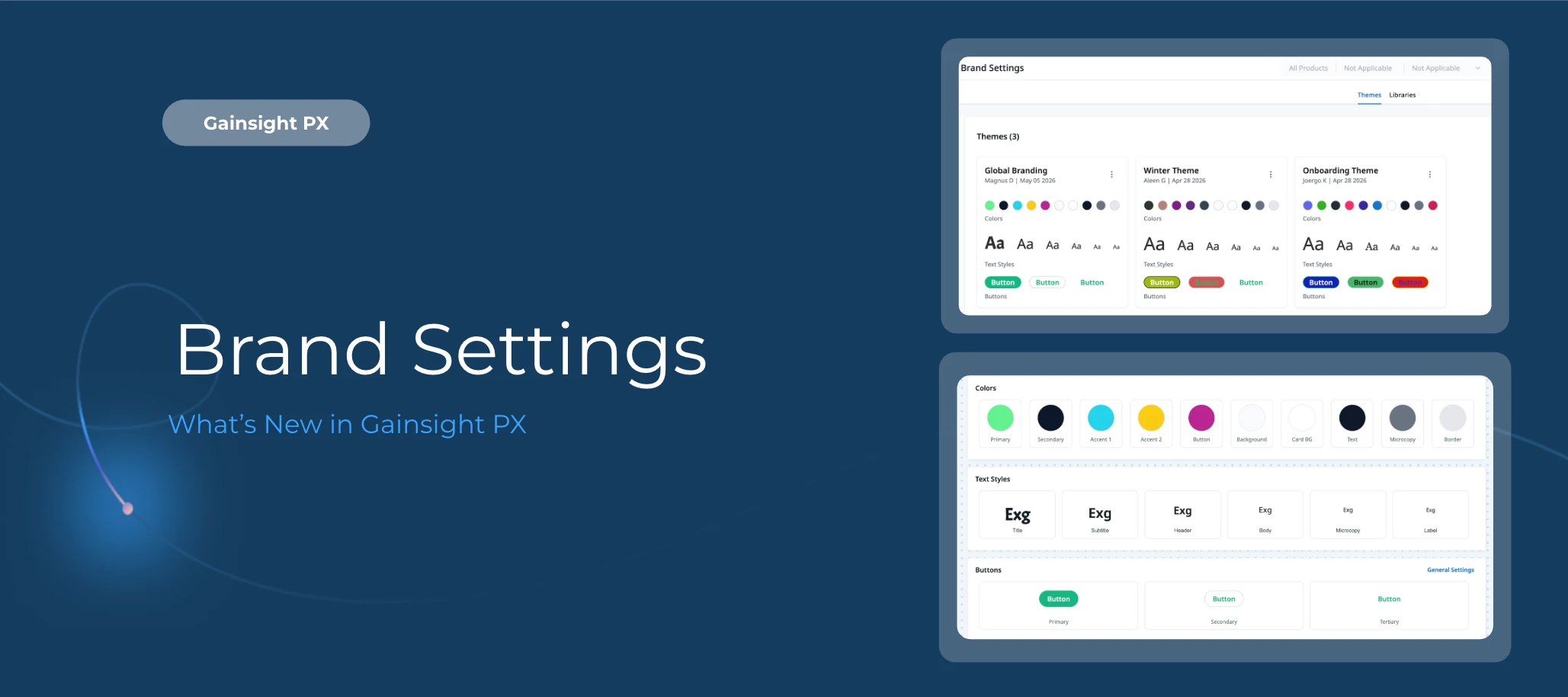
Brand Settings gives you a centralized place to define and manage design themes for Guide V2 engagements. Configure your branding once, and those settings carry across every in-app engagement automatically, no repetitive styling or manual rework required.
Here's What's New
Centralized Theme Management Define and manage all brand elements from a single location, keeping every PX engagement aligned to your brand standards.
Reusable and Scalable Design Assets Create reusable design tokens for colors, typography, and button styles, then apply them across engagements to maintain consistency with minimal effort.
Cross-Engagement Consistency Apply one theme across multiple engagements to deliver a cohesive end-user experience without manual reconfiguration.
Brand Compliance Standardize design rules and minimize ad-hoc style variations to keep your brand in control across every touchpoint.
Font Library Management Add Google Fonts centrally and apply them across themes, ensuring consistent typography without manual updates per engagement.
Getting Started
Brand Settings is available in your PX account now. For more information, refer to the Brand Settings article.
👉 Check out the Release Notes for more details.
💬 Have a question for our team? Drop a comment below!