

Gainsight PX: Embed Third-Party Experiences Directly in In-App Hub
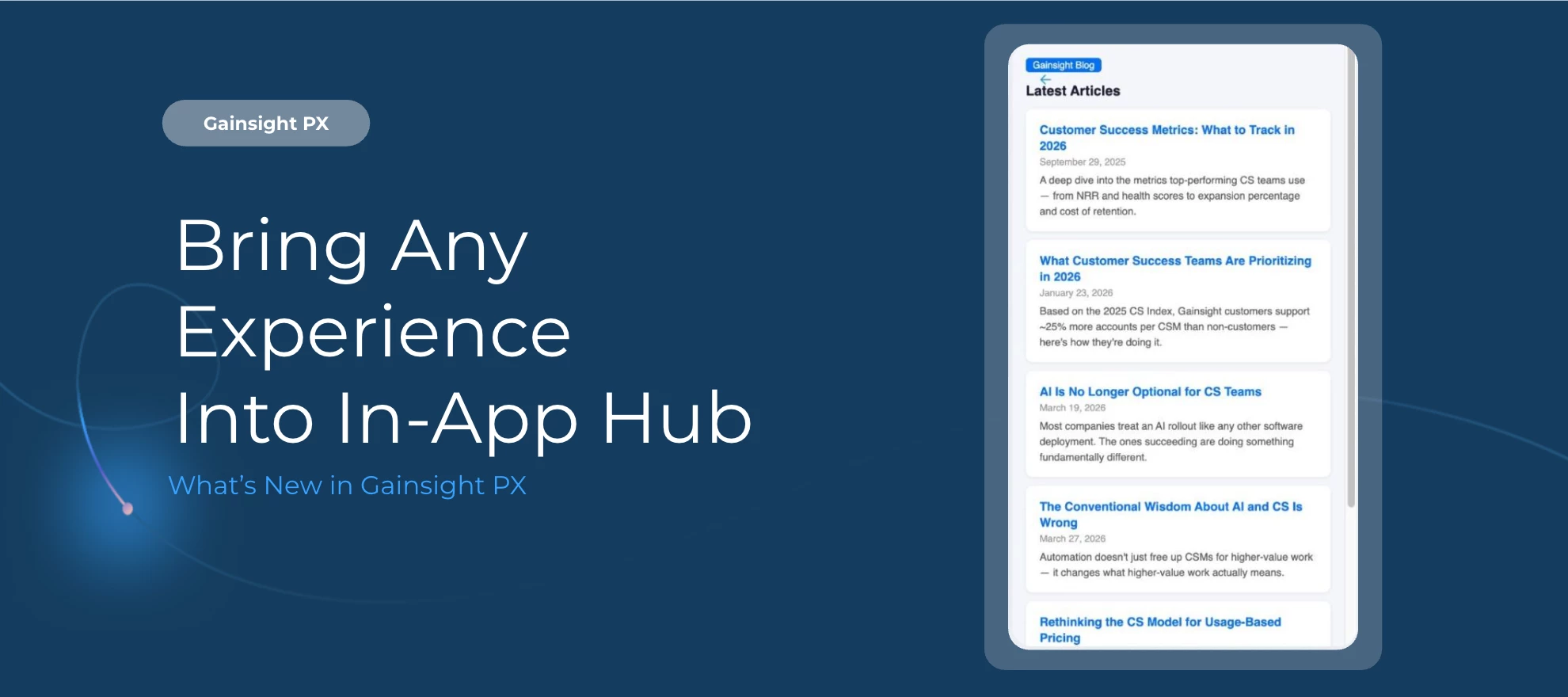
You can now bring external tools and applications into In-App Hub using custom HTML, CSS, and JavaScript, so users get everything they need without switching context.
Here's What's New
Embed third-party tools inside your product
Custom Embed lets you integrate chatbots, search solutions, or any other external experience directly within In-App Hub. Users can complete tasks across tools without ever navigating away from your product.
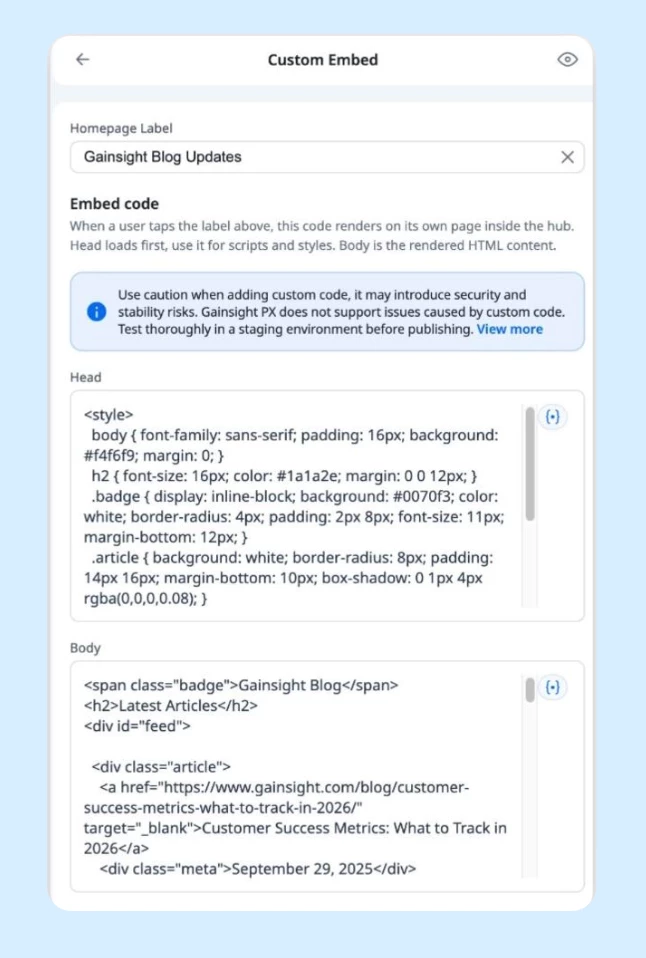
Personalize embedded content with dynamic variables
Use user, account, or Global Context data to tailor the embedded experience for each individual. Pass the right context automatically, without manual configuration.
Keep your stack connected
Leverage existing integrations within your product experience and extend In-App Hub beyond native content, all while keeping users where they are.
Getting Started
Custom Embed is configurable from the In-App Hub editor under widget settings in your PX account.
For more information, refer to the Configure In-App Hub article.
Enhancements
View Detailed Data Powering Dashboard Widgets
You can now inspect the underlying user and account data behind key dashboard widgets without exporting a file, building a segment, or creating a separate report:
-
Select the View Data option directly from the New Accounts, Active Accounts, New Users, or Active Users widgets to see the records driving that number, filtered by your current time range and filters applied.
-
From there, you can search, apply additional filters, export as CSV, create segments, or navigate directly to a selected User Profile (click on avatar icon at start of the row) or a selected Account’s Drill Down view depending on the widget.
For more information, refer to the Configure PX Dashboards article.
Production-Only Reporting for Weekly Email Reports
Weekly email reports now reflect production environment data only. Data from staging, QA, and integration environments is excluded from calculations and summaries, so the metrics in your weekly reports more accurately represent real product activity.
👉 Check out the Release Notes for more details.
💬 Have a question for