

Improved tracking of Unique Visitors in the Audience Dashboard
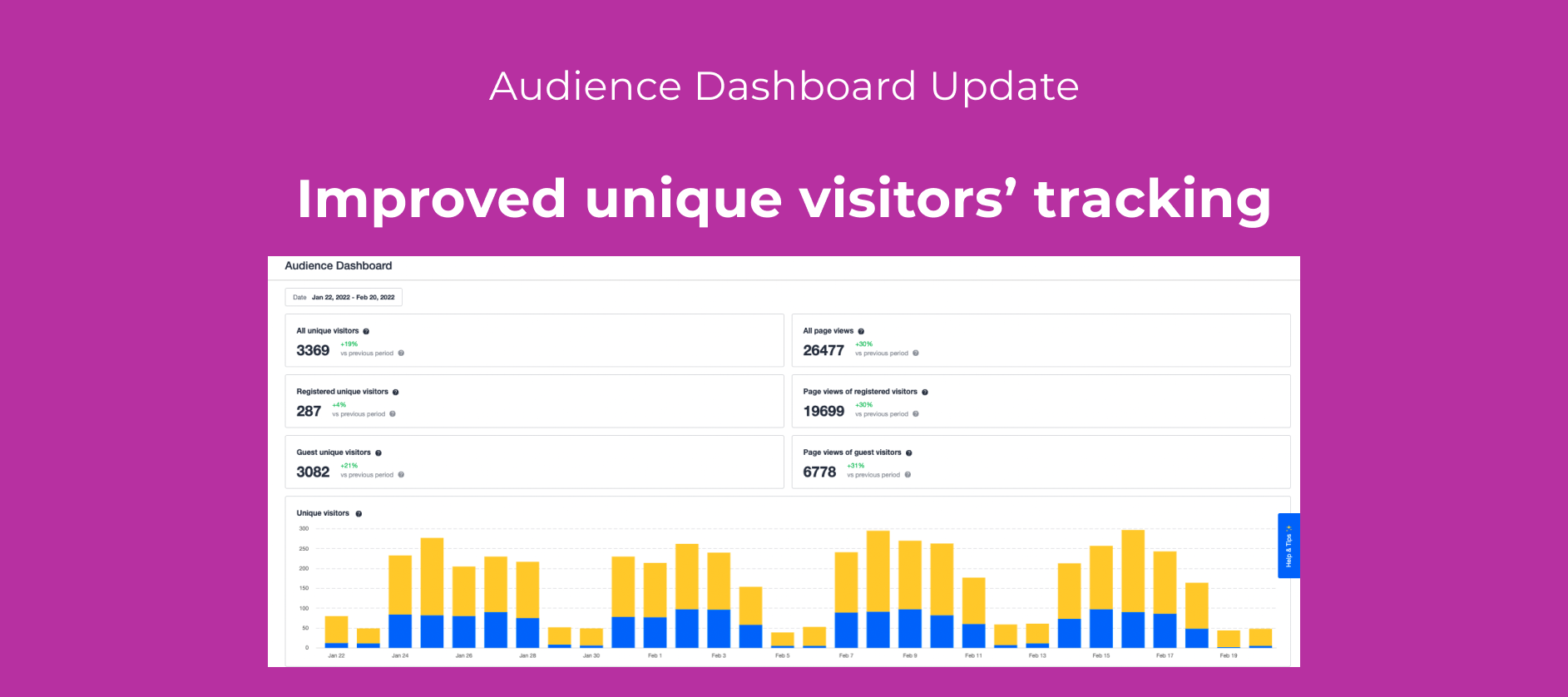
📺 We're excited to announce that we have updated the unique visitors' dashboard.
-
We increased the accuracy of unique visitors' reporting by cross-referencing a visitor tracking cookie with the unique visitor id.
Why are you doing this?
We get several questions from our customers on the unique visitors' data.
We aim to provide the most accurate visitor numbers for our communities, and this enhancement closes several of the identified sources of discrepancies, namely:
- If a user visited the community several times before registering, we would count all those visits as unregistered visits and not link them to a registered user (when a visitor registers).
- If a user used different devices, we measured the access from each device separately.
How are we achieving more accurate results?
To track unique visitors, we used a tracking cookie, and every time we saw the tracking cookie again, we would add it to that visitor.
We now merge two data points: the tracking cookie and the unique user id. Once a user logs in, we link the cookie to a user id and update all the prior visits attributing them to the registered user. In the same way, if a user has multiple devices and logs in to the platform, we attribute all the different tracking cookies to a unique user id.
In which situation are inSided numbers less accurate?
Accurately tracking visitors to a web page or any SaaS product will never be perfect because there are cases for which counting is not possible and the user does not want to be tracked, namely:
- Users clear their cookies often.
- Users disable tracking cookies.
- Users use incognito mode to access websites.
InSided visitors analytics will be more accurate over longer time intervals and provide a good overview of trends for visitors into a community.
What more do I need to know?
This product update is an improvement for the Audience Dashboard and builds on this product update.
Any plans to improve the Audience Dashboard further?
Not yet planned, but we are considering the following ideas:
- Add more filtering options to the audience dashboard
- Show the number of sessions on the Audience Dashboard
- Integrate Embeddable Widget Metrics into Community Analytics
- Build your own dashboard feature
If any of those is crucial for you, please upvote to harness the power of the community.
As always, we'd love to hear your feedback or any questions you have about this release.