

Improvements on the moderation overviews
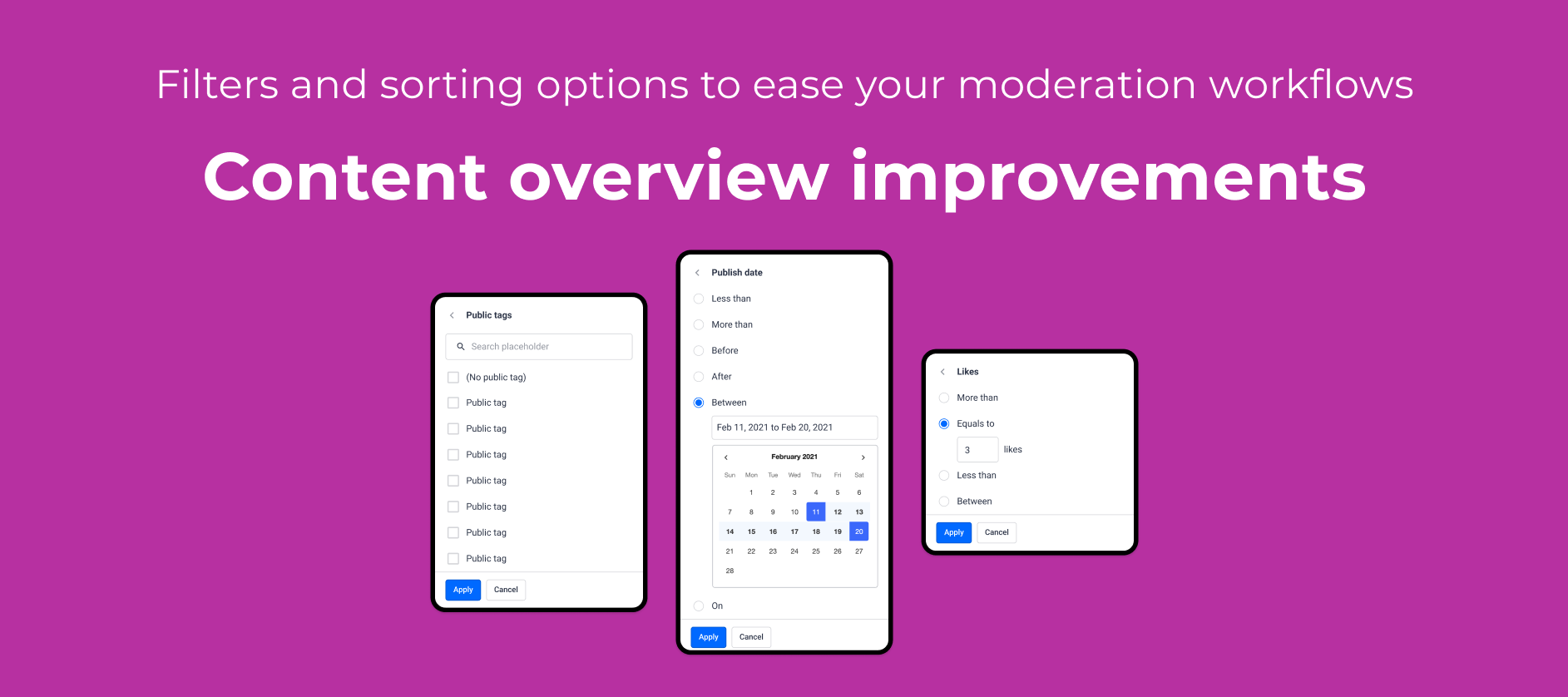
Table of Contents:
Old vs. new Moderation Overview
We have released the new moderation overview for a while now and, as many of you noticed, the old moderation was offering a wider range of filters and sorting option than the new one. Almost a third of our customer base are active on a regular basis on the old moderation overview so we decided to look into how we can improve the new moderation overviews so that it serves its purpose in the best way possible.
The starting point is to bring over the filters, sorting options and bulk actions that have not yet been moved, followed by enabling certain functionalities for all content types, strengthening and unifying the overview, while also enabling the opportunity to enrich the content-specific overviews with a wider filtering options. Last but not least, certain functionalities, for example the content flagging feature, will need to be rebuild, getting us closer to the point where we will be able to retire the legacy overview.
A long way ahead of us but progress requires small and consistent steps. For now, let’s look at the latest additions to the new moderation overview ✌️
Filters now available in the new moderation overview
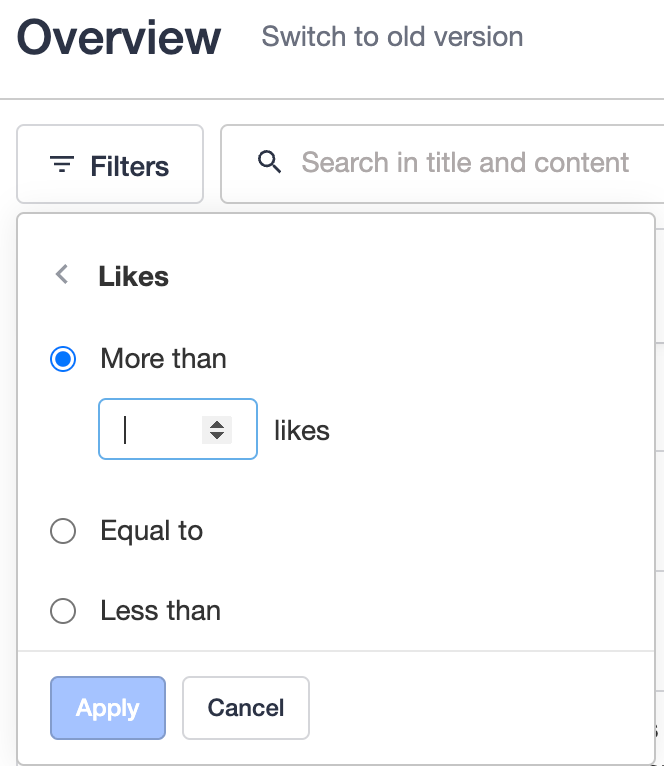
Filter by number of likes
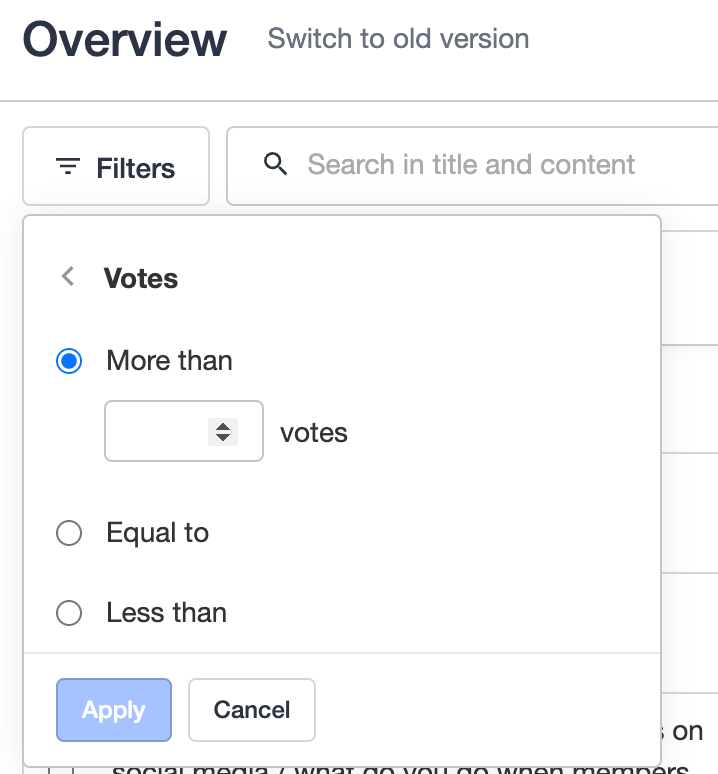
Filter by number of votes
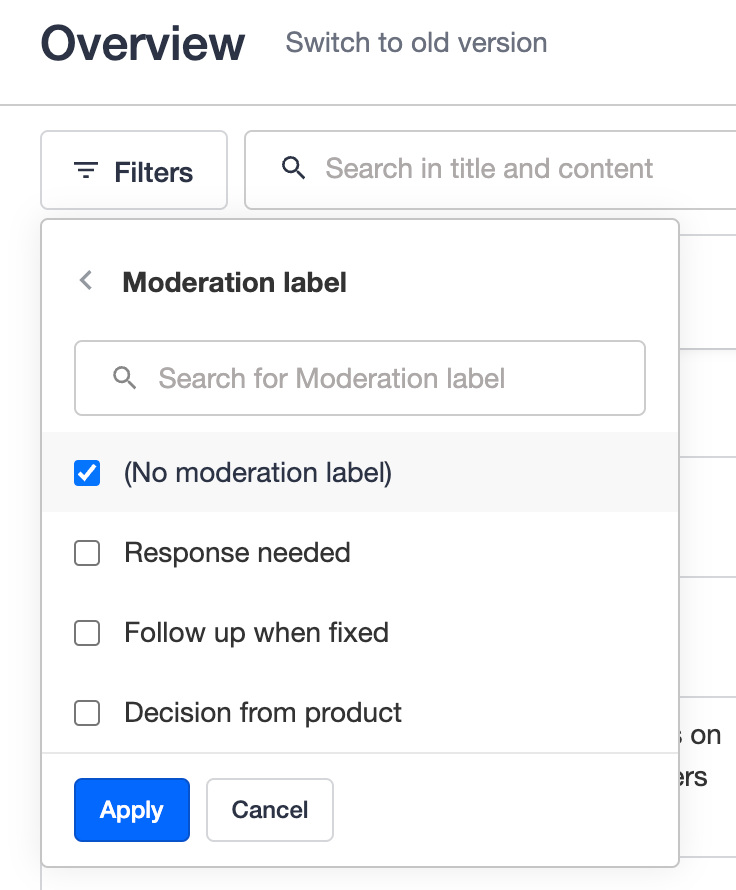
Filter on topics without a moderation label assigned
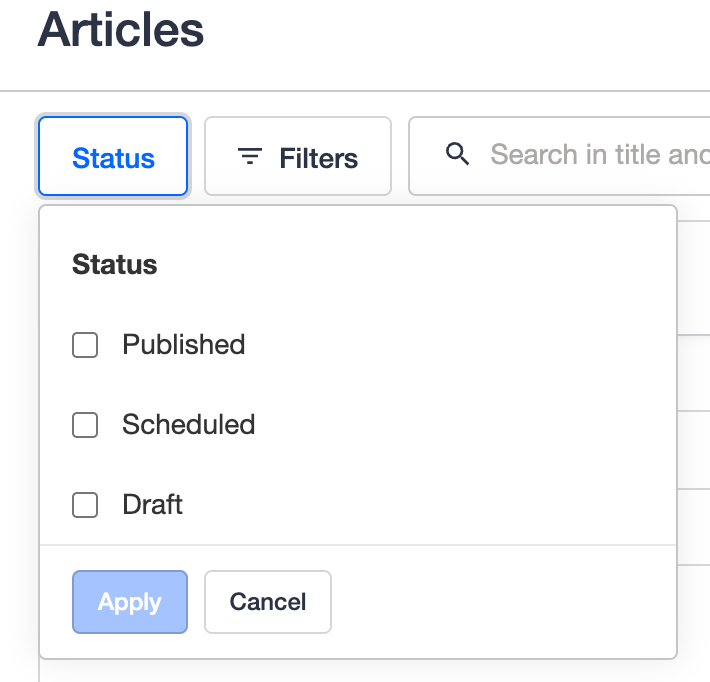
Filter the Articles and Product Updates by Status
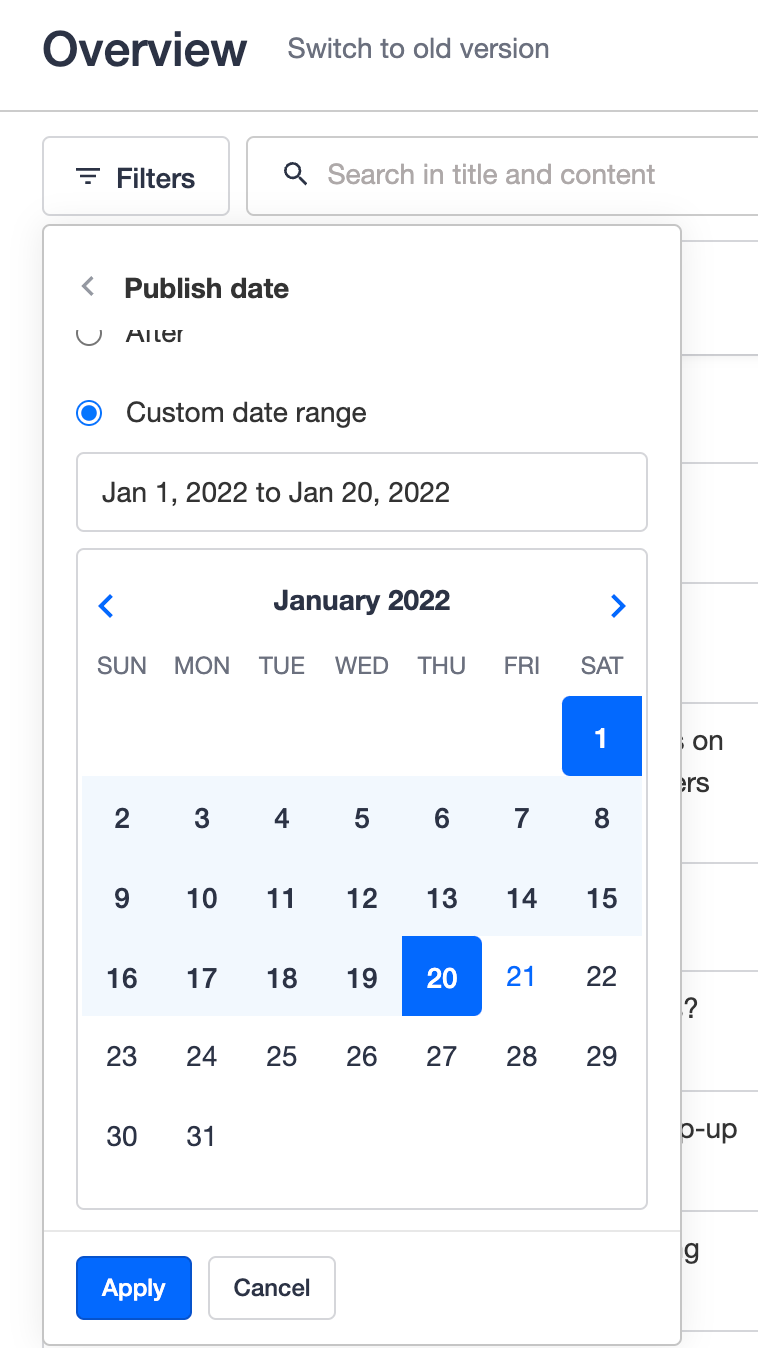
Filter topics published & with last activity “Between” a date range
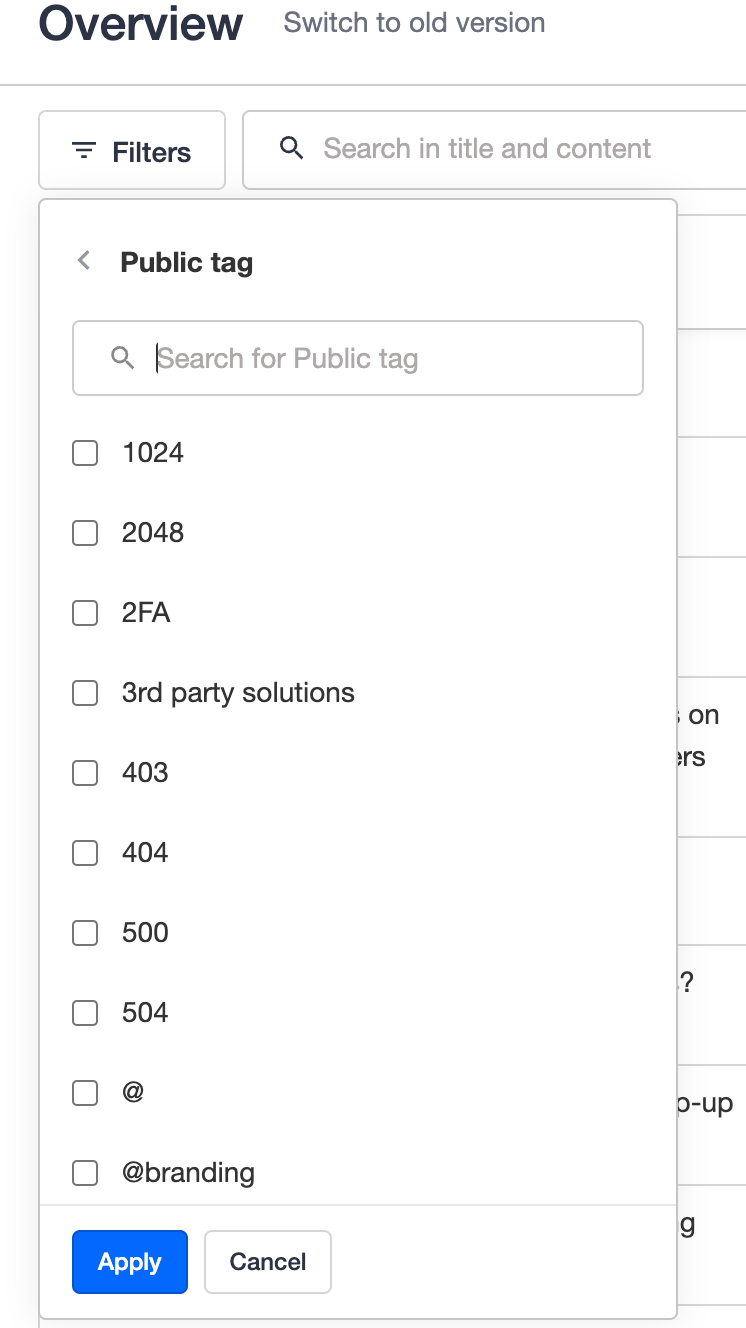
Filter topics by public tags
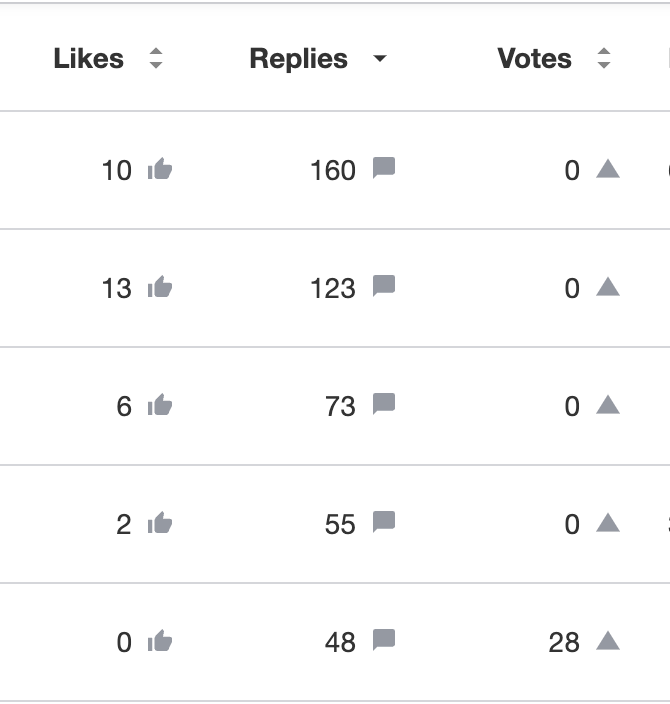
Sorting options on the moderation overview table
Sort the content table by number of likes, replies and votes
Some UI improvements
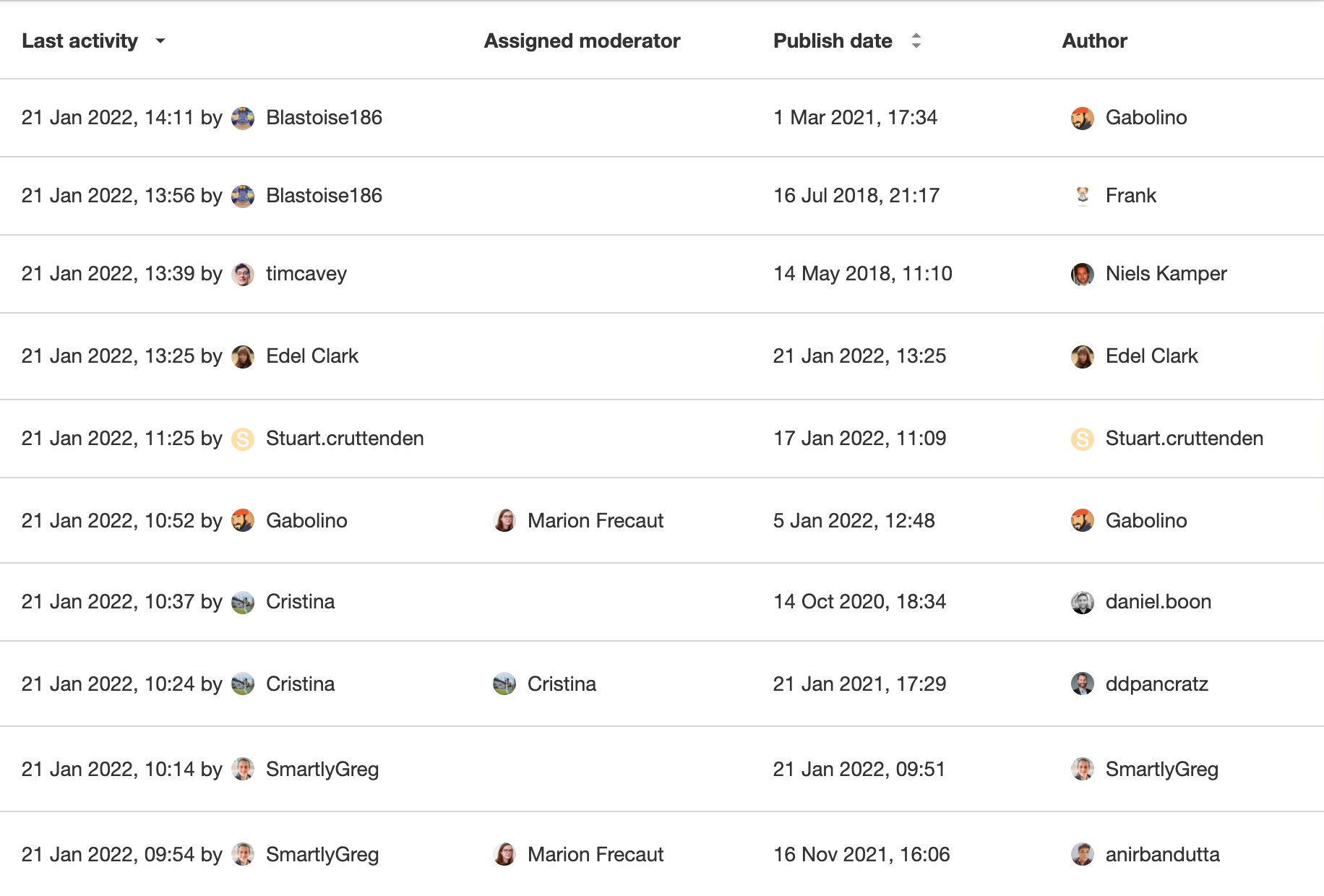
- The content table is more compact now
- We adjusted the width of filters to keep them consistent
- The usernames displayed on different columns are now consistent and can be clicked to navigate to the user’s profile page in Control
Upcoming improvements
- ‘Unread by team’ functionality will be added to ideas and product updates, making it also available on the content table of moderation overview.
- Ability to filter ‘Closed’ or unclosed topics, including adding a small UI element to show on the overview if a topic is closed or not.
- A new column on the content table of the moderation overview to show the number of views received by a topic, with the ability to sort the table by this column
- Some more filters to be added on the global moderation overview: ‘Author’; ‘Article label’; ‘Product update label’; ‘Status’; ‘Views’; ‘Replied by moderator’ are just a few ideas we currently have.
- An array of bulk actions that would save time organising the content
- More flexibility & reliability with saving custom views
- New content-specific overviews sharing the same set of filters and actions as the global one.
Our goal is to enable all moderation teams to ‘work smart’ and get valuable actionable insights from the content overviews, so feel free to share your thoughts and feedback in the comments. 🙏