

Introducing Custom Pages: Add unique, customizable pages to the customer hub
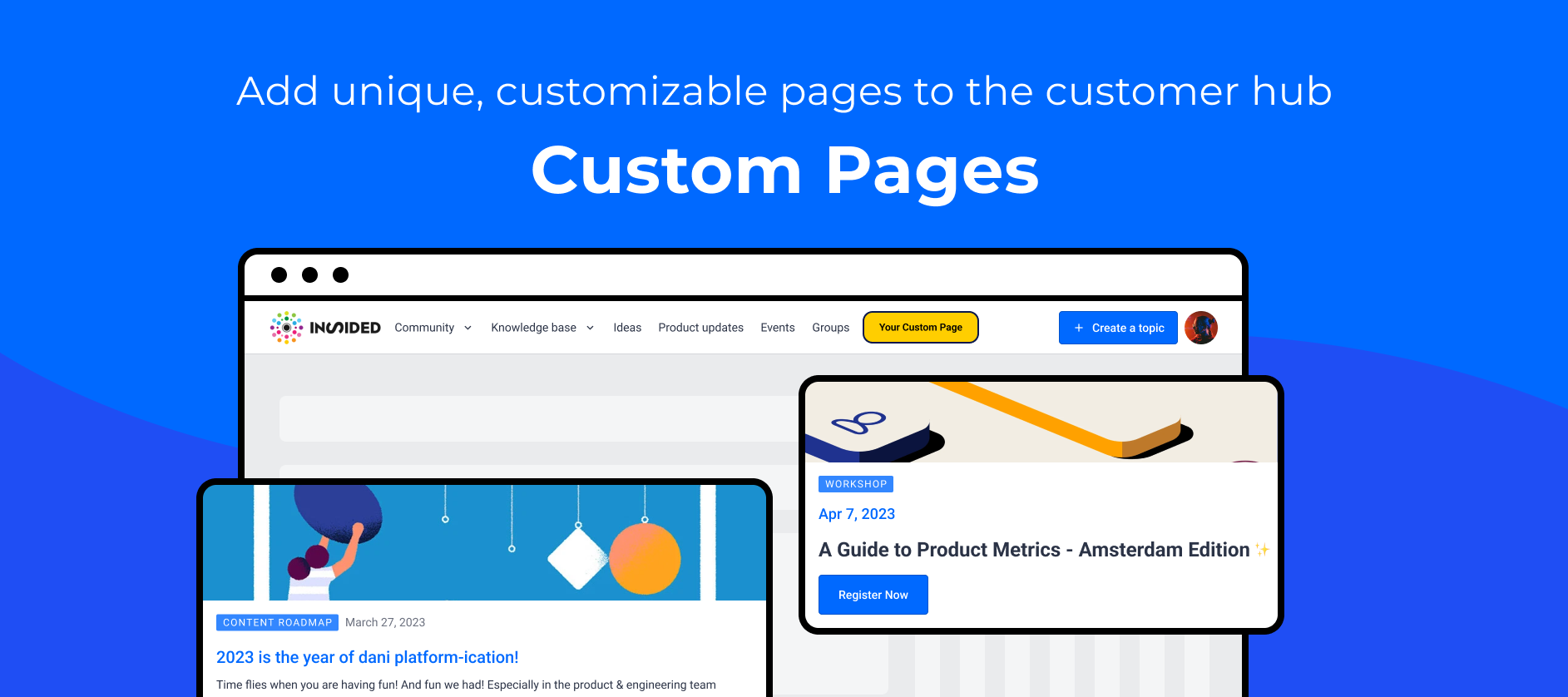
We're excited to launch Custom Pages, allowing you to expand the customer hub beyond the existing modules. Custom pages are standalone, blank, and fully customizable pages that can be linked to from anywhere using a unique URL.
The need for greater flexibility
Do you use multiple platforms to ensure your users get the most out of your product? Then you understand how difficult it can be for your users to access information scattered across multiple resources. We provide modules such as Q&A, knowledge base, events, groups, ideation, and product updates to ensure that your customers can find most of the information they require in a single location. At the same time, we recognize the need to incorporate additional information that does not fit in the existing modules but is still very relevant to your customers.
Read this article to learn how to get started with Custom Pages.
How our customers are using Custom Pages
Custom pages are designed to be used for various purposes, such as persona-specific pages, product-specific landing pages, event promotion, an onboarding guide, and more.
inSpired
Persona Specific Pages
Custom pages can be used to create dedicated pages for personas targeted by your product. You can personalise the hub experience by directing your personas to these pages, where users can easily and quickly find all persona-specific related information, reducing time to value for your customers.
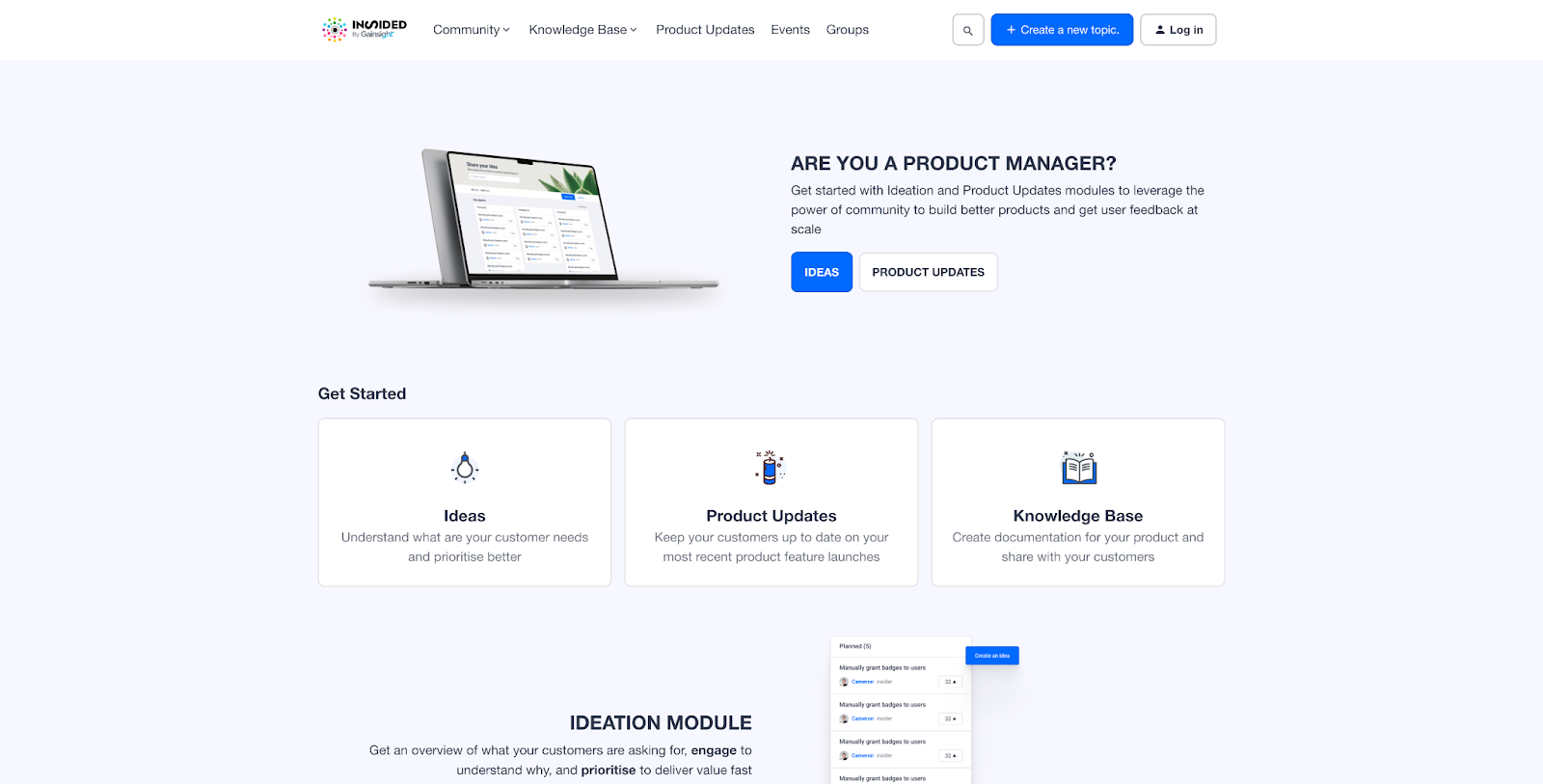
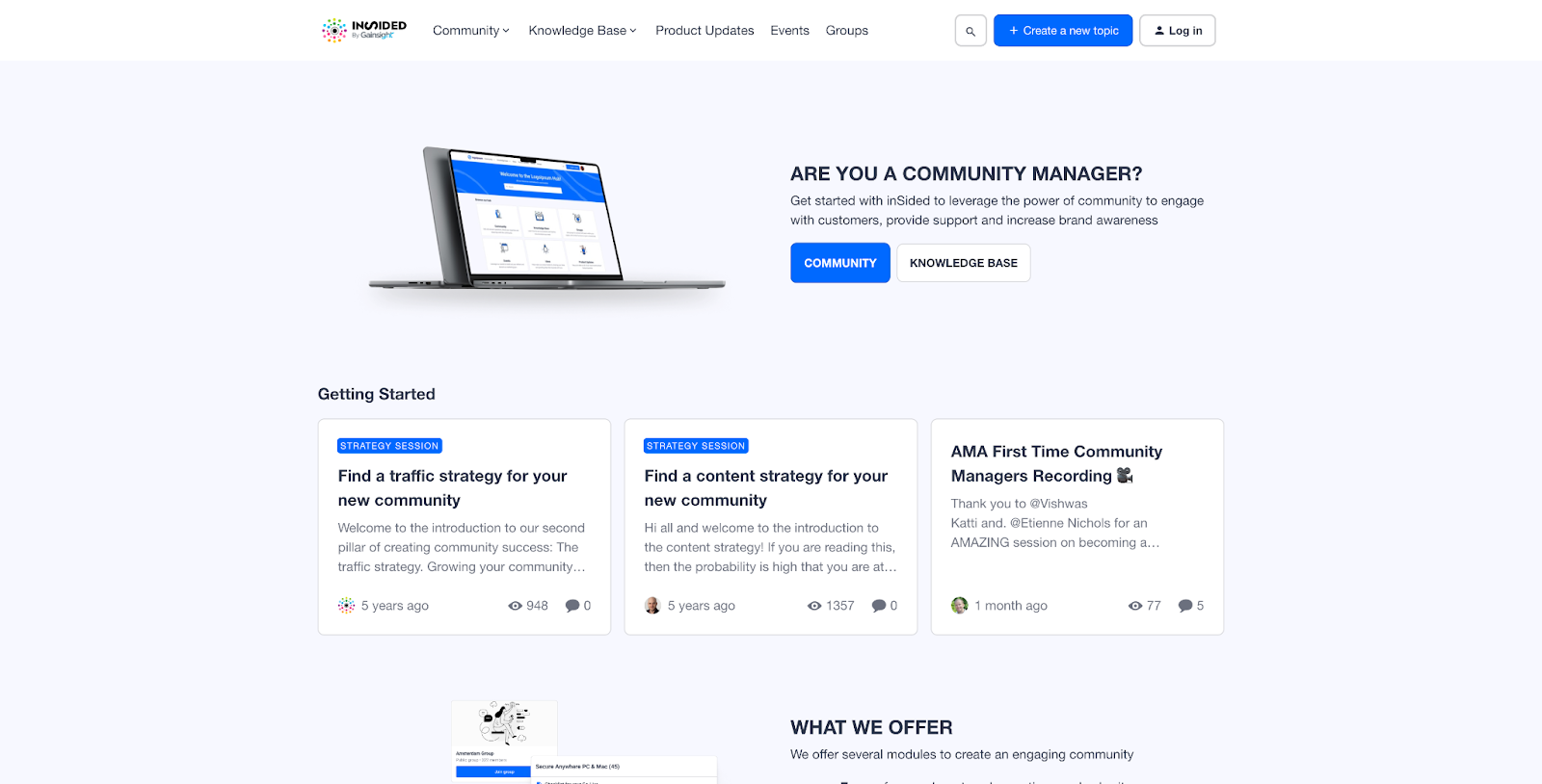
We created two persona pages highlighting the value proposition and relevant content for each persona: Product Managers and Community Managers.
Product Manager
Community Manager
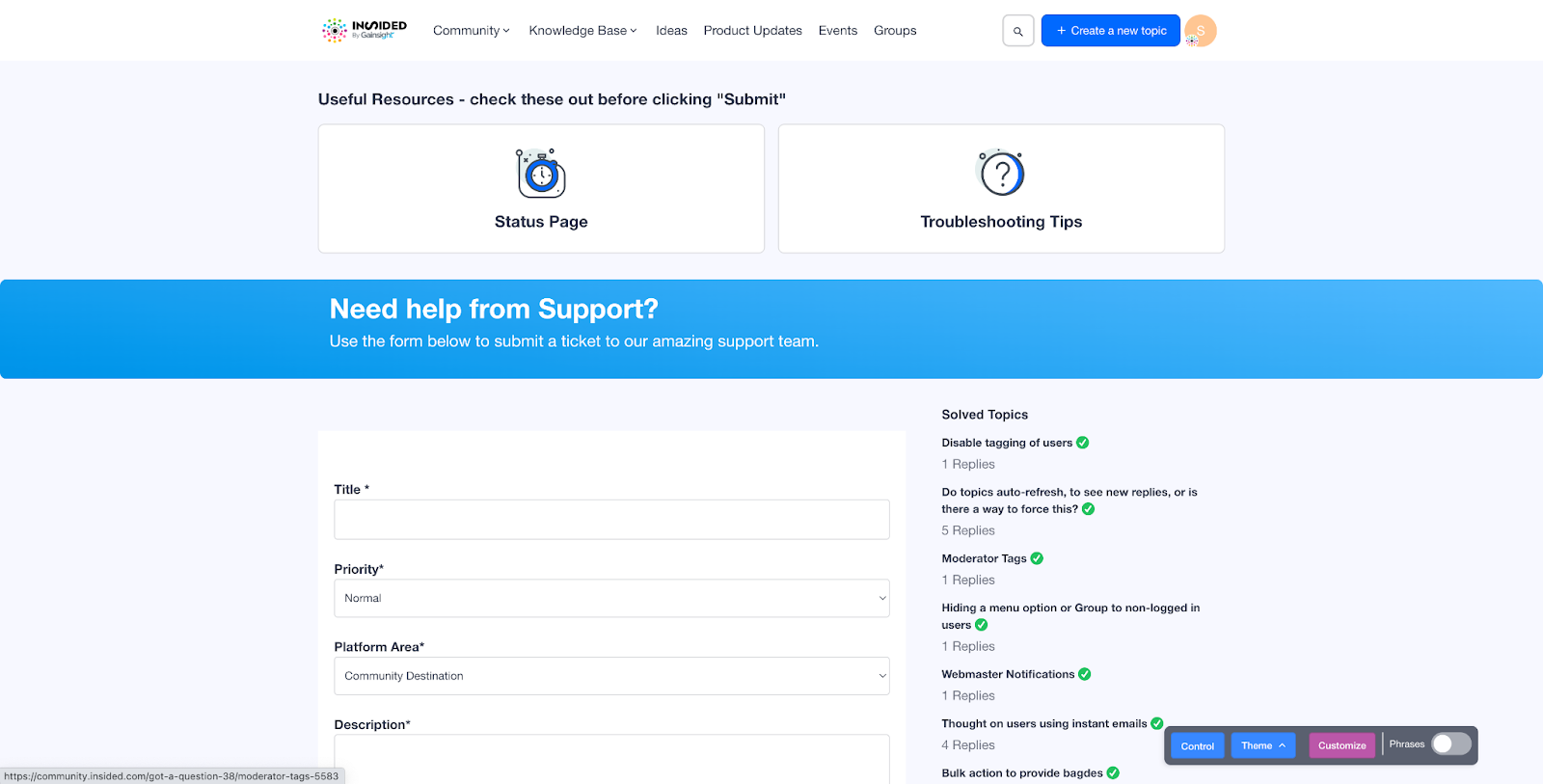
Ticket deflection
Here are a few inspiring examples of custom pages created by our customers:
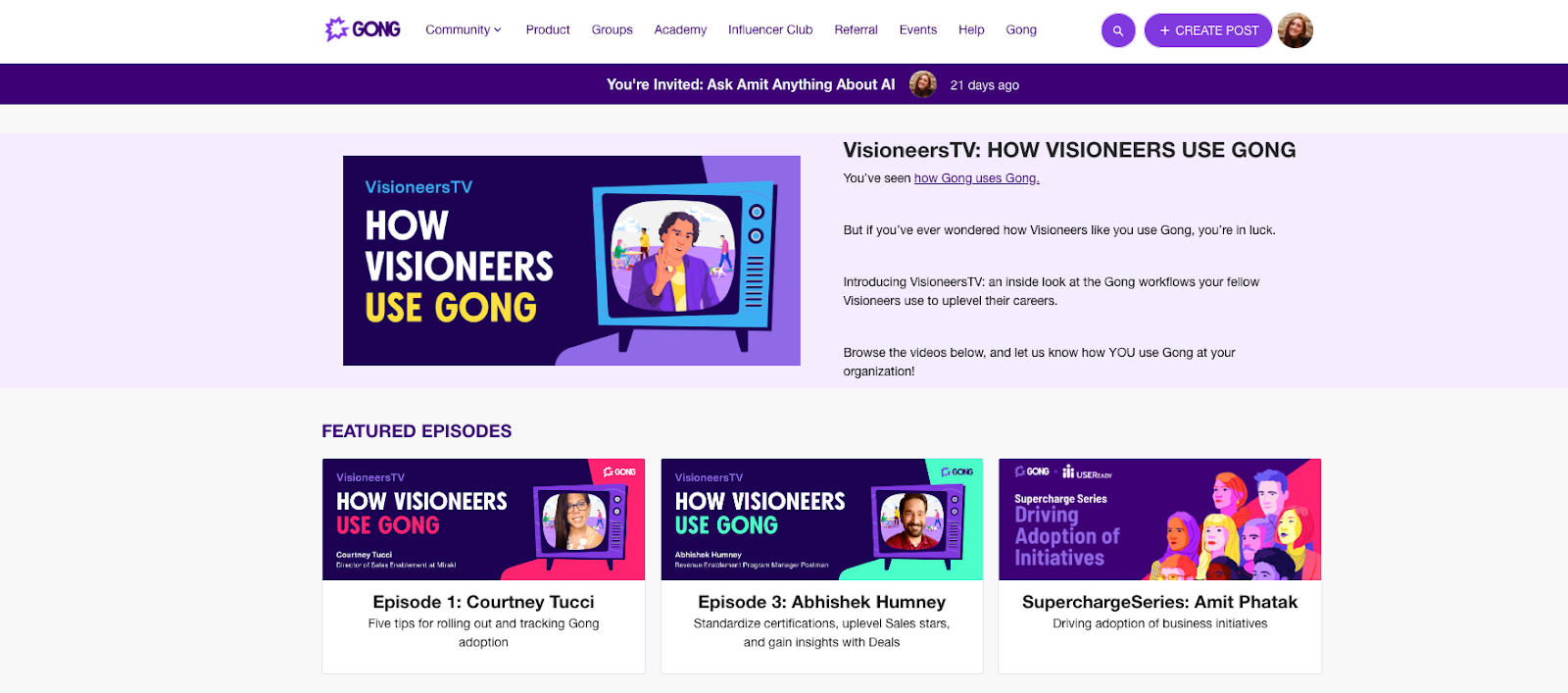
VisioneersTV by Gong
Gong conducted a series of interviews with their customers to learn more about how they use Gong. A custom page is used to showcase and share these interviews on the customer hub.
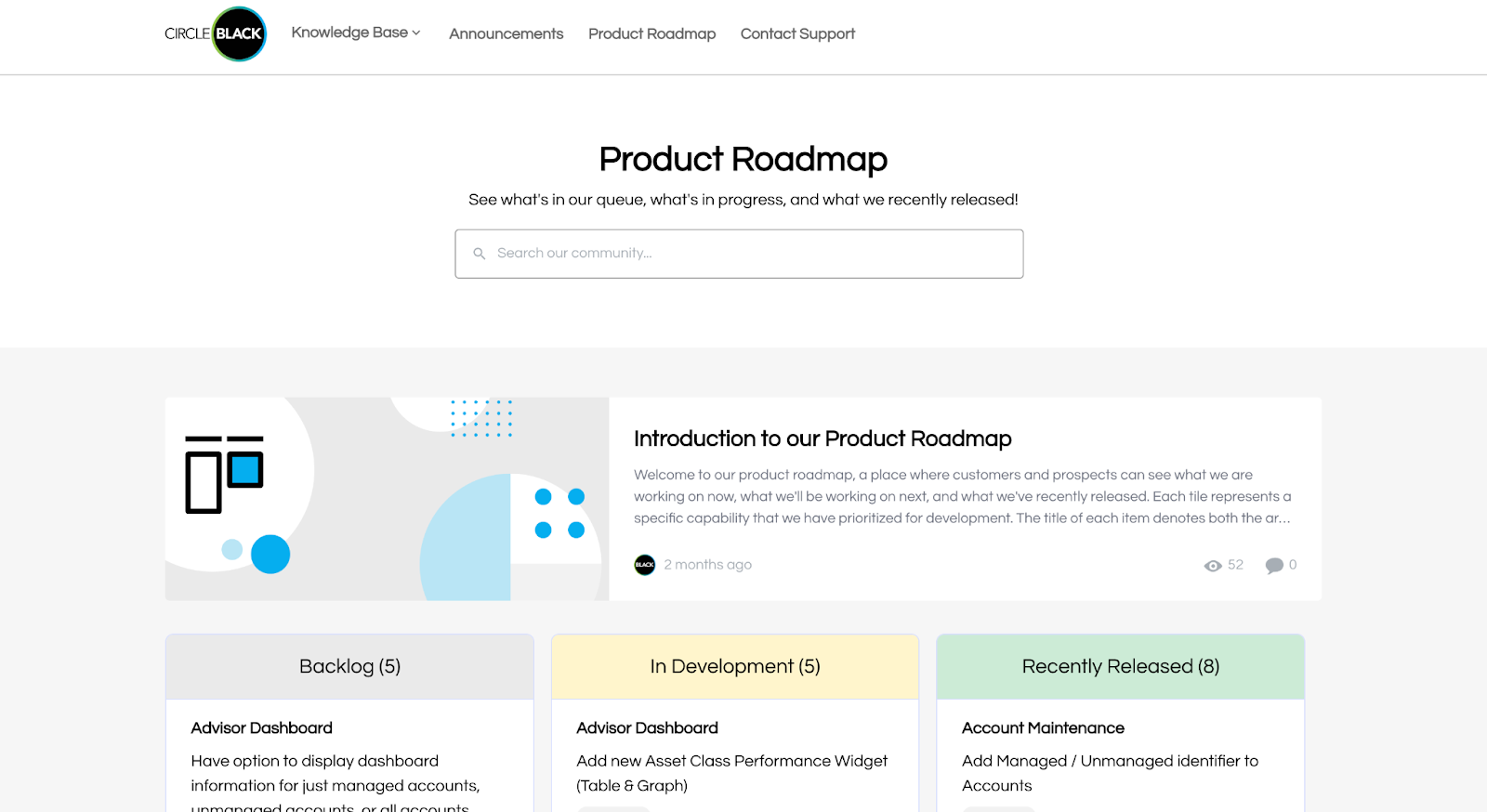
Product Roadmap by CircleBlack
CircleBlack, an enterprise software platform for financial advisors, has created a custom page to communicate their product roadmap so that their customers can stay up to date on what has been released, what is on the way, and what is in the backlog.
We’d love to hear from you!
Do you have any questions or comments about the custom pages? Add them below!
We’re always open to new ideas. How do you plan on using Custom Pages? What would make Custom Pages even more powerful? Care to share a link to a Custom Page for inspiration?