

Tori Jeffcoat
Gainsight Employee ⭐️
January 3, 2024
BETA

New! Dynamic Content Widget Open Beta
Related products:CC Customization
  • January 3, 2024
  • 17 replies
  • 495 views
New! Dynamic Content Widget Open Beta

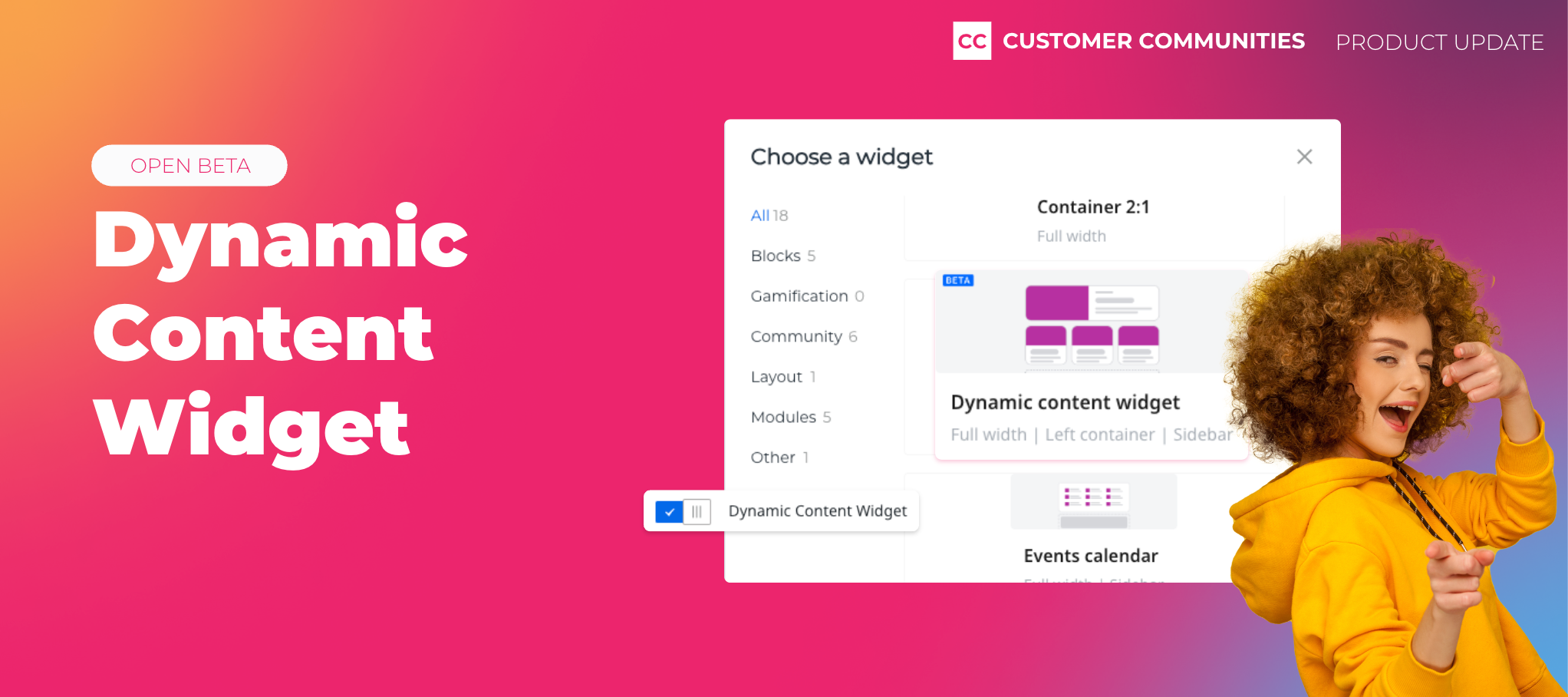
Delivering more relevant, contextual content throughout your community just got easier with our new Dynamic Content Widget, now available in open beta. Use this widget to reduce admin workloads and boost engagement for community members by ensuring that the most relevant and interactive content is more prominently displayed across your community.


What is the Dynamic Content Widget?

The Dynamic Content Widget is a powerful tool for Administrators and Community Managers to deliver more recent and relevant content. You can now dynamically pull in the latest, up to the minute content including articles, conversations, questions, and ideas using a variety of filters and sorting options.


Use the Dynamic Content Widget to:

  • Show specific filtered content: Choose content based on type (questions, articles, etc.) and source (select from either knowledge base or community content).
  • Automatically sort dynamic content: Choose how you want to sort and display content, selecting from total views, last activity, number of replies, or publication date. Continuous, automatic updates ensure that the most relevant content is always front and center.
  • Customize your layout: Add the widget in full width or use it in a 2:1 widget layout as either a card or a list. Tailor the widget to fit the design and user experience of your community.


How do I enable the widget?

To activate this feature, simply navigate to the Open Betas page in the control panel. From there, you can enable the widget and find it in Destination within the widget library.


Things to note:

  • Once enabled and added to a page, the widget will remain active until it is manually removed.
  • Opting out of the beta will remove the widget from the library but not from pages where it has already been added.


Test drive the Dynamic Content Widget today, and let us know your feedback as part of our open beta. Your inputs are invaluable and will help us continue to refine and improve this feature!


17 replies

olimarrio
Gainsight Employee ⭐️
January 10, 2024

Hi @Anitahg 👋,

This beta needed to be enabled on your community.

You can find more open betas to opt-in to in the Control environment from Settings → Open Betas.

You will now see the option to add this widget in Customize mode 😁

Contributor ⭐️⭐️⭐️⭐️⭐️
January 10, 2024

Hi @olimarrio Thanks I see now. Is there a way we can make it work in the Knowledge Base? We want to build a video library there but want to stream videos directly from within our community, and not YouTube.

olimarrio
Gainsight Employee ⭐️
January 10, 2024

@Anitahg only on the Knowledge Base Overview where Customize mode is available. Does this help?

Paul_
Contributor ⭐️⭐️⭐️⭐️⭐️
January 16, 2024

Played around with this but it's not exactly what I hoped it would do. I can either choose ‘all content’ of 1 specifically like articles. But I want to only show articles and product updates.

Will it be possible to select several, but not all?


Also it would be nice if I can select 15 articles and 5 PU's for example, and that these rotate. Instead of entire board selection. 

revote
VIP ⭐️⭐️⭐️⭐️⭐️
January 16, 2024

I think this widget obeys roles?


The widget doesn't obey roles yet. Though we are doing a POC with primary roles to begin solving for this use-case. Mind sharing your use case for role-based widget configurations?

FYI to everyone, Dynamic Widget Content obeys the roles. We have spoken with @Sudhanshu and @dilekgencer and if there is certain categories or child categories with Custom roles, Dynamic Content WIdget displays only the content from that category where user have access to.

And this also works nicely, I have tested 👌

Helper ⭐️⭐️
February 13, 2024

Played around with this but it's not exactly what I hoped it would do. I can either choose ‘all content’ of 1 specifically like articles. But I want to only show articles and product updates.

Will it be possible to select several, but not all?


Also it would be nice if I can select 15 articles and 5 PU's for example, and that these rotate. Instead of entire board selection. 


Same - we would like to use it for both articles and product updates. 

Sudhanshu
Gainsight Product Manager
April 8, 2024

Hey @Paul_ & @lwackertn! You can now select one or more content types in the widget! Though the second idea is very interesting and on our radar, we're juggling a few big priorities right now and might not be able to work on that at the moment.

Do let us know of the multiple content type selection and any other feedback that will help us improve the widget further when we can.