

Now available: Instant search and search filters
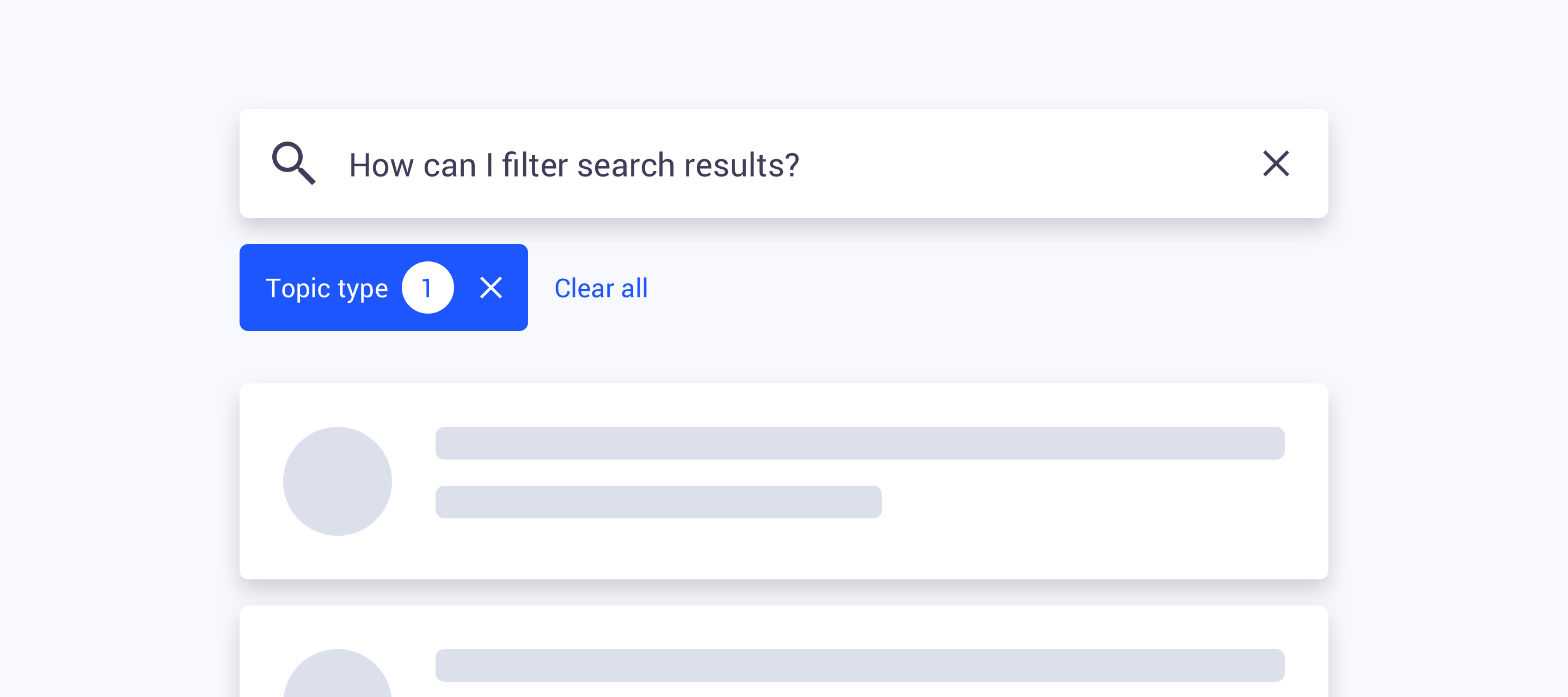
Instant search and search filters are now available on your communities! As of now you will be able to narrow down search results and perform more specific search queries with the help of filters. We replaced the old search result page with a new page that includes a bunch of new and improved functionality. Can’t wait to see how it looks like and works?
View the new search page: https://community.insided.com/search
 In some edge cases the total topic counter may not reflect the counter in the filters, we are aware and are looking into these inconsistencies
What’s new
-
Category search - searching in a category page will only show results from that specific category
-
Instant search - the list of search results will automatically refresh after some time as you type in a search result page
-
Endless scroll - when you reach the bottom of the list of result we’ll automatically load a new set of results
-
Search filters - we added search filters to the search result pages that will allow you to filter on:
-
Source
-
Community (shows all topics posted to community categories)
-
inSided Knowledge base (shows all topics posted to inSided knowledge base categories)
-
External Knowledge base* (shows all topics from an external Knowledge base like Zendesk or Salesforce)
-
-
Knowledge base categories
-
Filter topics by knowledge base parent- and child categories
-
-
Community categories
-
Filter topics by community parent- and child categories
-
-
Topic type
-
Filter topics by article, idea, conversation, question
-
-
Public tag
-
Filter topics by one or more public tags
-
-
*Only visible when you have set up a Federated search integration with an external knowledge base
Thank you;
We’d like to thank everybody who helped us testing and providing feedback. We were able to include some of your feedback and fix inconsistencies. Thanks!