


Skilljar by Gainsight: MCP Server Now Available in Claude Chat, ChatGPT & More
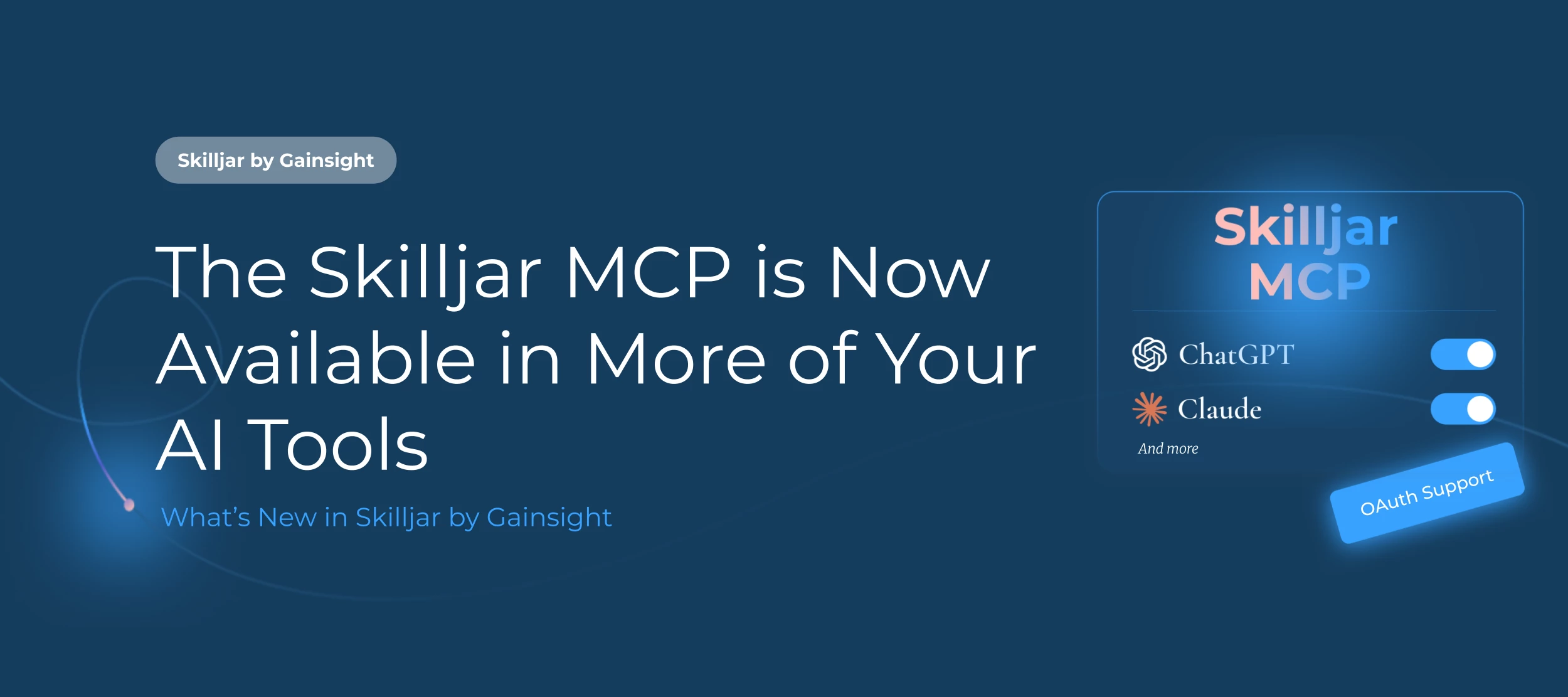
Since its release into beta, the Skilljar MCP server has been available in CLI tools like Claude Code and Cursor. Starting today, OAuth support unlocks usage in Claude.ai (web and desktop), ChatGPT, Copilot, and Gemini.
What is OAuth?
OAuth (Open Authorization) is a secure sign-in standard. For you it means you connect Skilljar to your AI assistant by logging in with your Skilljar account, rather than copying API keys.
How to connect:
Add https://mcp.skilljar.com/mcp as a connector in your AI assistant of choice, sign in with your Skilljar account, and approve access. No keys to copy, Skilljar registers itself automatically.
What's supported:
- Claude.ai web and desktop: Pro, Max, Team, or Enterprise plan
- ChatGPT: Plus, Pro, Business, Enterprise, or Edu plan
- Microsoft Copilot (via Copilot Studio)
- Google Gemini CLI and Gemini Enterprise (partial support)
On Team, Business, and Enterprise plans, a workspace admin typically needs to add the connector before individual users can connect. Visit the individual support articles for specific tool setup.
Help Article with Technical Setup
Not sure where to start? ✨
Browse ready-to-use prompts for the Skilljar MCP, and every other Gainsight MCP, in our new MCP Library. We will be adding additional prompts and skills as we add new endpoints, so check back soon!
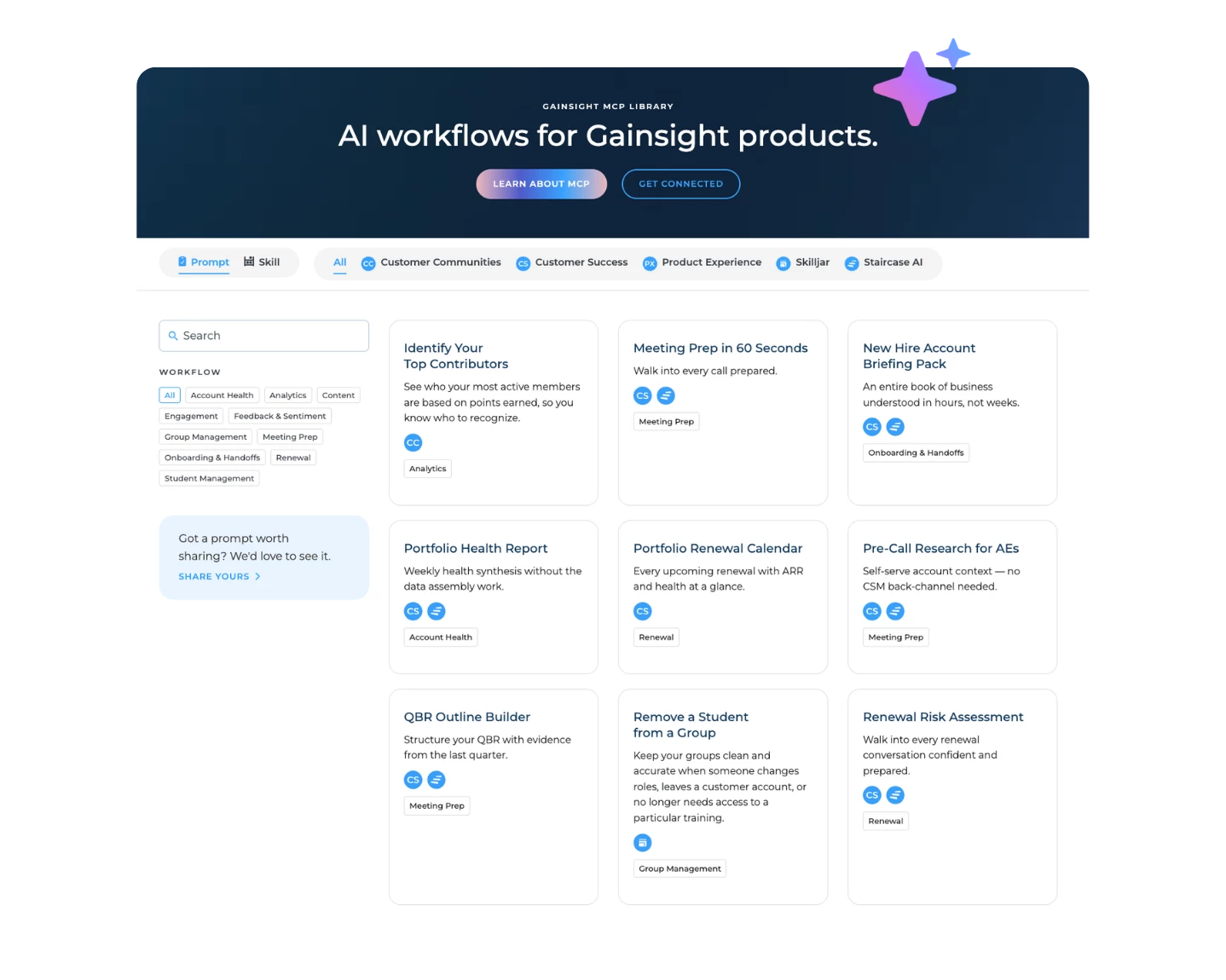
Just some of the things you can do with Skilljar MCP once connected:
- Create courses with HTML lessons from a single prompt
- Update lesson content, title, or order
- Enroll learners via group or email
- Organize learner groups conversationally
- Translate courses into any language
Already connected via the earlier setup? Your existing connection will continue to work. When you're ready to switch, remove the old API credential, reconnect via OAuth, and revoke the old credential from your Skilljar dashboard.