
User Groups now available!
Community categories are great to bring members together to interact on specific topics. However, they are more focused on the topic that is being discussed rather than on the shared interests that members have in common. That's why we invested in a new module: Meet Groups!
Groups are a place where members can engage based on what they have in common. Where categories are completely anonymous, groups focus on the social aspect of group members. When joining a group, users will appear in the group member list.
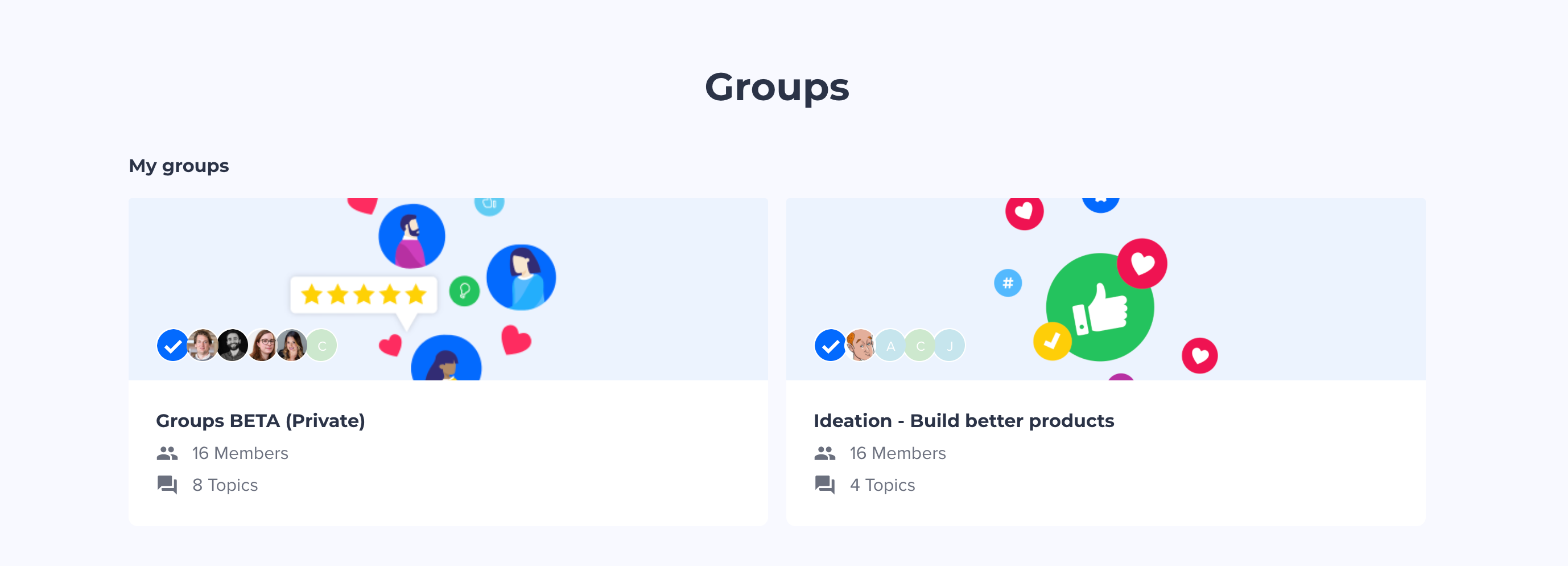
Groups can be used to segment users who have the same:
-
Job or position (e.g. Designers)
-
Industry (e.g. healthcare)
-
Region or location (e.g. EMEA)
-
Interests (e.g. Drones)
Within these groups, members are free to interact on any topic and share best practices. As a moderator, you can share content tailored for them including creating events. You can make groups publicly accessible or private. A common use case for Private groups is to have one for users testing features in BETA.
With groups you can:
-
Manage groups in a specific overview page in Control
-
Create groups
-
Make groups public or private
-
List and export members of groups
-
Grant remove access to a group to a specific user
-
Have Featured topics within groups that are relevant for member
-
Create events in a private group
Members of your community can:
-
Browse groups
-
Join or send a request to join a group
-
Receive notifications about a group activity
-
See events in a private group
How can you start using group?
Please reach out to your Customer Sucess Manager to see how best you can use groups in your community.
We’ve prepared a whole new suite of documentation to help you navigate the new groups feature - learn more in our groups knowledge base.
Please share your feedback with us so we can improve further this new feature!