

News
🎁 Widget Management is now available!
Note: this topic has been updated on 27.05.2020
We released Widget Management for your communities and are extremely excited about it. 
What’s available? 
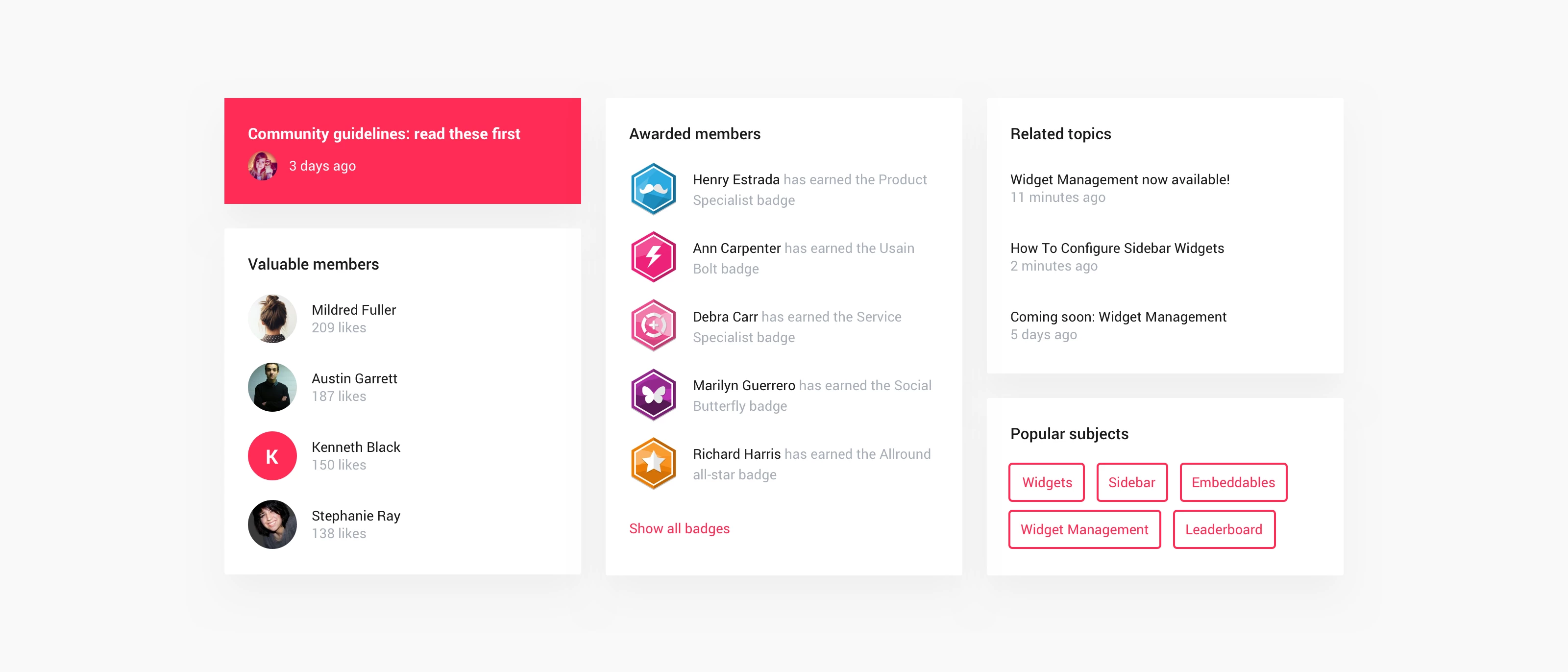
Widget Management allows you to configure the widgets displayed in your community sidebar.
Your community makes use of three sidebars:
- General sidebar: Default sidebar for all pages of your community.
- Topic sidebar: This sidebar appears on topic pages and replaces the general sidebar.
- New: (dedicated) Homepage sidebar (only accessible via the homepage customization mode)
In Control, you will have access to the 'Widgets' menu option, go to Customization > Sidebar to see it. From here you can:
- Enable widgets
- Disable widgets
- Reorder widgets position (set the right order)
- Change settings per widget
How Tos
We'd love to hear your feedback on this new feature. If you have an idea for a new widget to add to the library let us know in the comments below 