


Facebook SSO

  • October 25, 2023
  • 3 replies
  • 99 views

Karenottema
Forum|alt.badge.img+2

New process since October 3rd 2023.


To be able to allow your users to login via Facebook, you need to set up your own Facebook app. How that can be done, can be found in the steps below:


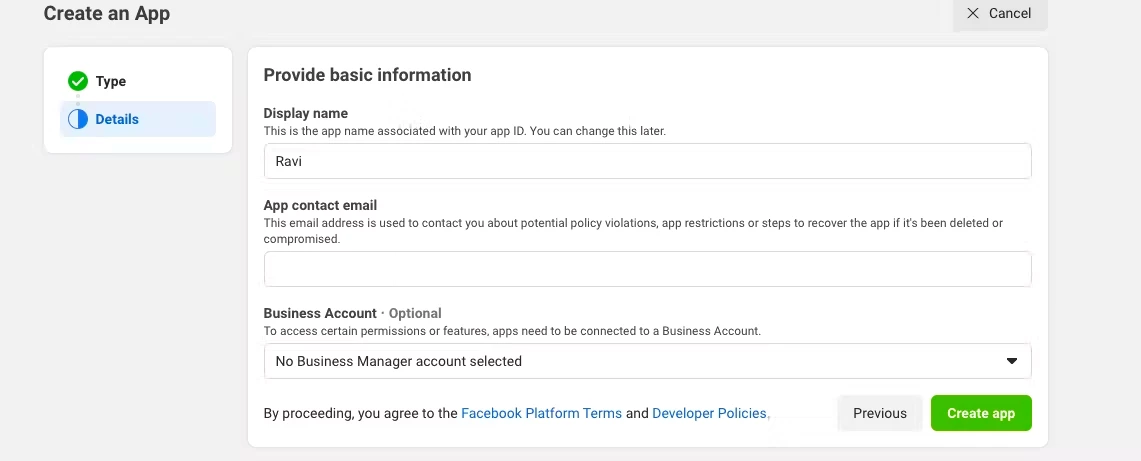
  1. Go to https://developers.facebook.com/apps/ and click on “Create App”

     

  2. Select Type: Consumer


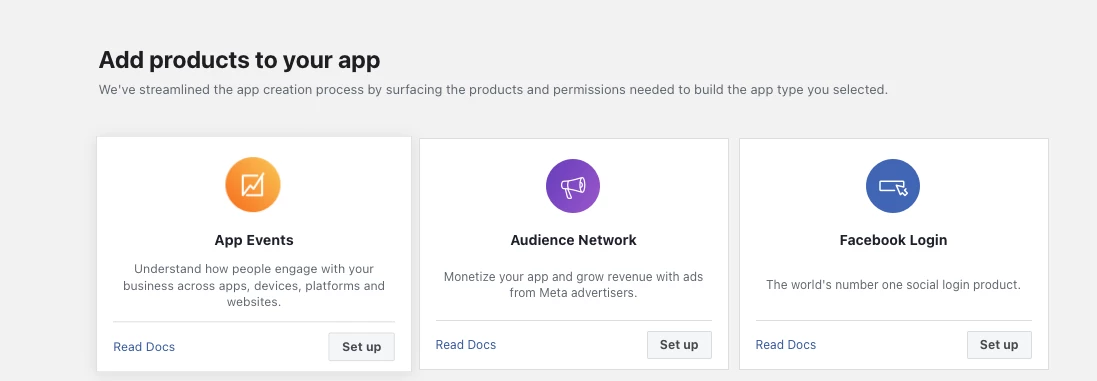
  3. Set up Facebook Login


  4. Fill in information under the settings; it requires a Privacy Policy URL.
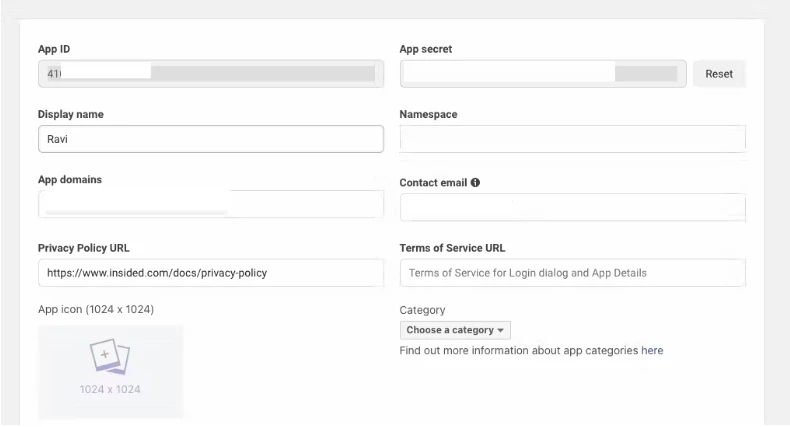
     

  5. Share the App ID and Secret with the Support team or your Onboarding Manager/CSM. They will inform you once it is setup and ready for use.


 

3 replies

PatelN54
  • Contributor ⭐️⭐️
  • October 25, 2023

Hey @Karenottema

Does this impact communities that already have Facebook SSO enabled? 

Thanks,
Nikhil


Gainsight CC Team
  • Gainsight Employee ⭐️⭐️
  • October 25, 2023

@PatelN54 At the moment it does not affect current communities, however Facebook might change that in the future. If we get such notification we will update all our customers who have Facebook SSO enabled.


PatelN54
  • Contributor ⭐️⭐️
  • October 25, 2023

Thanks @Gainsight CC Team 😊