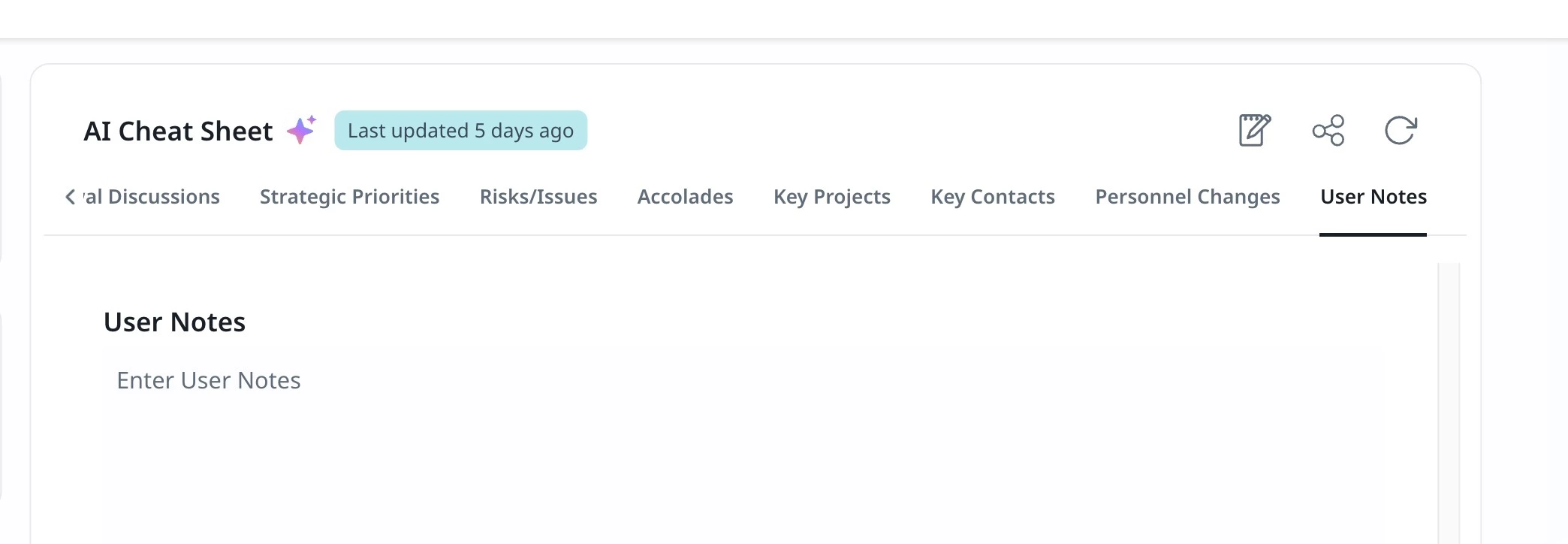
I see in Staircase AI tool as well as in the C360 Staircase AI Gainsight there is a Notes section. Where anyone can add and delete a message. Does this tie into any reporting that can be pulled to review all notes for a particular team or indivdual?
Staircase: There is a "Last Note" field available as a column in account-level reports in Staircase. So you can build a report across your accounts and see the most recent note added to each one — great for a quick snapshot across your book of business.
The limitation is that it only shows the last note per account. There's no way to pull a full history of all notes, filter by who wrote them, or see when each one was added. Note authorship and timestamps aren't exposed in the report builder today, so use cases like "show me all notes logged by a specific CSM this month" aren't supported natively.
Regarding your question about Gainsight CS - what is the section you are referring to? Cheat sheet?
For Staircase: When you create a report on the Account, there is a field called “Last Note”. This will pull up the most recently added Note - but not every note ever added:
I don’t know of any way to report on the Notes on the C360 in Gainsight.
Staircase: There is a "Last Note" field available as a column in account-level reports in Staircase. So you can build a report across your accounts and see the most recent note added to each one — great for a quick snapshot across your book of business.
The limitation is that it only shows the last note per account. There's no way to pull a full history of all notes, filter by who wrote them, or see when each one was added. Note authorship and timestamps aren't exposed in the report builder today, so use cases like "show me all notes logged by a specific CSM this month" aren't supported natively.
Regarding your question about Gainsight CS - what is the section you are referring to? Cheat sheet?
If you already have a profile on Gainsight Community or Gainsight University, there's no need to create another one. If your email address has changed or you can't remember your login, email community@gainsight.com.
Otherwise, continue with the registration below.