


Staircase Newsletter August 2026
Staircase August 2026

This month, Staircase AI gets a lot smarter and a lot more connected.
Inside you’ll find the Q2 release highlights: instant account context with Ask Staircase Starters, custom prompts that make lifecycle events work for your business, EU privacy compliance controls, and deeper native integration with Gainsight CS. Plus a community tip on tracking negative messages week over week, and the Q2 release webinar on September 8 if you want the full walkthrough.
Let’s dive in! 😄

New: Ask Staircase Starters: Instant Insights, One Click Away
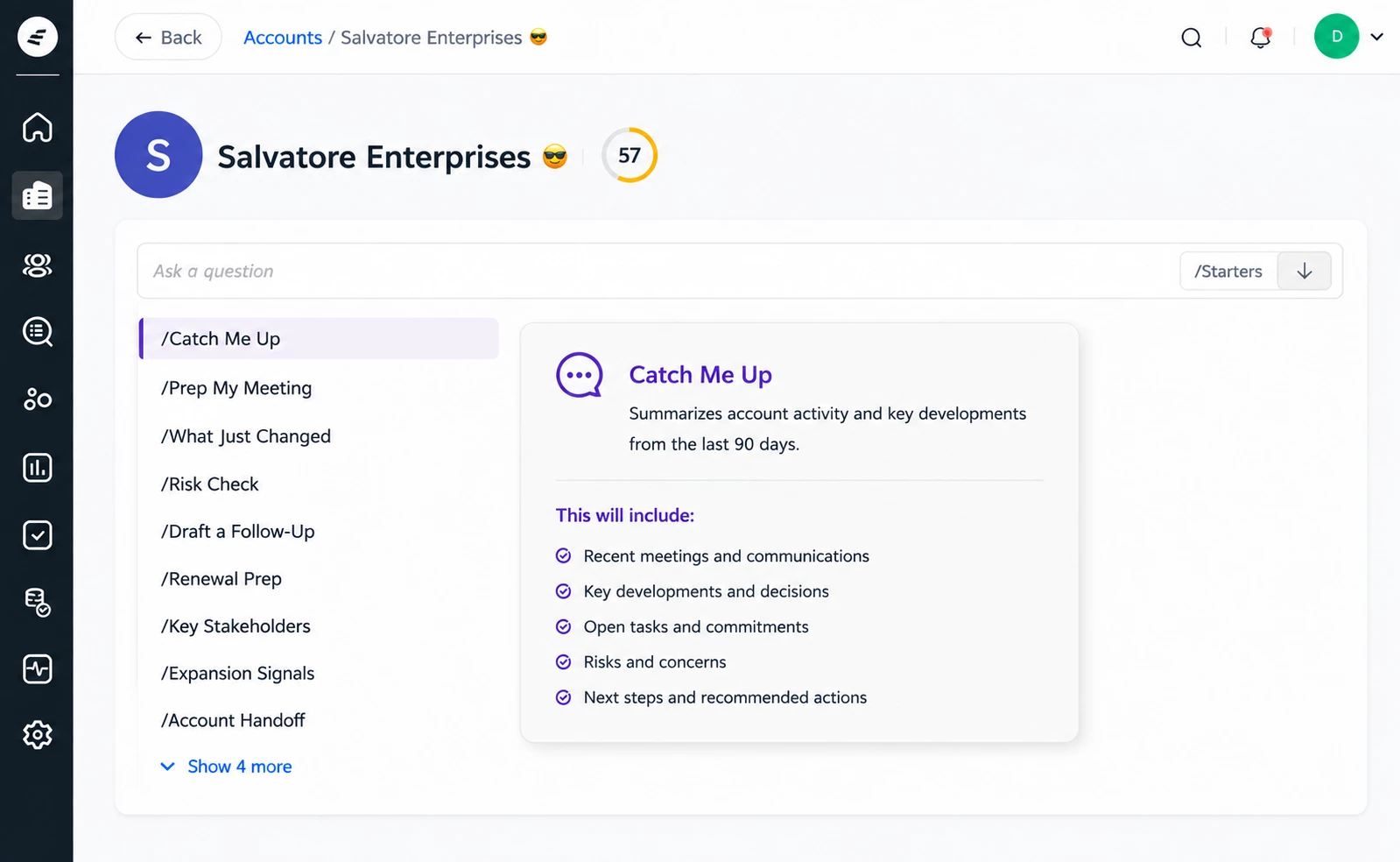
Ask Staircase now includes Starters, a set of pre-built prompts tailored to the account you're viewing. Click /Starters in the input box to choose from nine ready-to-run prompts covering everything from meeting prep and risk checks to renewal readiness and expansion signals. Each prompt loads as a fully editable query, so you can customize before you submit.
Learn more about Ask Staircase Starters
Built for EU Privacy Compliance: Works Council Configuration Now Available
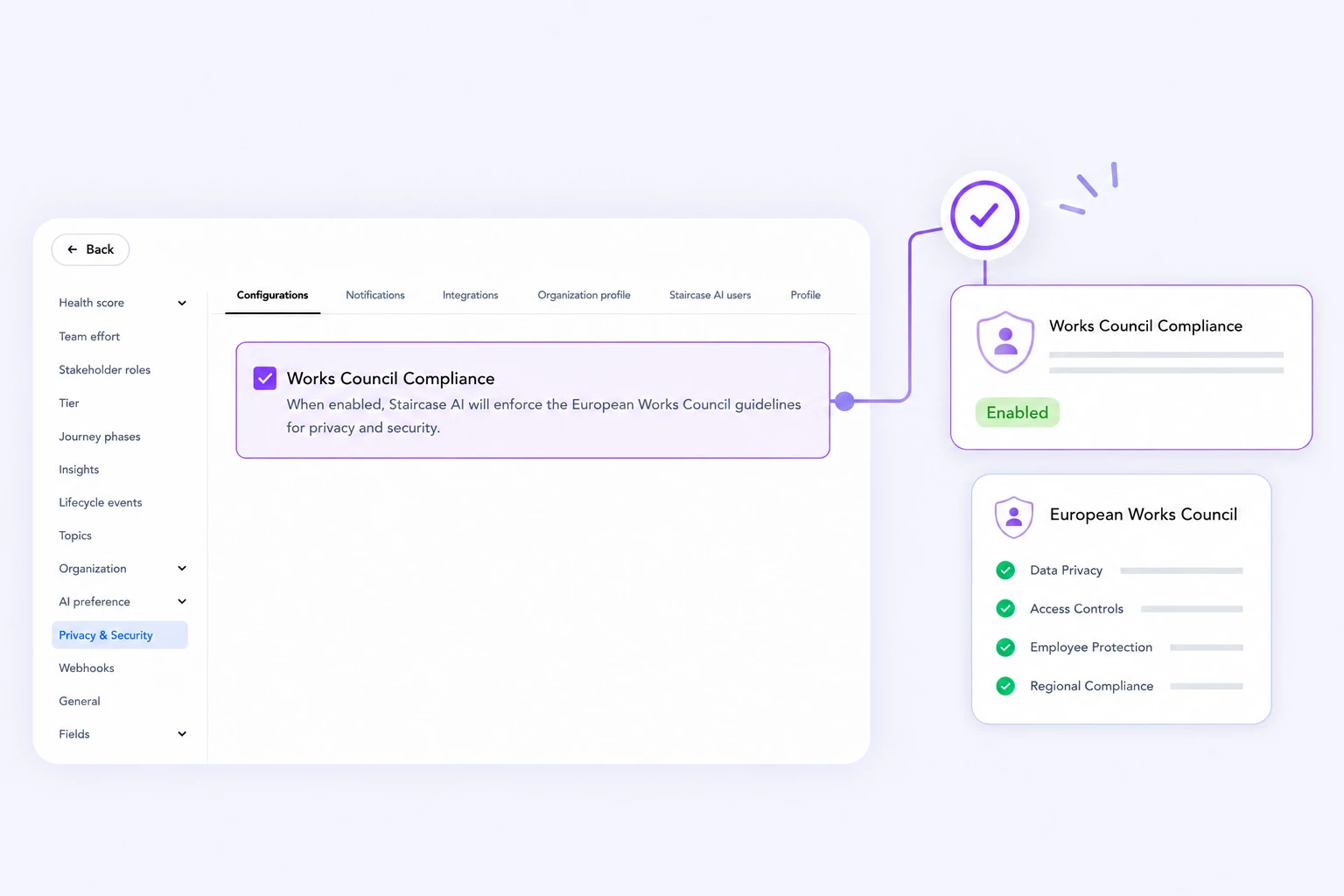
Gainsight recommends consulting your legal or compliance team before enabling this setting.
Learn more about Works Council Compliance
Staircase AI Insights, Now Native in Gainsight CS
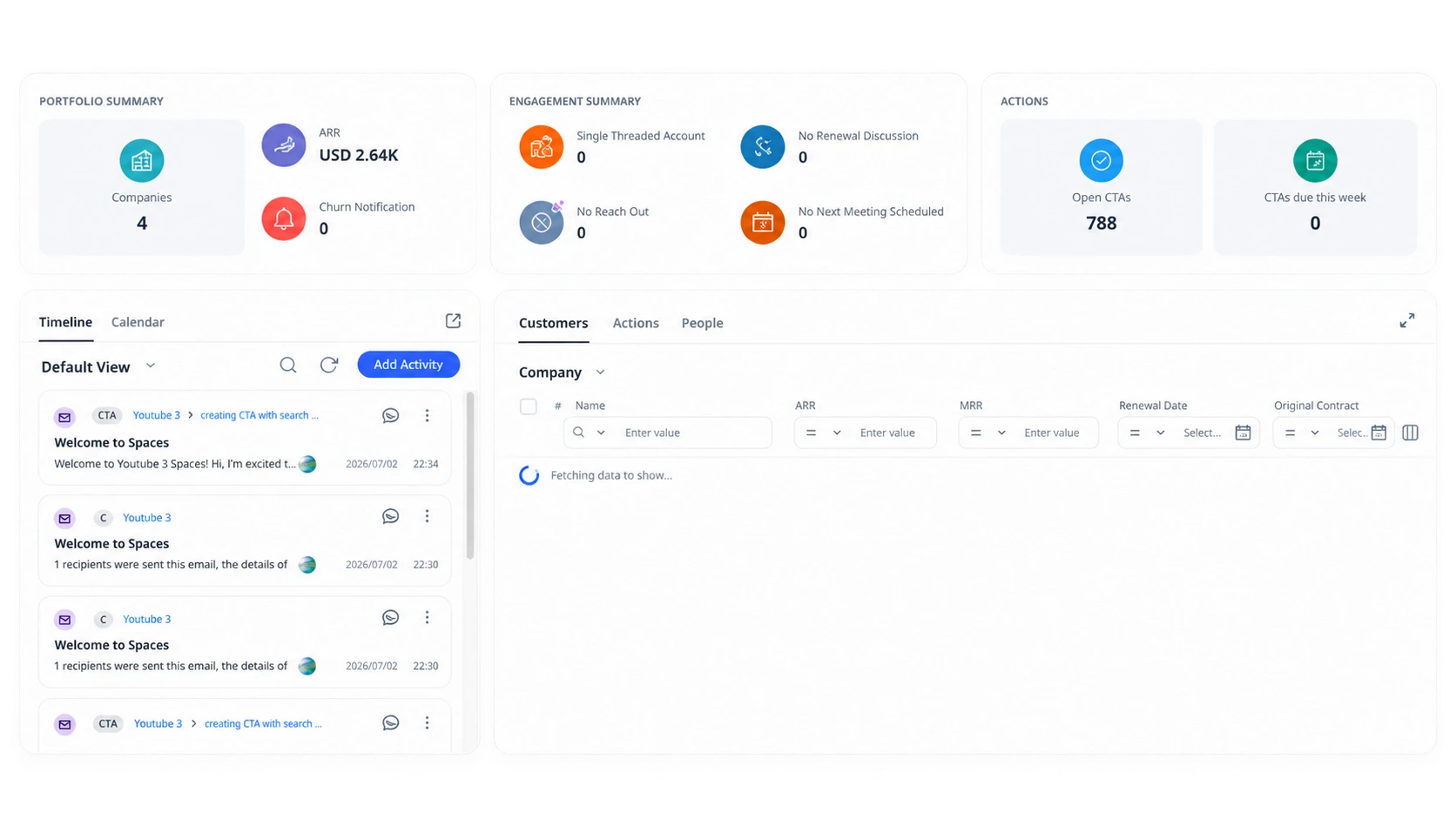
Customers with both Staircase AI and Gainsight CS can now view account intelligence directly in CS without switching between platforms. Staircase AI insights sync in near real time and are available as objects in Data Management, as fields in the C360 Summary layout, and as widgets on Gainsight Home. Use them to build reports, trigger CTAs, and automate workflows based on communication signals like Churn Risk and Account Dark.
Learn more
Staircase Agent Insights, Now Inside the AI Cheat Cheat
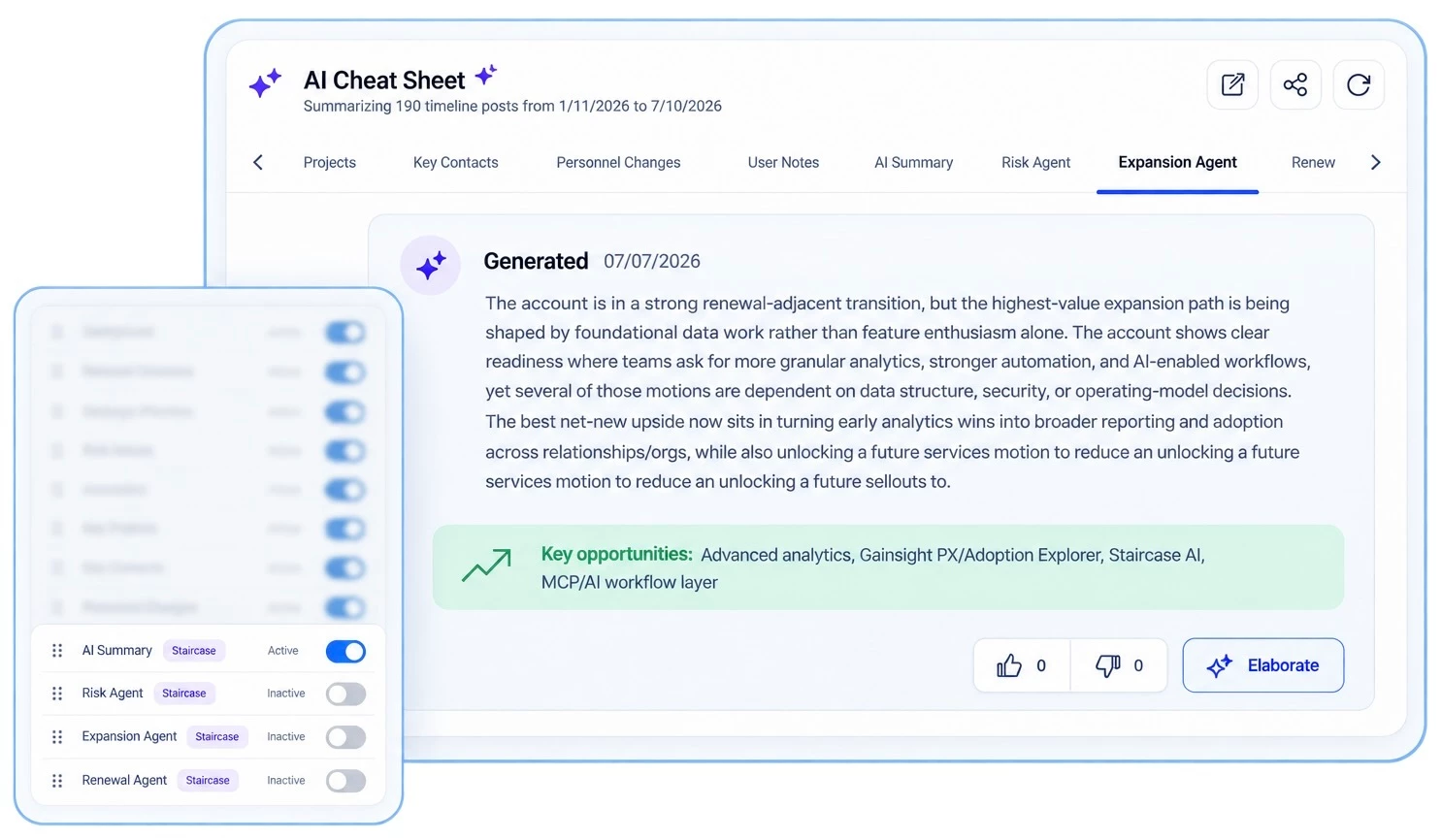
CSMs with both Gainsight CS and Staircase AI can now access agent insights directly from the AI Cheat Sheet on C360, without leaving the account view. Admins choose which agents appear, including Risk, Expansion, Renewal, Churn, and AI Summary, and can rename and reorder them per layout. Full details and navigation to the Staircase account page are available inline.
Learn more

Try This This Week: Use Custom Prompts to Reduce Lifecycle Event Noise
Head to Settings > Configurations > Lifecycle Events, open any AI-detected event type, and scroll to the Custom Prompt field. A few plain language instructions can significantly clean up false positives.
Custom Prompt Best Practices:
- Include a clear action: tell the AI to tag or not tag, not just provide context
- Be specific: the clearer the trigger, the more consistent the result
- Avoid contradictory rules: review existing prompts before adding new ones
- Use new lines and dashes to separate multiple conditions within a single prompt field
Learn more about Custom Prompts for Lifecycle Events
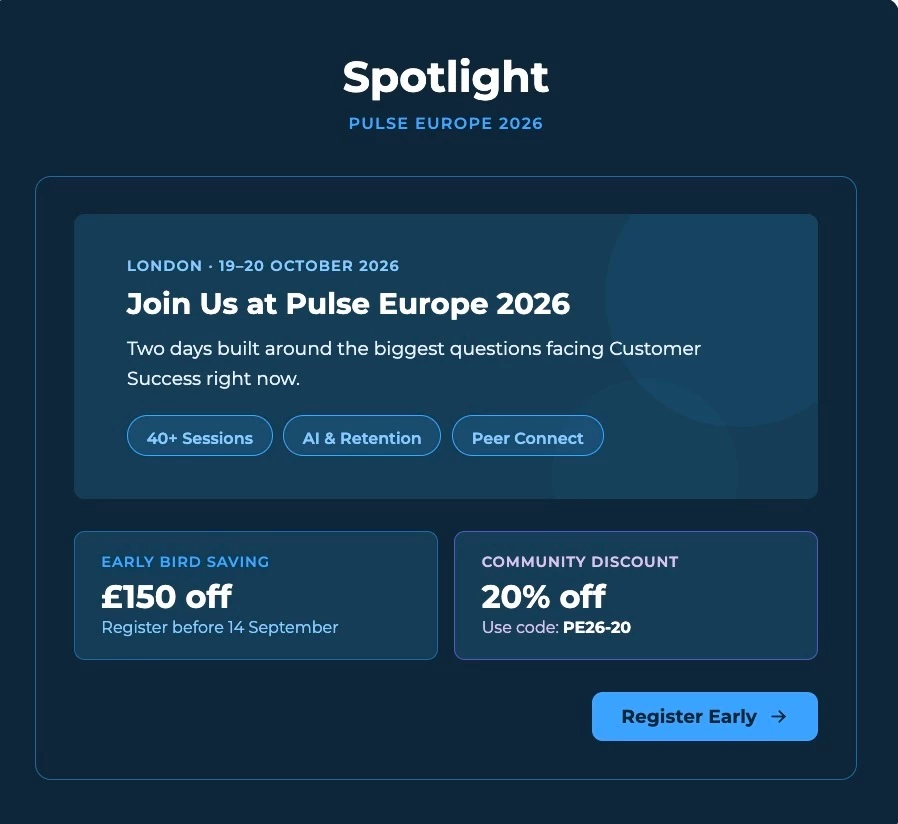

What's Your Go-To MCP Prompt?
The conversation is already started and we want to hear from you. The Gainsight MCP Prompt Library is a growing collection of ready-to-use prompts and downloadable skills built for Gainsight's MCP servers, so you're not starting from scratch every time. The best community submissions get featured in the library directly.
Drop your prompt in the comments with what it does, the prompt itself, and which product it's for.
Explore the MCP Prompt Library
Join the discussion
How Extremely Negative Messages Work in Staircase Reports
If your team is tracking extremely negative messages in Staircase and wondering when they'll automatically drop off a report once the issue is resolved — community expert bradley has a clear and helpful answer.
The short version: lifecycle events like extremely negative messages don't disappear once addressed. They're recordings of what happened — and that's by design. Managing them doesn't erase them. What does change over time:
- They age out of impacting your scoring as time passes
- A renewal or expansion can mitigate their impact
- Insights (which are different from events) can be resolved by taking action, like reaching out to a customer or reversing a negative sentiment trend
For week-over-week tracking without manual updates, bradley suggests using a date filter on your negative messages report to show only recent ones. For a more nuanced view, explore building a report that excludes negative messages where a positive sentiment insight exists in the same timeframe — an indirect but useful signal that something was done about it.
Read the full thread

[Un]Churned: The Gainsight Substack
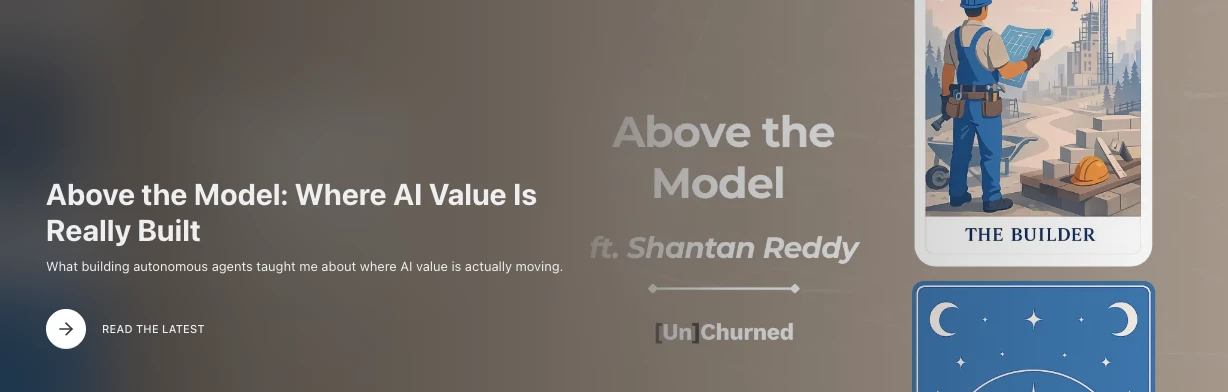
- Behind-the-scenes stories of AI transformation in Customer Success
- Honest takes on what agentic AI actually means for CS teams
- Every [Un]Churned Podcast episode in one place
Subscribe on Substack
Upcoming Webinar: Staircase AI Q2 Release — See Everything That Shipped This Quarter
September 8 | 9:00 AM PT
A quarter this packed deserves a proper walkthrough. Join us for a simulive session covering every major update in the Staircase AI Q2 release including a few that fundamentally change how much control your team has over what the platform detects and how it acts on it.
What we’ll cover:
- Ask Staircase Starters: nine pre-built prompts built into the input box. One click gets you a catch-up summary, renewal prep, risk check, or handoff brief for any account. Fully editable before you submit.
- Works Council Compliance: a new privacy configuration for teams subject to EU employee privacy regulations. Individual employee activity data is restricted while customer-level intelligence stays fully intact.
- Custom prompts for lifecycle events: suppress false positives, force tags on org-specific phrases, and rename event types to match your team’s terminology. Every insight now shows the signal, the reason, and the exact customer quote behind it.
- Portfolio-level Ask Staircase: now queries across your entire account hierarchy with active filters carried into every query. Portfolio answers in one prompt instead of ten.
- Real-time webhooks and tighter access control: send signals to external systems the moment an event fires. For Gainsight CS teams, route all Staircase access and notifications through C360.
Register here
Join Staircase AI Office Hours l Wednesdays at 11:00 AM ET
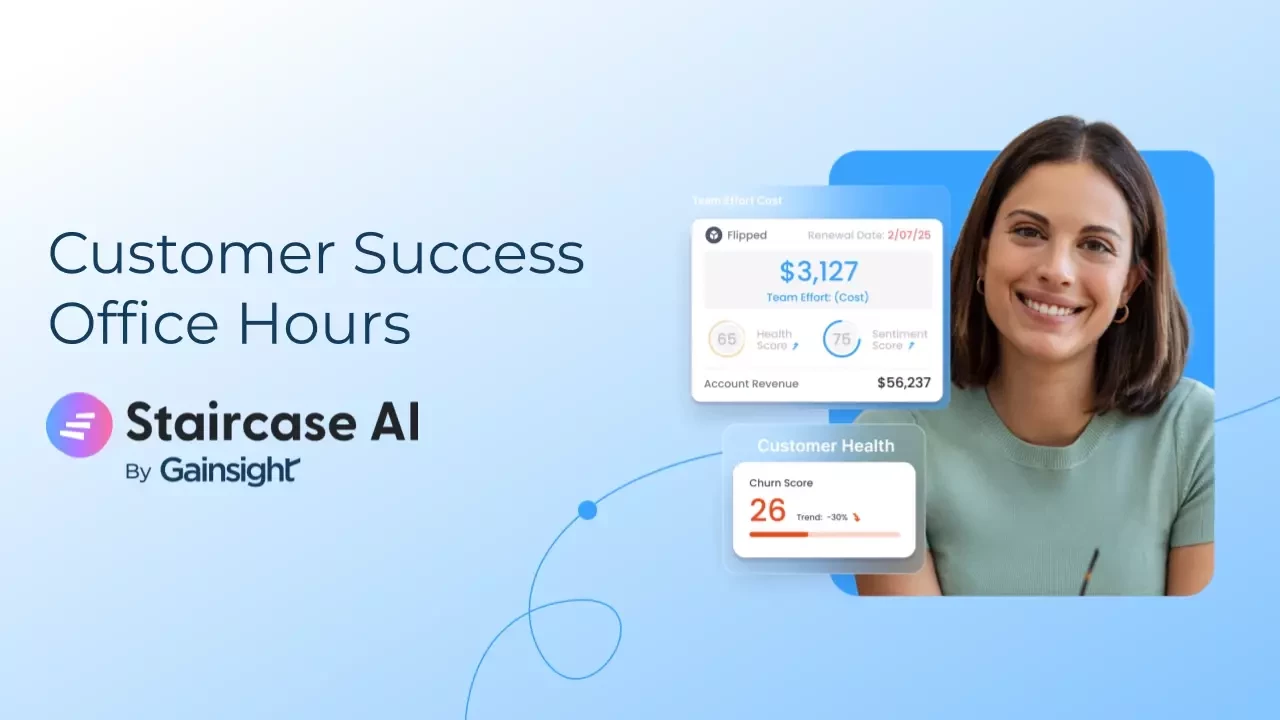
Looking to get more out of Staircase AI? Join our open forum hosted by the Gainsight Staircase AI team for quick answers, product guidance, and the chance to swap ideas with fellow users.
- Bring your questions and get answers from the Gainsight team
- Learn how other customers are using Staircase AI
- Submit questions in advance to make the most of your session
Register here