

Staircase Newsletter October 2026
Staircase October 2026

This month, Staircase AI meets you where you work. Inside you’ll find updates that bring account insights into Salesforce Agentforce and Slackbot, sharper filters for lifecycle events and notifications, and better ways to count real engagement, including phone calls. Plus, a tip for tuning your Insights by tier, a community resource for AI skills, and the Staircase AI Deep Dive webinar on November 4.
Let's dive in! 😄

Bring Staircase AI into Salesforce Agentforce and Slackbot
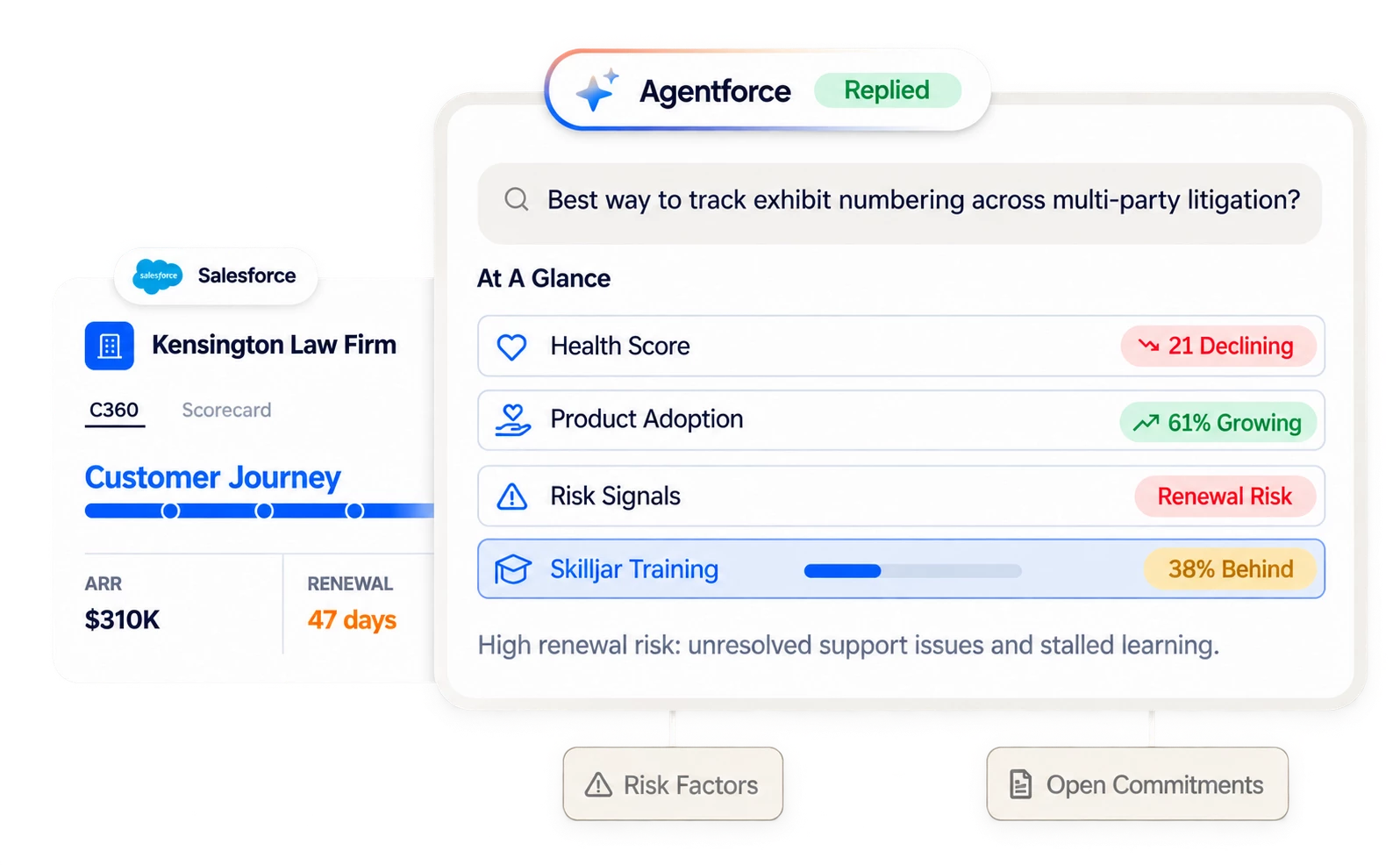
Install Staircase AI for Agentforce from Salesforce AgentExchange, and your agents can answer questions about an account without leaving Salesforce. They can pull health, renewal risk, and expansion signals from Staircase, plus Gainsight CS and Skilljar data if you use them. The same capabilities work in Slackbot, so renewal briefs and risk flags show up where your team already works.
Filter Lifecycle Events your way
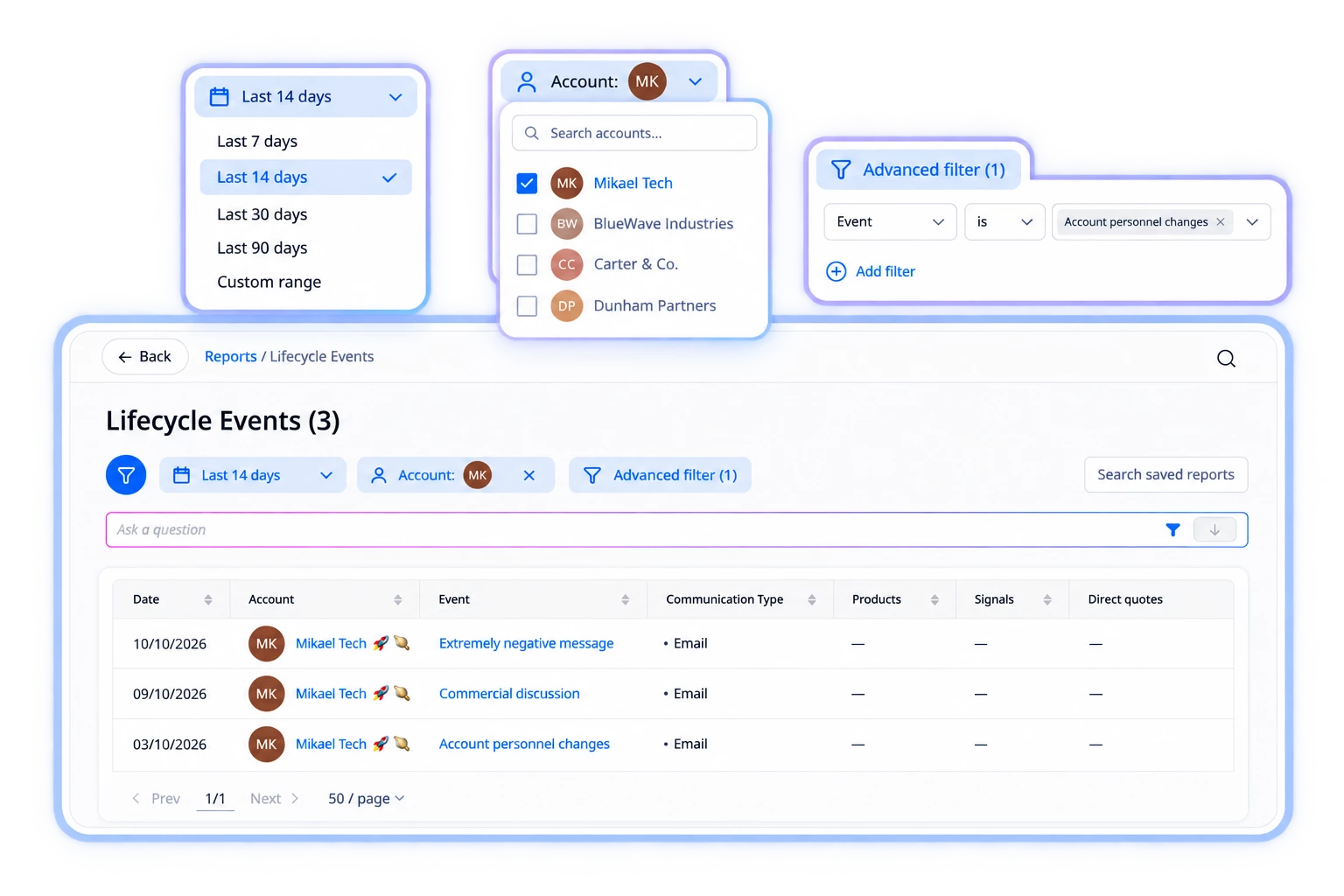
The Lifecycle Events report now shows the signal behind each event and the customer’s own words, with any account field you want next to it. Try filtering to the last 30 days, adding Renewal date, and sorting to see which churn-risk accounts renew soonest.
Get notifications only for the accounts that matter
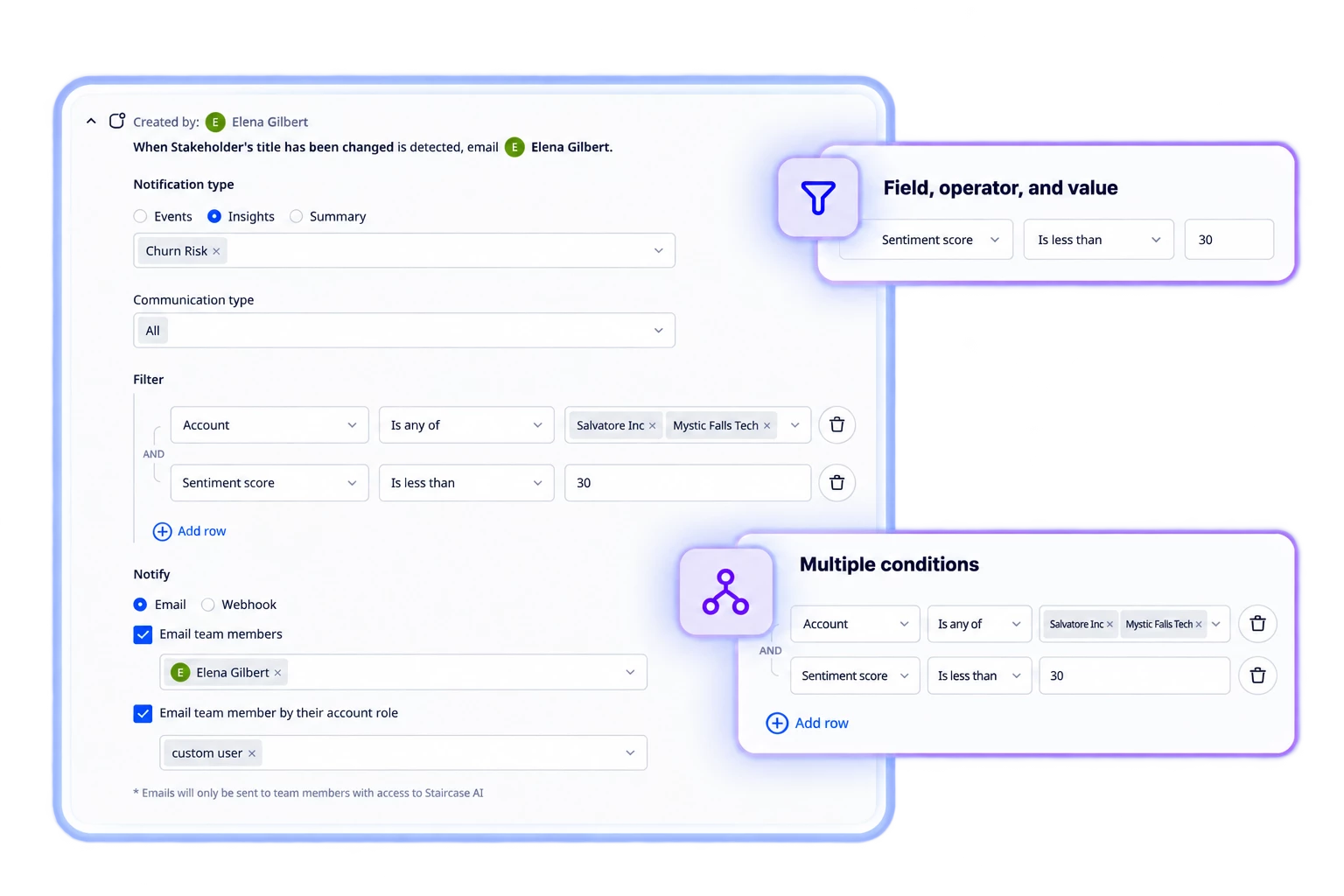
Notification filters now work like a builder: pick a field, an operator, and a value, then combine conditions with AND and OR. For example, notify your team only when Sentiment score is less than 30 on a specific tier. Your existing notifications keep working and appear in the new builder automatically.
Count real engagement, not just reach-outs
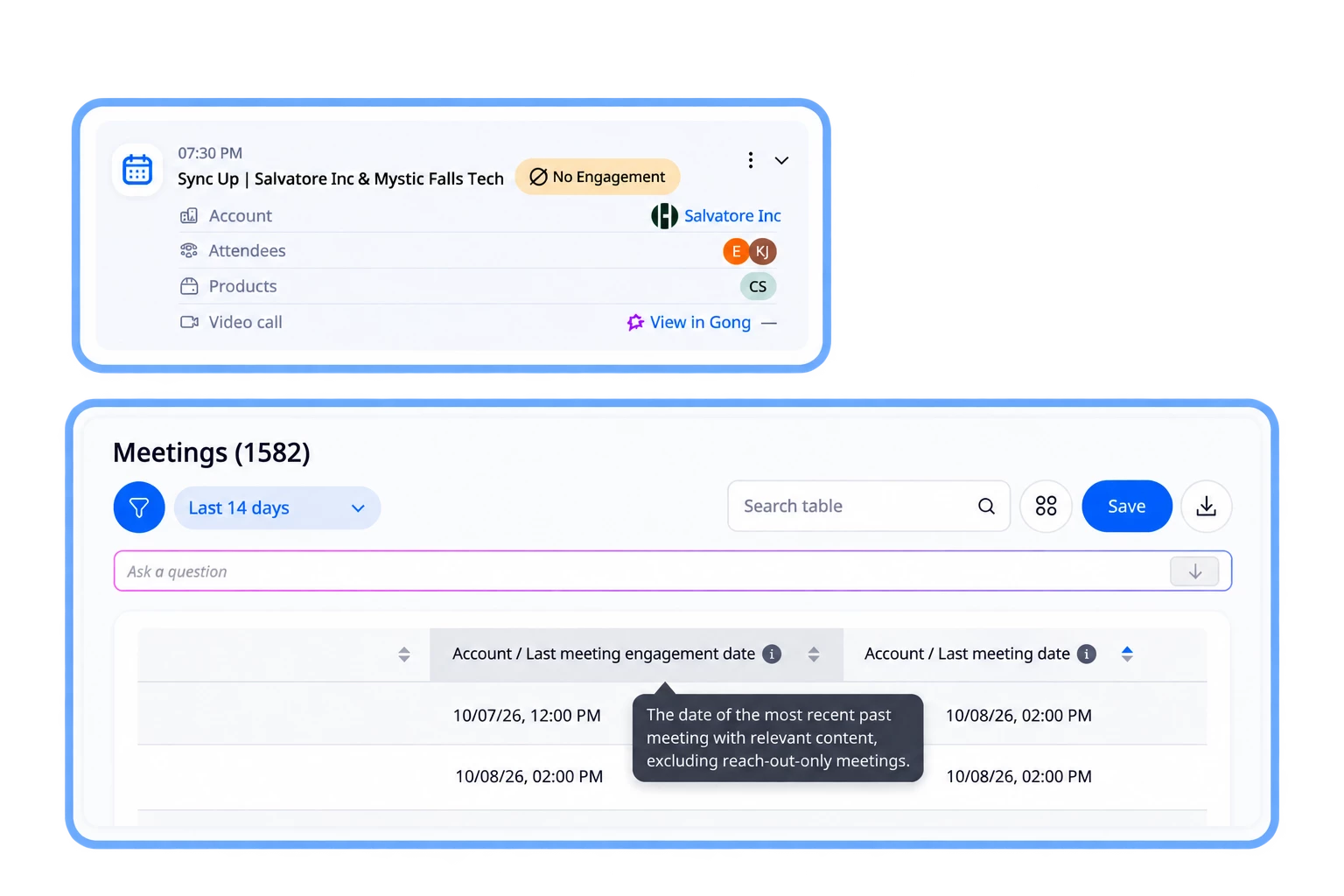
Staircase AI now separates meetings with real content from voicemails and quick check-ins. A brief reach-out no longer keeps an account from being flagged as Account Dark. You can also spot these meetings with a new No Engagement tag and report column.
Bring phone calls into Staircase AI
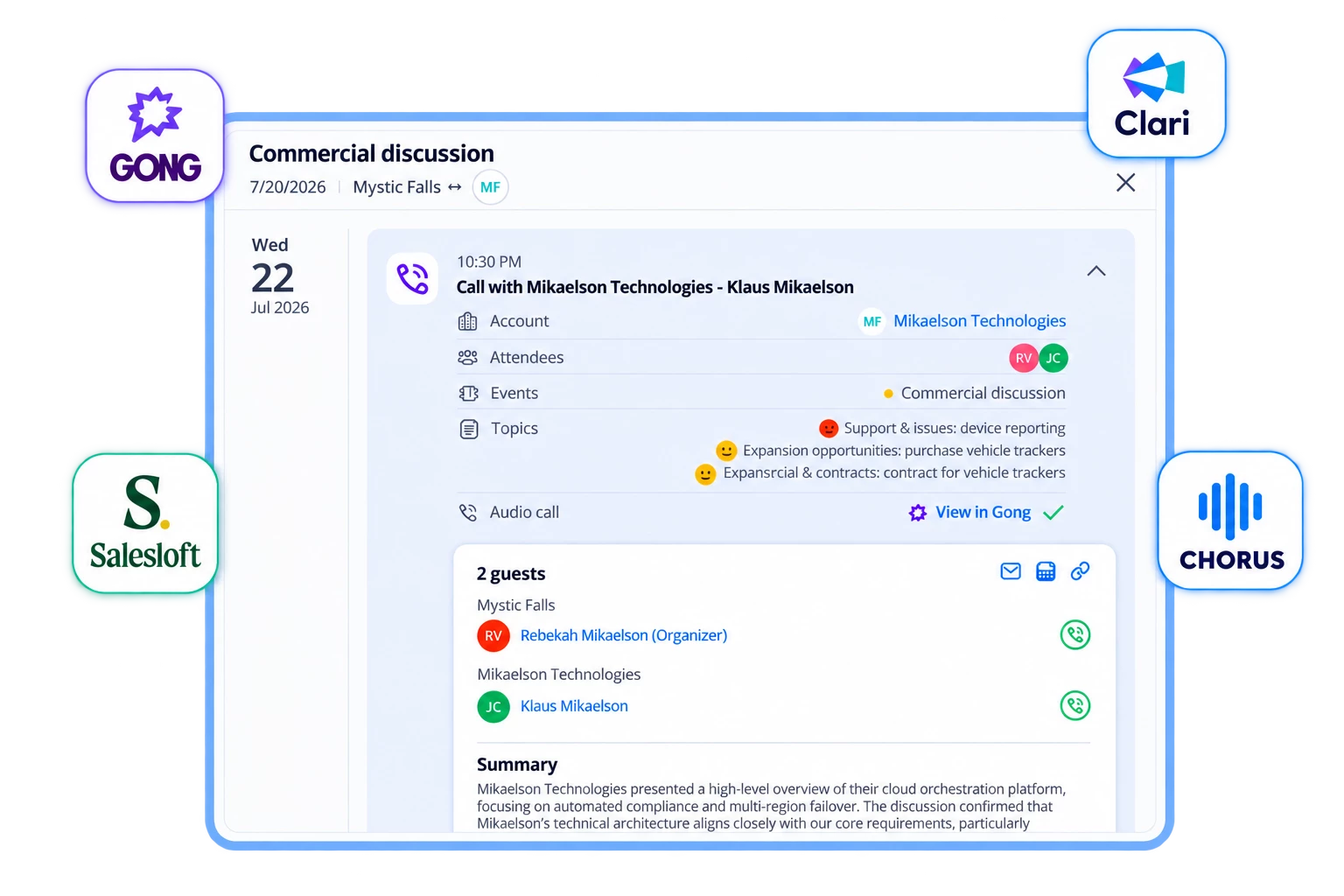
Calls from Gong, Clari, Salesloft, and Chorus can now sync, including calls with no calendar event. AI screens out voicemails and empty calls so they don’t count as engagement.
Want the full details and setup steps for every update?
Read the release notes

Tune your Insights by tier
One default setting treats a $1K renewal like a $1M one, so start with three insights: No renewal discussion, Account dark and No Reach-out, and No QBR. Set a different threshold for each tier, and drag your most specific rule to the top, since the first matching rule wins. Saving recalculates insights right away and can trigger notifications, so make changes in a quiet window.
Read Configuration Best Practices


Staircase Insights by tier: a quick guide to getting the true state of your customers
This step-by-step guide walks you through setting insight rules by tier, from where to find the settings to which insights to tune first. Plan on about 30 minutes of admin setup, and your dashboards, notifications, and data pulls will all reflect each account’s real state.
Join the discussion
Find AI skills built by Gainsight admins
A community member asked about the #ai-skills channel mentioned in Office Hours. It’s part of the Gainsight Global Admin Slack community, where admins share sanitized versions of the AI skills they’ve built for Gainsight products. If Slack isn’t an option, a community member also maintains a GitHub repo of admin resources.
Join the discussion

Staircase AI Deep Dive Webinar | November 4
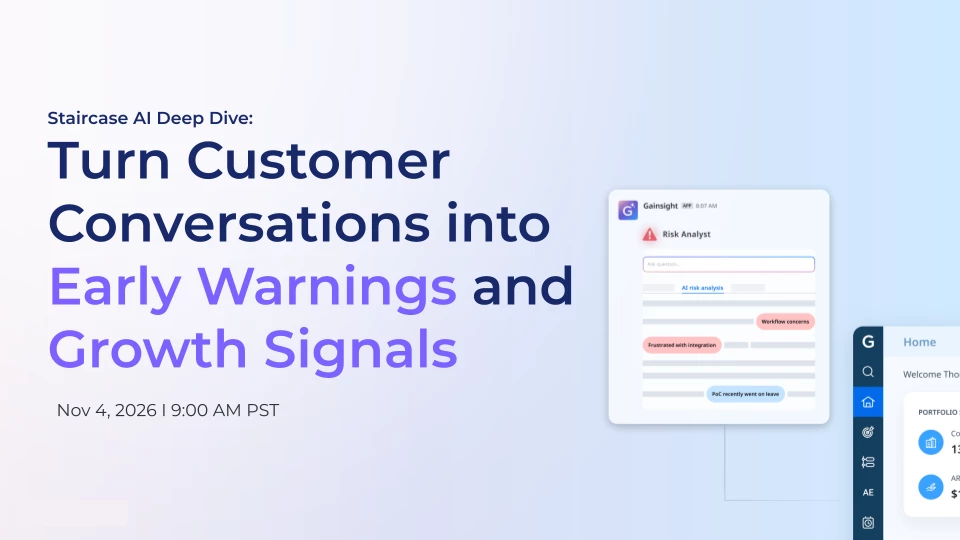
Renee Johns Goodenough and Surendra Pudipeddi show how Staircase AI connects email, calls, meetings, and tickets to surface churn risk and growth signals earlier than your health score does. You’ll see live demos, learn how to prep for any customer meeting with the full account story, and can bring your own scenarios to workshop.
Register
Join Staircase AI Office Hours l Wednesdays at 11:00 AM ET
Looking to get more out of Staircase AI? Join our open forum hosted by the Gainsight Staircase AI team for quick answers, product guidance, and the chance to swap ideas with fellow users.
- Bring your questions and get answers from the Gainsight team
- Learn how other customers are using Staircase AI
- Submit questions in advance to make the most of your session
Register here