

Kenneth R
Expert ⭐️⭐️
December 14, 2017

How to add a poll (survey) to your topic

  • February 19, 2025 at 1:54 PM
  • 26 replies
  • 1791 views
  • Translate All

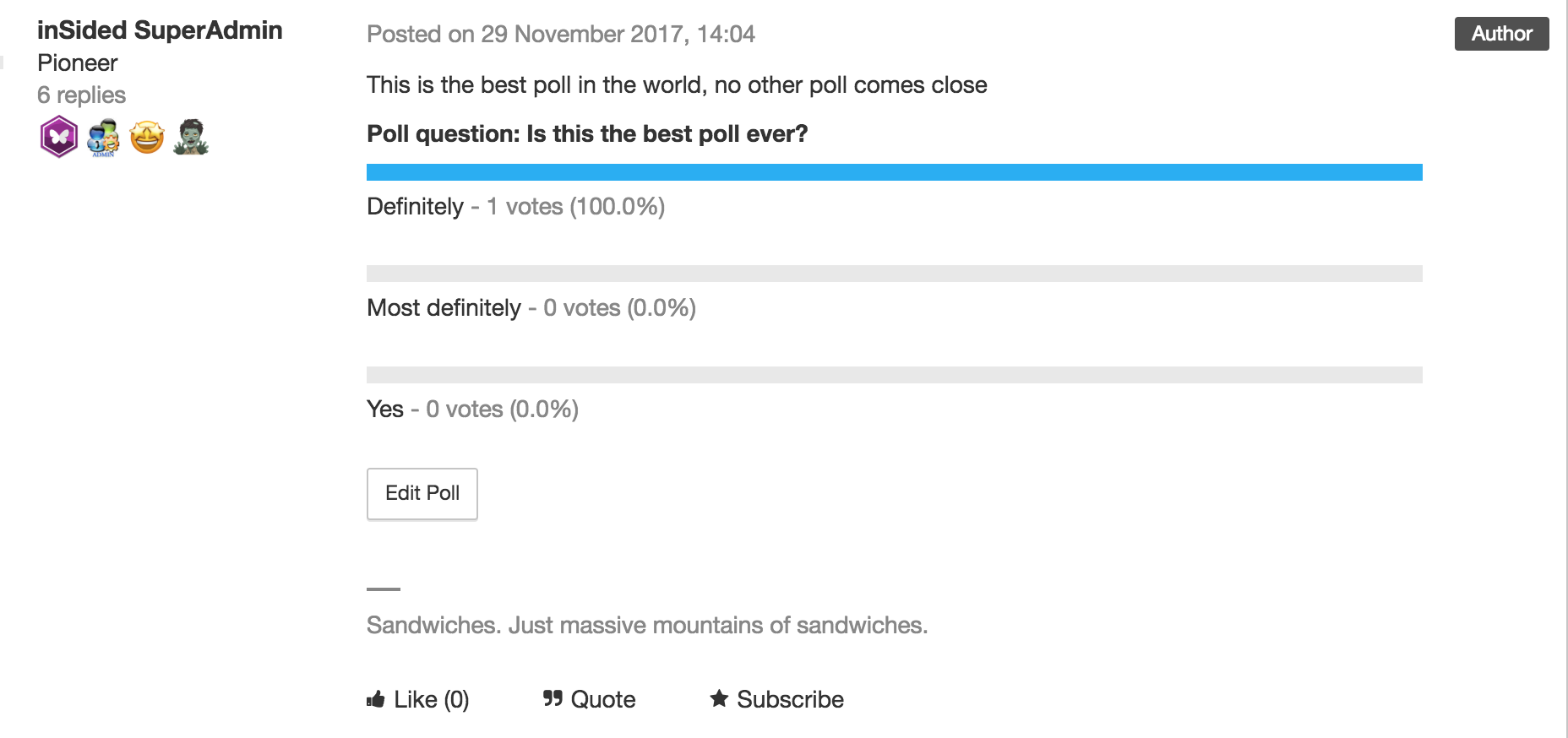
Curious to know whether your members like your new community design?  Polls let you offer a vote to your community members so they can make their voices heard.

This option isn’t limited to Moderators - any registered user can add a poll to a topic. But users can only vote in a poll once, so make sure you choose wisely!

How to create a topic with a poll

  1. When creating a new topic (in Community or Control) click the three dots ‘...’ → Poll. A Poll form field will be added below your topic description
  2. Add your question
  3. Add options (at least 2)
  4. Type up your topic and hit ‘Publish’ when you’re done.

How to View Poll Results

  1. Click on the topic in Control → the Poll results will show in the topic itself. 
 

:gear:  Tips, Tricks, & Technical Bits:

  • Polls can’t be added to existing topics.
  • Once you've created a poll, it's not possible to add new options to it.
  • If you close a topic containing a poll, members will still able to vote on it - the only way to disable voting is by trashing the topic.
  • To delete a poll from a topic, view the topic in Control, click 'Edit Poll', then (make sure you're certain, since this next step will immediately delete the poll) click 'Delete poll'.
  • Typo in your poll? No sweat! View the topic in Control, click 'Edit Poll', correct the poll option, then hit 'Save changes'. You can also remove poll options (as long as no votes have been cast for that poll).


26 replies

Contributor ⭐️⭐️⭐️⭐️
November 19, 2024

Hello - I see in the original article it states “Polls can’t be added to existing topics” - I am encountering an issue when I try to add a poll to a Draft - I am assuming a draft would be considered an ‘existing topic’ in this case. Can anyone confirm?


Seems odd that you can’t add a poll to a draft. 

Translate
Kenneth R
Kenneth RAuthor
Expert ⭐️⭐️
November 19, 2024

Hi ​@lyoung - this isn’t something I’ve done a lot myself so I just did some testing to be sure.  You can add a poll to a draft article.  However, similar to the limitation mentioned above around it not being possible to add to an existing topic, you can only add the poll when you’re initially creating the draft.  Once you’ve saved the draft it’s no longer possible to add a poll to it. 

Once added, as mentioned in this topic already, the poll doesn’t show in the preview, but it will be there when you publish it.  

This isn’t the most elegant functionality but I suspect it’s not that common for our customers to add polls to articles.  I will mention this to our Product folks.

Translate
Contributor ⭐️⭐️⭐️⭐️
November 19, 2024

Thanks ​@Kenneth R  - Sorry if my first post was confusing. In this case I am referring to a draft as a saved article (i.e. not yet published but found in the Drafts section of Control) We are not looking for customers to add polls to articles.


Our use case is that Moderators will create an article in Control and then save it as a draft. They then go into drafts and want to add a poll to the article they started and saved before publishing. I understand from your response that polls cannot be added to drafts (articles started and then saved) but just wanted to clear up the use case if you do talk to product teams. 

Translate
Kenneth R
Kenneth RAuthor
Expert ⭐️⭐️
November 19, 2024

Gotcha, totally clear ​@lyoung - thank you!

Translate
Contributor ⭐️⭐️⭐️
November 11, 2025

Is it now possible to track which users voted in a poll? I see the same question was asked several years ago, and at the time the answer was no. Fingers crossed that this has changed! 🙂

Translate
revathimenon
Gainsight Community Lead
November 12, 2025

Hey ​@hilaryschuldt 

Unfortunately, it’s still not possible to see who voted.

However, it might be possible with data lake - 


Translate
Where focus goes, energy flows.