Frank
Product Guru
December 11, 2017

How To Create An Article

Want to add some oomph to your post? Got some explosive news and want to feature it with an equally-explosive image? Or perhaps you’ve written up some mind-expanding tutorials that you’d like to highlight on your community?

With articles, you can boost the visibility and quality of your posts with the help of featured images and labels.

How To Create An Article

  1. Go to Control > New > New Article.
  2. Choose to publish in Community, Knowledge base or Groups. 
  3. Choose the category to be published in.
  4. (Optional) Choose a premade article label or add your own (this will be displayed to your members - see how it'll display in the images below).
  5. (Optional) Add a ‘Featured image’, and crop it using our in-browser tool.
  6. Publish your article immediately, or save it as a draft to come back to it later.
  7. (Optional) Chose public tags that can be used during as a search criteria. 

 Notes:

  • Added the wrong label? No worries - you can still edit or delete the label, even after publishing your article.​​​​
  • ​​​Articles can only be created from Control. It’s a bit elitist, we know.


Click below to see how various featured images and labels appear on the community:

Topic view
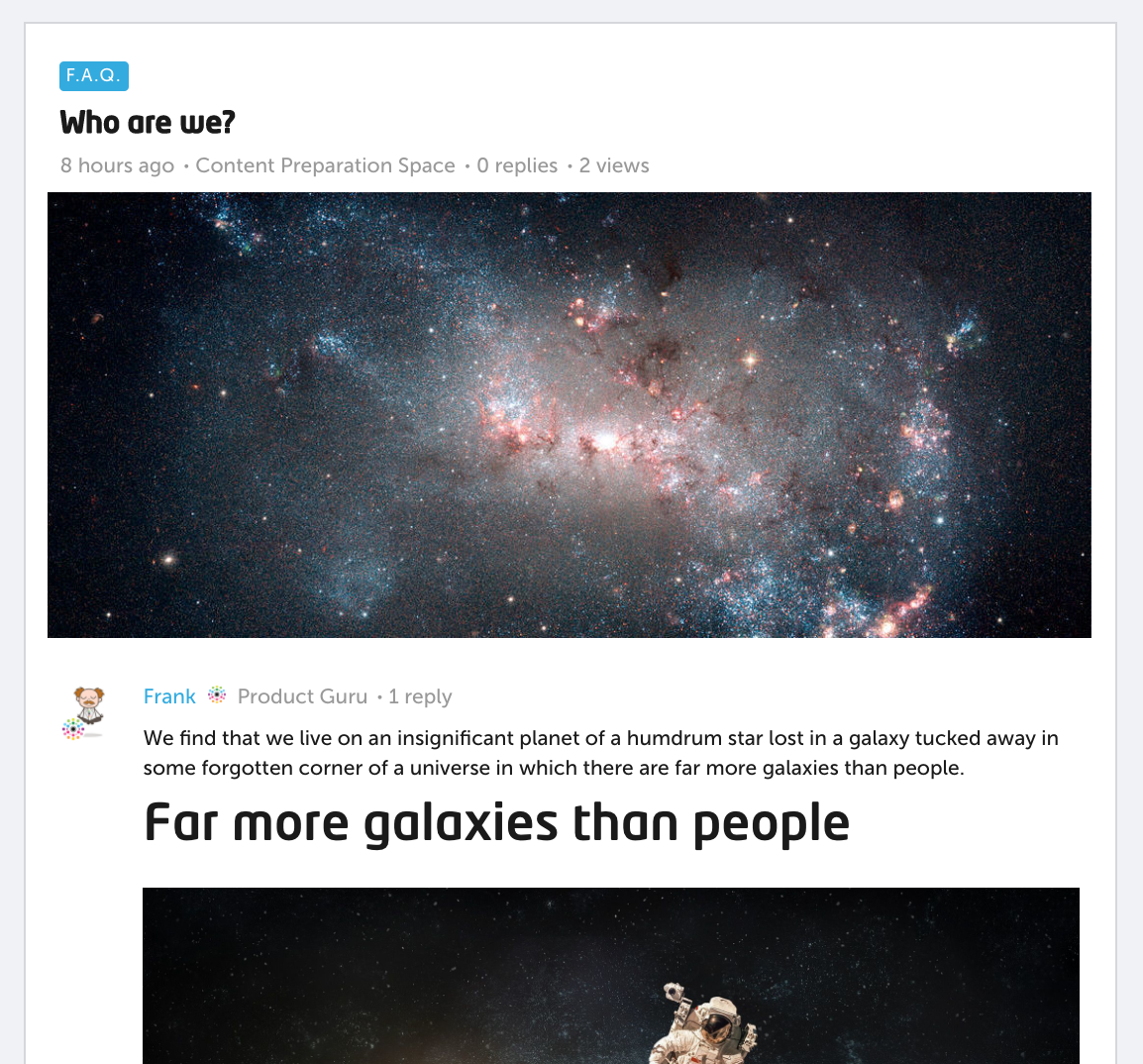
ae82b677-a00d-4cbf-8567-62a0795686bc.png


Category overview of article

eef7c525-39ba-4b2d-820d-c0b90b34f787.png


Homepage view when article is featured
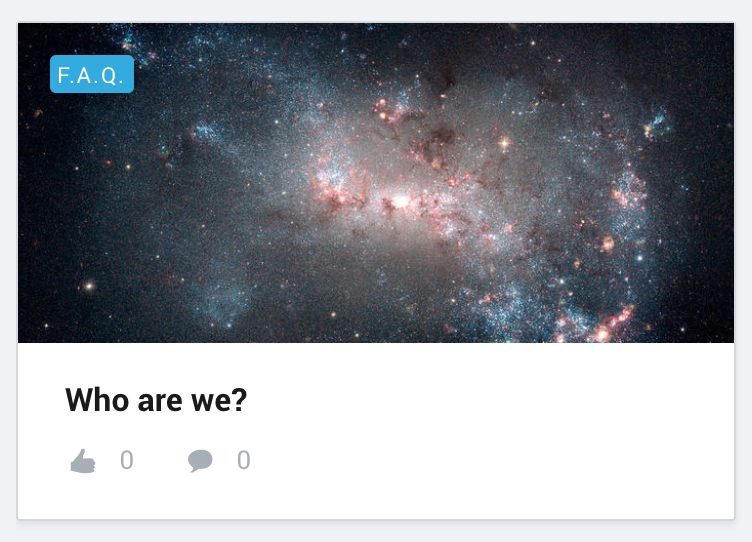
615bbfeb-5b8e-47e6-87b9-610f177a4c61.png

14 replies

Ellen
Contributor ⭐️⭐️
December 13, 2017
hello
want to create an article, but I don't see 'arti,cle' as topic type? I only see 'question' and 'discussion'?
it this related to branded templates (which I don't have)?

kr
Ellen
Translate
Frank
FrankAuthor
Product Guru
December 13, 2017
Hi @Ellen

Articles are indeed only available on Branded Templates.
Translate
😌
Jürgen J
Contributor ⭐️⭐️⭐️
June 13, 2018
It's taken us a while but we have just published our first article. :)

Super users only for now but we'll do the same for end-users once a new feature we're working on goes life.

Articles are cool! 🙂
Translate
Monique
Helper ⭐️
August 15, 2018
Will it be possible in the future to give the selfmade labels a different colour? I can imagine this can come in handy when using different labels as 'Blog', 'F.A.Q' and 'New feature'.
Translate
✨
Frank
FrankAuthor
Product Guru
August 20, 2018

Hey Monique - nice idea!

Why not submit it on our ideas board for the product team and other members of the inSpired community to discuss? 😎

Translate
😌
Monique
Helper ⭐️
August 20, 2018
Will do, @Frank 🙂
Translate
✨
Moller Toma
Helper ⭐️
March 27, 2019
Why can't you create those Articles through the community, instead of Control & Forum & Create new topic?
Translate
daniel.boon
Helper ⭐️⭐️⭐️
March 28, 2019
Hi Moller,

The reason articles can only be created via Control is so that only 'trusted' users can create them (moderators, admins, employees with custom permissions). The vast majority of use cases for articles are for official company content, such as announcements, blog posts, and knowledge base articles.
Translate
inSided product alumnus
Contributor ⭐️
April 27, 2022

Can I use an external authoring tool like Paligo to create articles?

Translate
A11ey
Helper ⭐️⭐️
January 23, 2023

Can you give permissions to a users/employees that ONLY allows them to Create Articles in the Control panel, and not everything else?  These are the options I am seeing, am I missing something?


Translate
Alley Fasching, Director of LogicMonitor Community