Frank
Product Guru
December 11, 2017

How To Create An Article

Want to add some oomph to your post? Got some explosive news and want to feature it with an equally-explosive image? Or perhaps you’ve written up some mind-expanding tutorials that you’d like to highlight on your community?

With articles, you can boost the visibility and quality of your posts with the help of featured images and labels.

How To Create An Article

  1. Go to Control > New > New Article.
  2. Choose to publish in Community, Knowledge base or Groups. 
  3. Choose the category to be published in.
  4. (Optional) Choose a premade article label or add your own (this will be displayed to your members - see how it'll display in the images below).
  5. (Optional) Add a ‘Featured image’, and crop it using our in-browser tool.
  6. Publish your article immediately, or save it as a draft to come back to it later.
  7. (Optional) Chose public tags that can be used during as a search criteria. 

 Notes:

  • Added the wrong label? No worries - you can still edit or delete the label, even after publishing your article.​​​​
  • ​​​Articles can only be created from Control. It’s a bit elitist, we know.


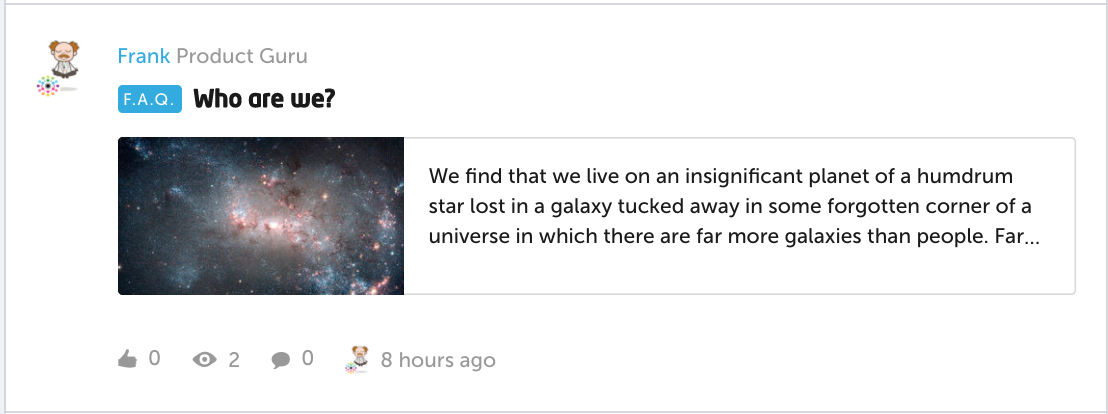
Click below to see how various featured images and labels appear on the community:

Topic view
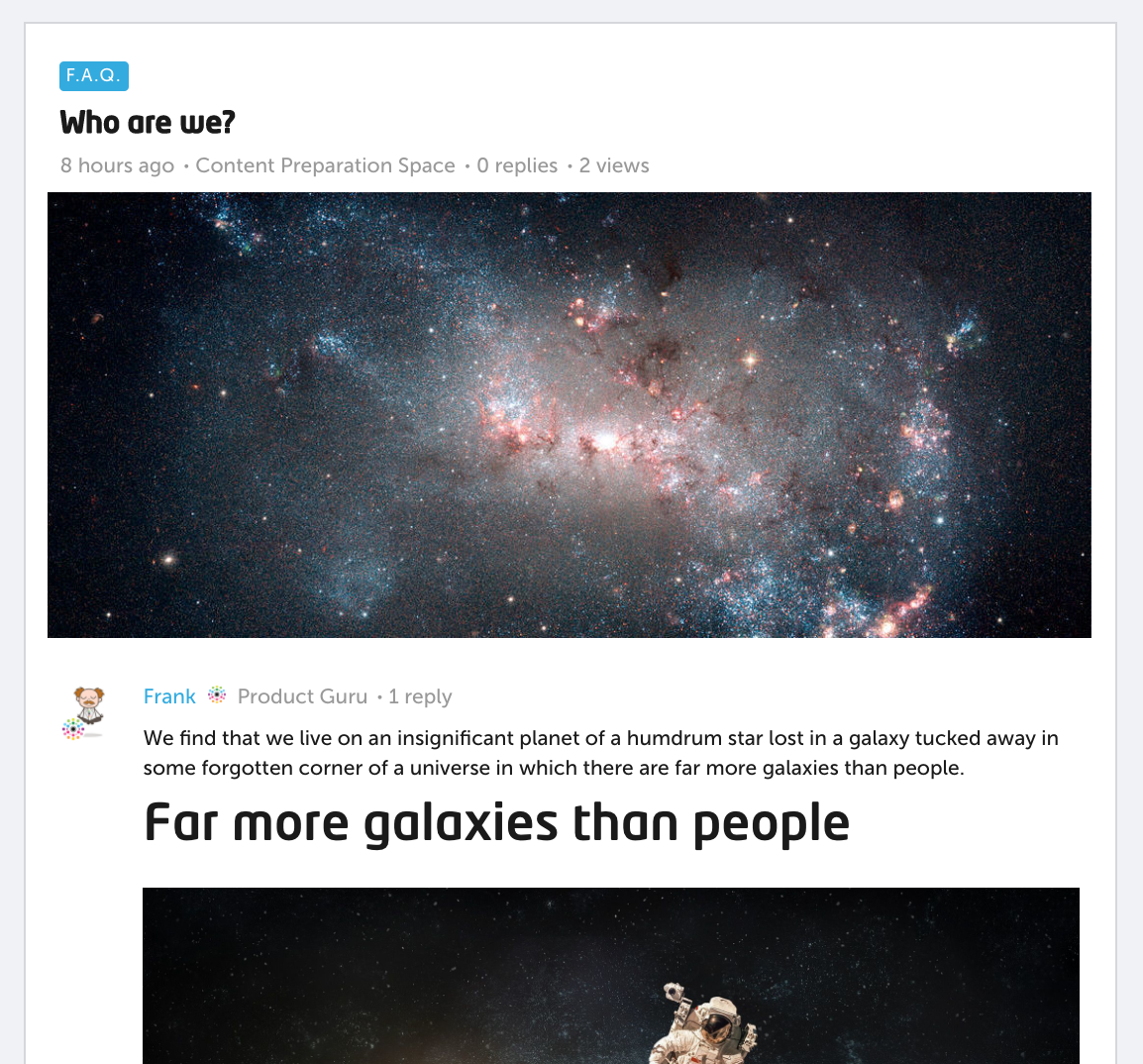
ae82b677-a00d-4cbf-8567-62a0795686bc.png


Category overview of article

eef7c525-39ba-4b2d-820d-c0b90b34f787.png


Homepage view when article is featured
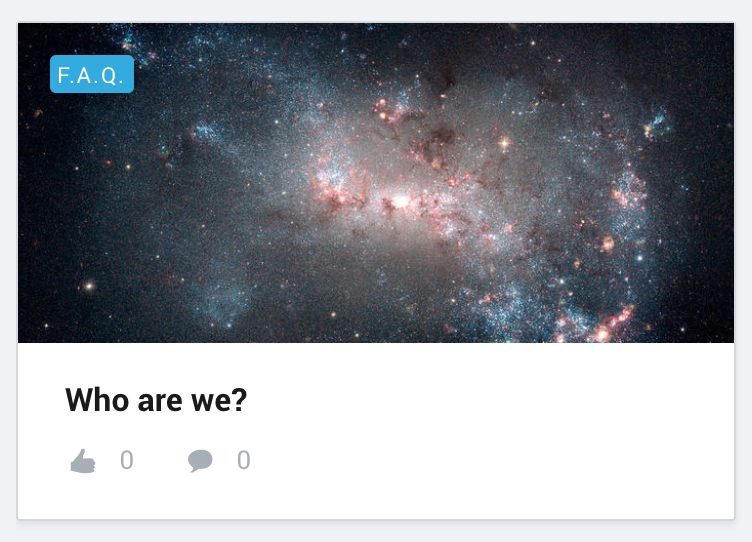
615bbfeb-5b8e-47e6-87b9-610f177a4c61.png

14 replies

DannyPancratz
VIP ⭐️⭐️⭐️⭐️⭐️
January 24, 2023

Can you give permissions to a users/employees that ONLY allows them to Create Articles in the Control panel, and not everything else? These are the options I am seeing, am I missing something?

@A11ey unfortunately, (to my knowledge) no. You can give them forum moderation, but it’d be for all categories and all the content moderation views.

An a unique challenge would be that they wouldn’t be able to see the Previews of the articles they’re drafting unless they were Moderator or higher (which gives a lot more permissions)

I have a few ideas related to this:

Translate
FYI: I am no longer active in this community
Contributor ⭐️⭐️
February 23, 2023

I would like to create a standard template so all our articles will start being created from the same format. Is it possible to create such a template? 


If not, I’m curious to know: how are others making sure all articles have the same standards?

Translate
JessicaMendez
Contributor ⭐️⭐️⭐️⭐️
June 15, 2023

Hello! I’d like to ask a question about previewing articles.

If I share a preview link for a draft article that is scheduled to be published, once that article is published, will the preview link work to take that person to the now published article? 

Translate
revote
VIP ⭐️⭐️⭐️⭐️⭐️
June 15, 2023

...will the preview link work to take that person to the now published article? 

Yes.

Translate