
Solved
Need help using the secure API connector to change usernames from community custom page
Hi All,
I am working on a custom page that will allow users to update their username using the community API and a custom connector. The API Customer Communities API Documentation passes the new username as a path parameter, and I wasn’t sure how to handle that. The connector has a place to add query parameters.
https://api2-eu-west-1.insided.com/user/{id}/{field}/{value}
So, this is what I tried.
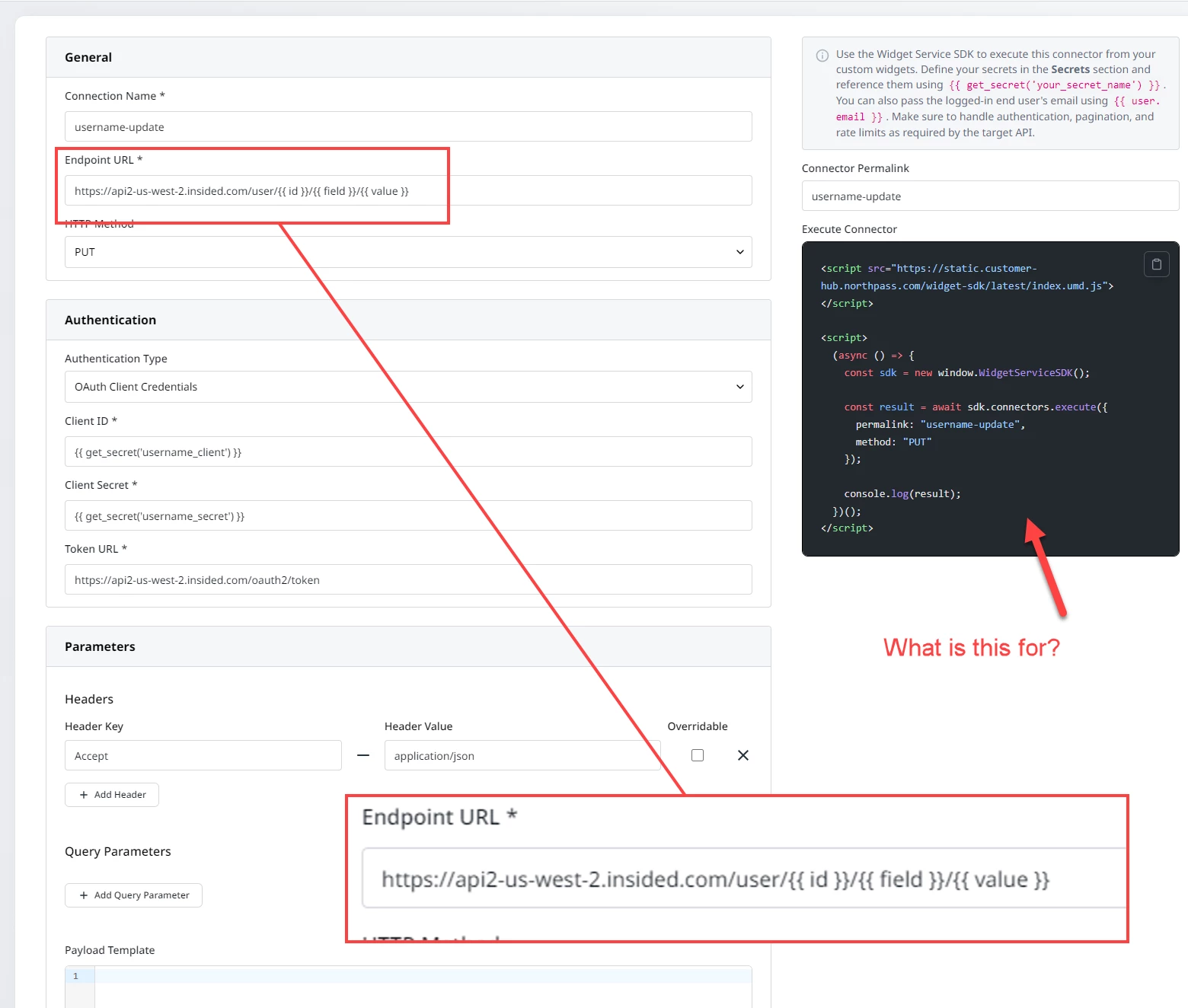
My widget code
async function updateUserField() {
    // Hardcoded just for test
    const id = 22;
    const field = "username";
    const rawValue = "UpdatedName";


    const value = encodeURIComponent(rawValue);


    const connectorExecuteUrl = "/widget-service/connectors/username-update/execute";

    const res = await fetch(connectorExecuteUrl, {
      method: "POST",
      headers: { "Content-Type": "application/json" },
      // Here is how I passed the fields to be used in the URL parameters
      body: JSON.stringify({ id, field, value })
    });

    const text = await res.text();
    console.log(text)
  }
I get a 403 error. I based the widget code off a screenshot from the knowledge base article but also tried using the execute connector code from the connector page but get an error that says the window.WidgetServiceSDK is not a constructor.
So, to summarize, can anyone help with the following:
- I need to pass path parameters, not query parameters. How would I do that?
- In the screenshot the widget used fetch to call the connector is that ok or am I supposed to use the execute connector code?
- Let me know if I’m missing anything else.
Thanks!!