Solved
CTA to alert CSM we have no Main Point of Contact Identified
Hi All - I need some help!
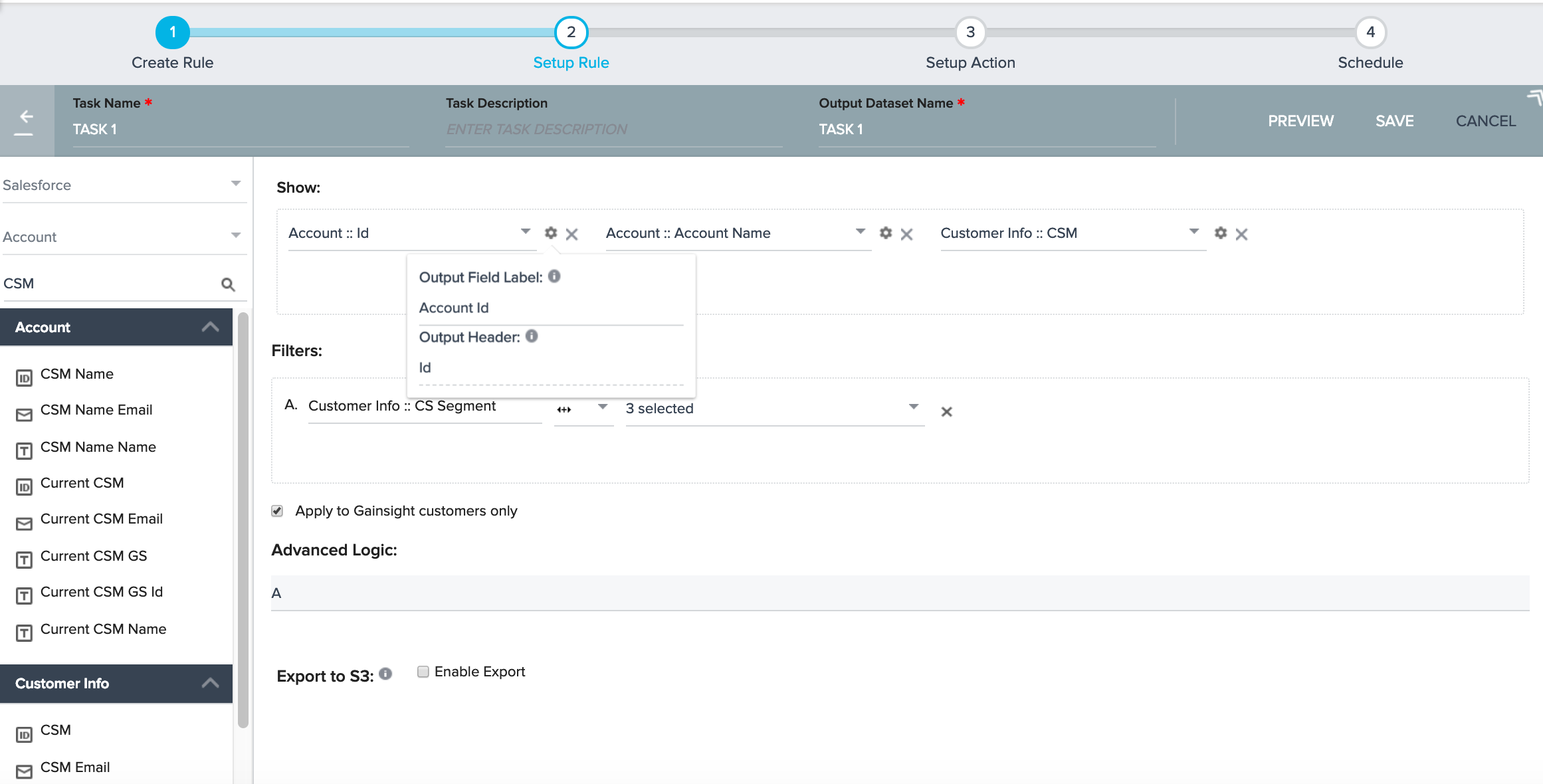
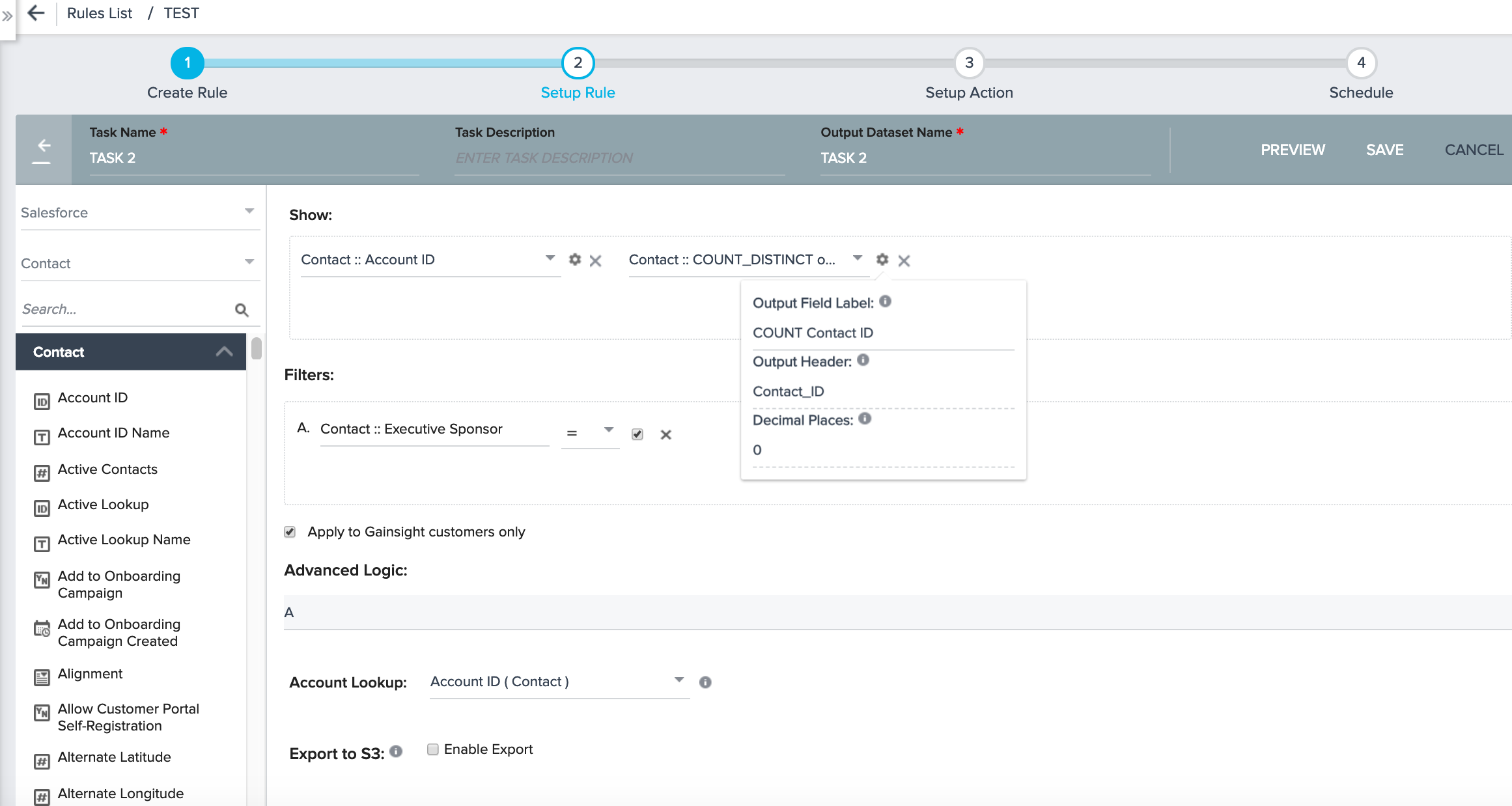
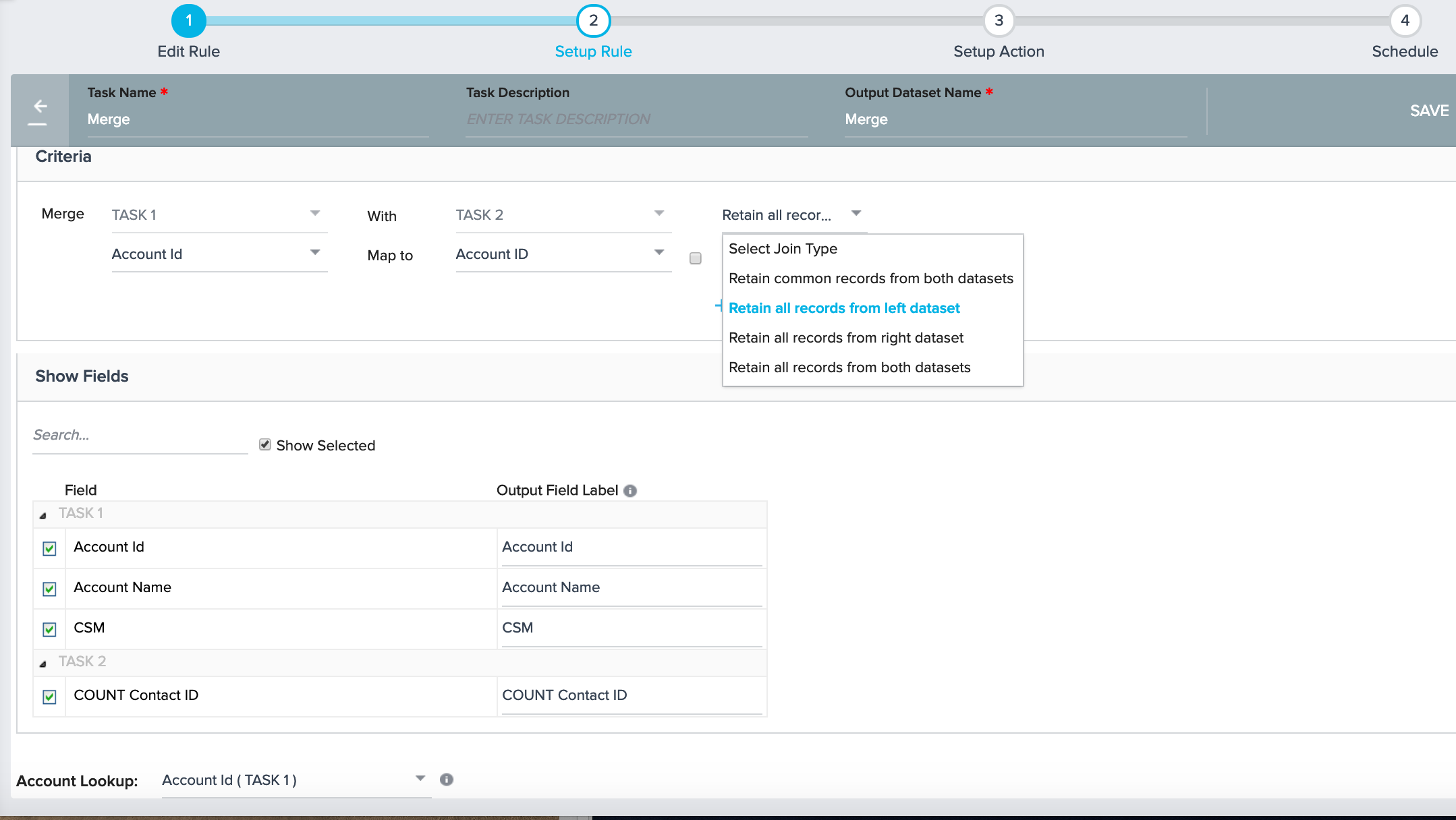
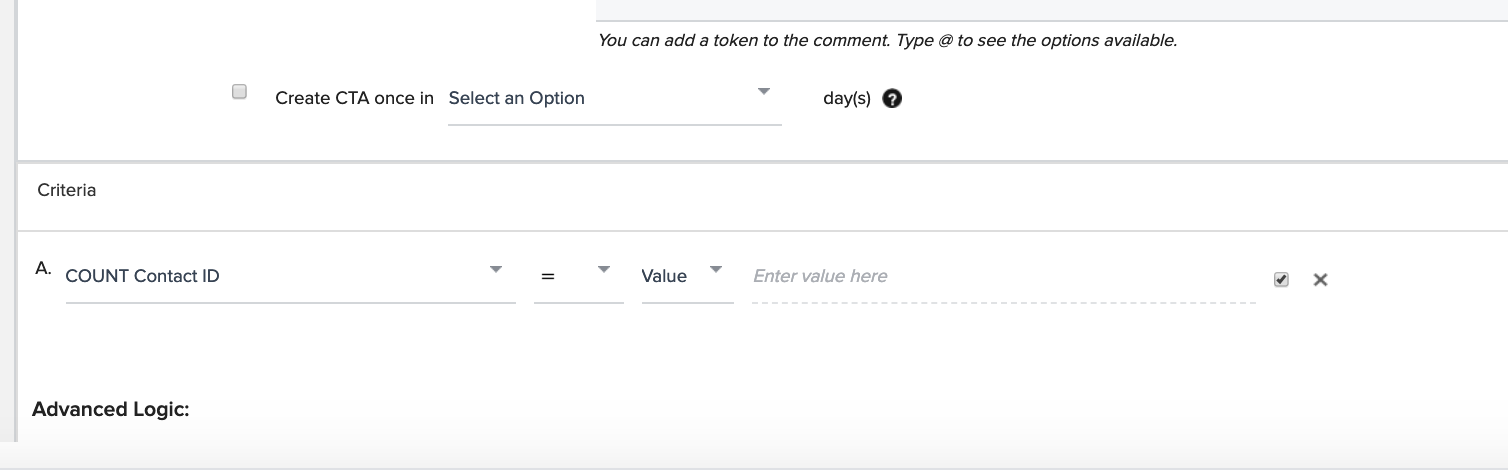
I'm trying to find a way to notify our reps when we have an account that has no main point of contact idenfied in Salesforce/Gainsight. Our way of flagging these people is through a checkbox - and it's all manual. We have a number of organizations in that do not have at least one main point of contact checked as true on the account. Salesforce is pretty limited in it's ability to create reports or build a rollup summary field. So I thought Gainsight may have a solution for this tricky problem!
Why is this important? We trigger a number of our auto-emails to only send to the main account contact. When there is no individual identified, the auto-emails in JO do not send.
Looking forward to any suggestions or insights this community may have! Thanks!
Alison
I'm trying to find a way to notify our reps when we have an account that has no main point of contact idenfied in Salesforce/Gainsight. Our way of flagging these people is through a checkbox - and it's all manual. We have a number of organizations in that do not have at least one main point of contact checked as true on the account. Salesforce is pretty limited in it's ability to create reports or build a rollup summary field. So I thought Gainsight may have a solution for this tricky problem!
Why is this important? We trigger a number of our auto-emails to only send to the main account contact. When there is no individual identified, the auto-emails in JO do not send.
Looking forward to any suggestions or insights this community may have! Thanks!
Alison