

Email Templates in Email Assist Vs Journey Orchestrator
SFDC edition: Creating a running list of Email Assist email templates vs. JO templates.
- Email Assist: You can't specify the sender in the email assist. Email will be triggered with the name of person who triggered it.The use case would be mostly about sending from a generic email address (eg. customersuccess@abc.com) JO: You can.
- Email Assist: You can only add tokens that are in fields of CTA/Account/CustomerInfo/User objects in the email assist (you can't add opportunity fields right or any other object field in the email as tokens) JO: You can.
- Email Assist: You can add cc to the email but it can't be a field (csowner, opp owner, account owner); JO: You can
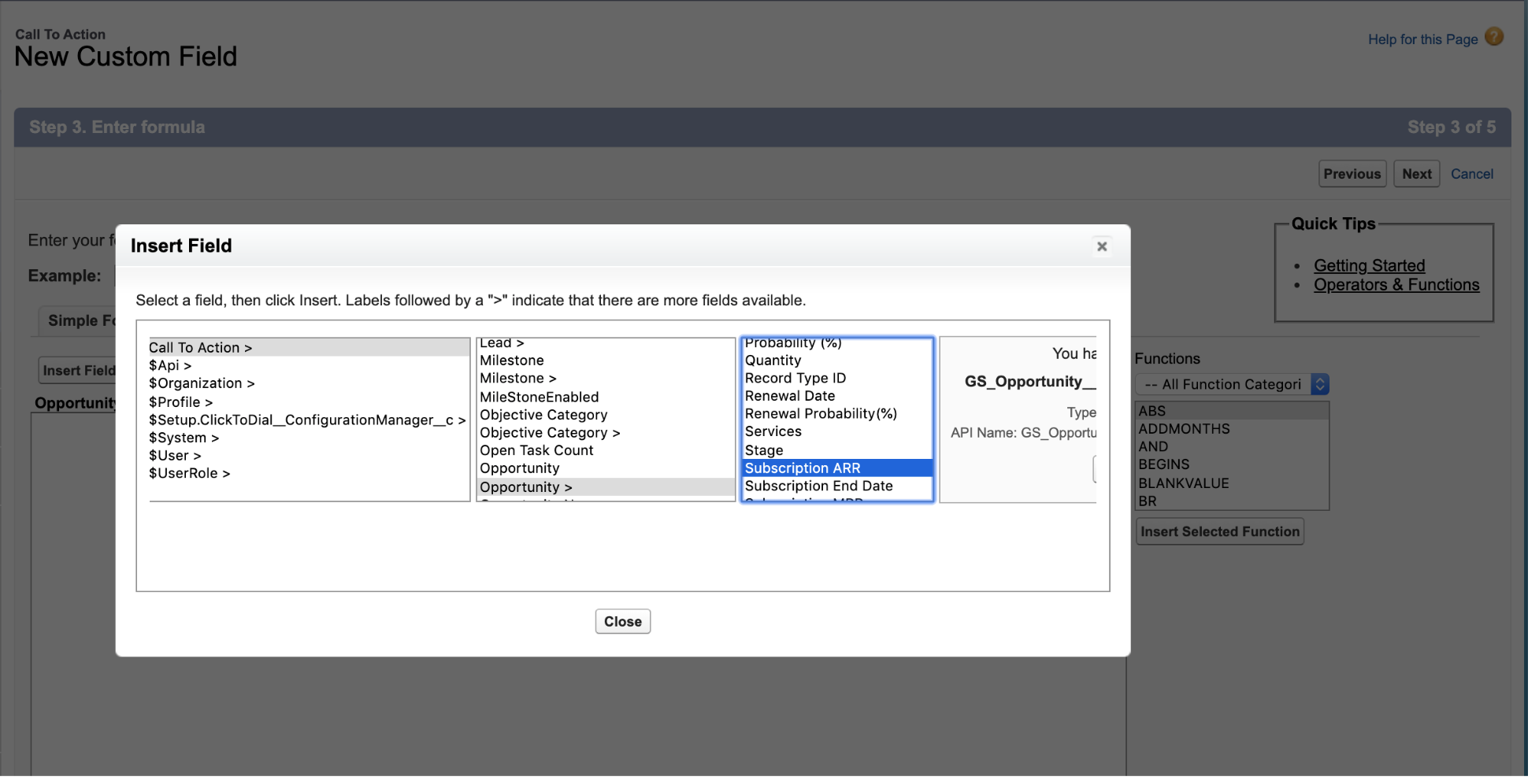
However, I found out that there is a workaround for #2 to add associated fields in Email assist : Say you want to add a field from the opportunity object to an Email Assist
- Step 1: Add a formula filed on the CTA object & using advanced formula you can populate it with any field on the opportunity object (eg Subscription ARR in below screenshot)
- Step 2: Link opportunity object with this CTA using linked objects
- This will populate the filed with the Subscription ARR from the opportunity that has been linked to the CTA